How to restore an archived marketing project
Last updated: October 17, 2026
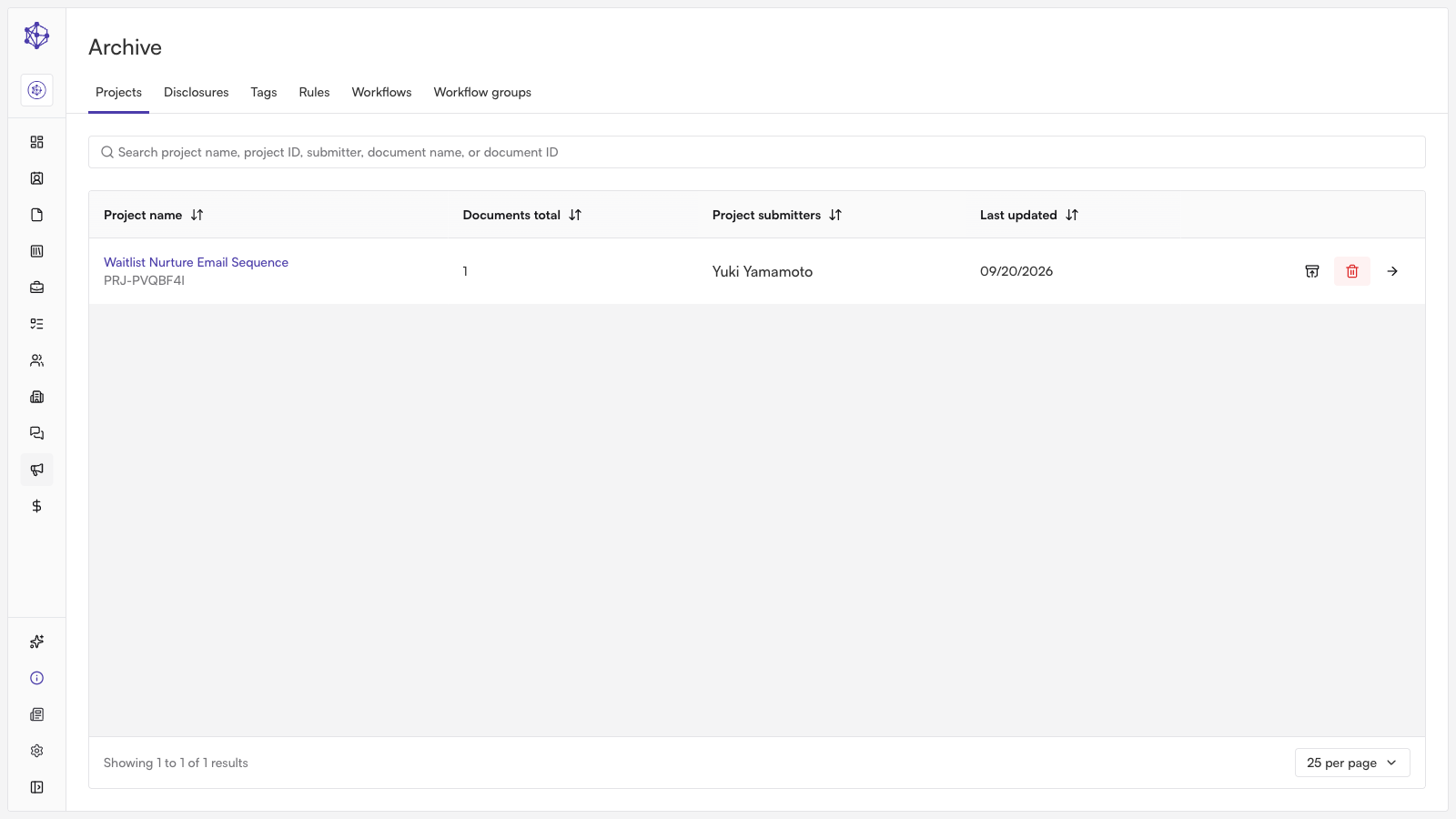
If you need to re-run a previous campaign or update existing marketing collateral, you can easily restore previously archived projects. Restoring an archived project reactivates the campaign and brings all associated creative assets and review history back into your active workspace.
Restoring an Archived Project
Navigate to the Archive: Go to the marketing section of your Hadrius dashboard and select the Archive tab to view your past projects and campaigns.
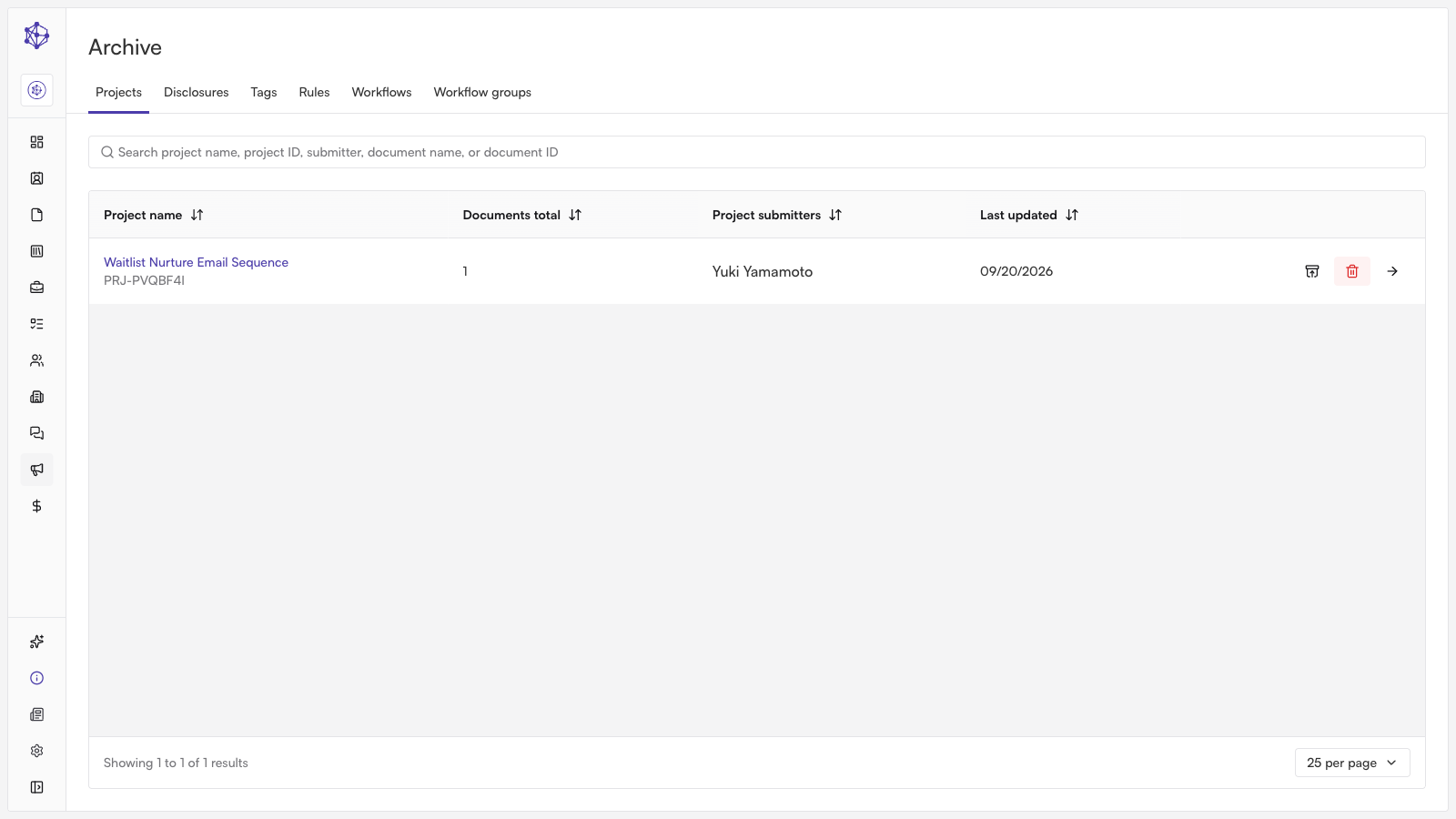
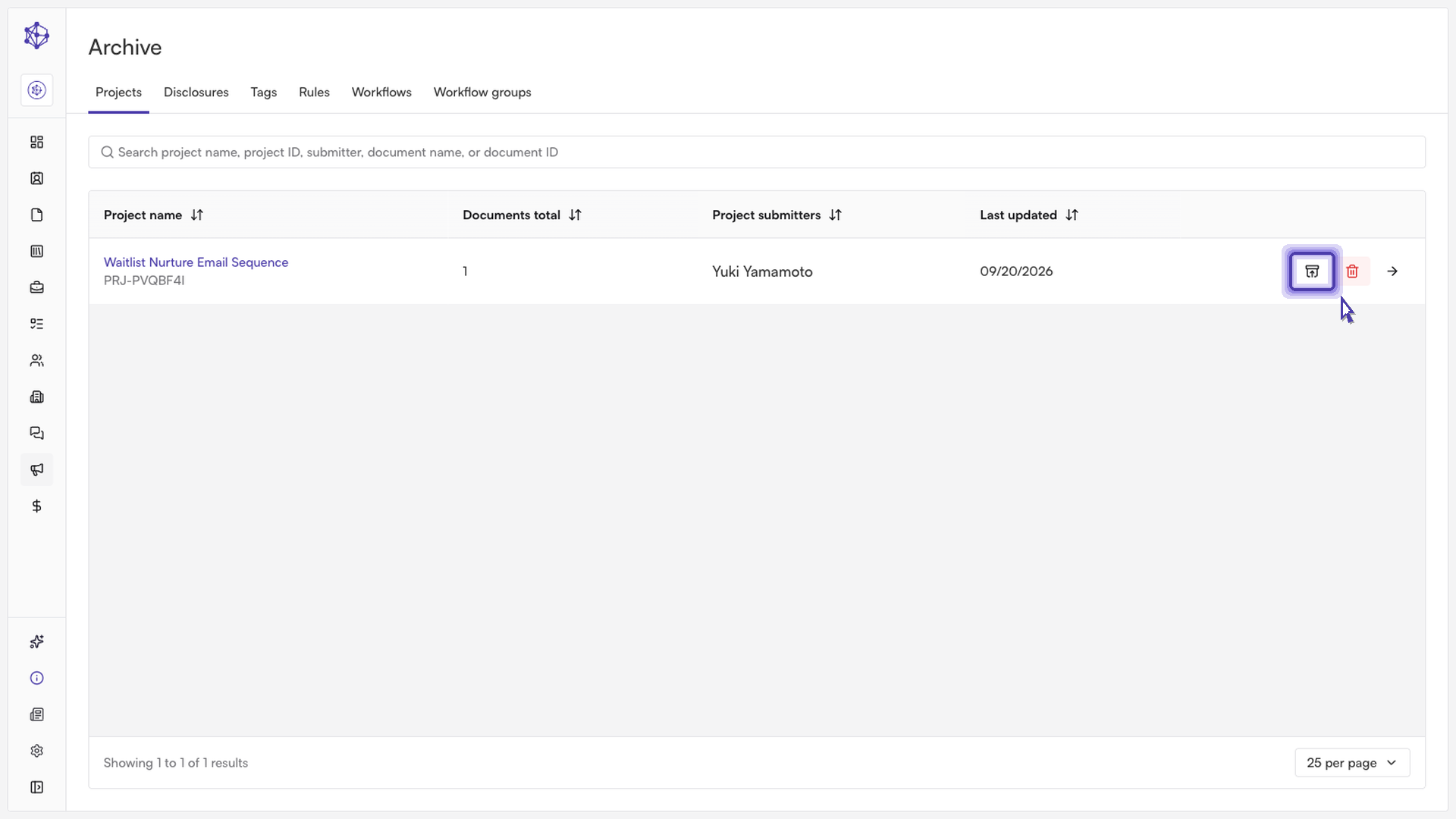
Select the project to retrieve: Browse or search through the archive list to find the project you want to restore. Click the retrieve or restore icon next to the project name.
Confirm restoration: In the confirmation prompt, confirm that you want to restore the project.
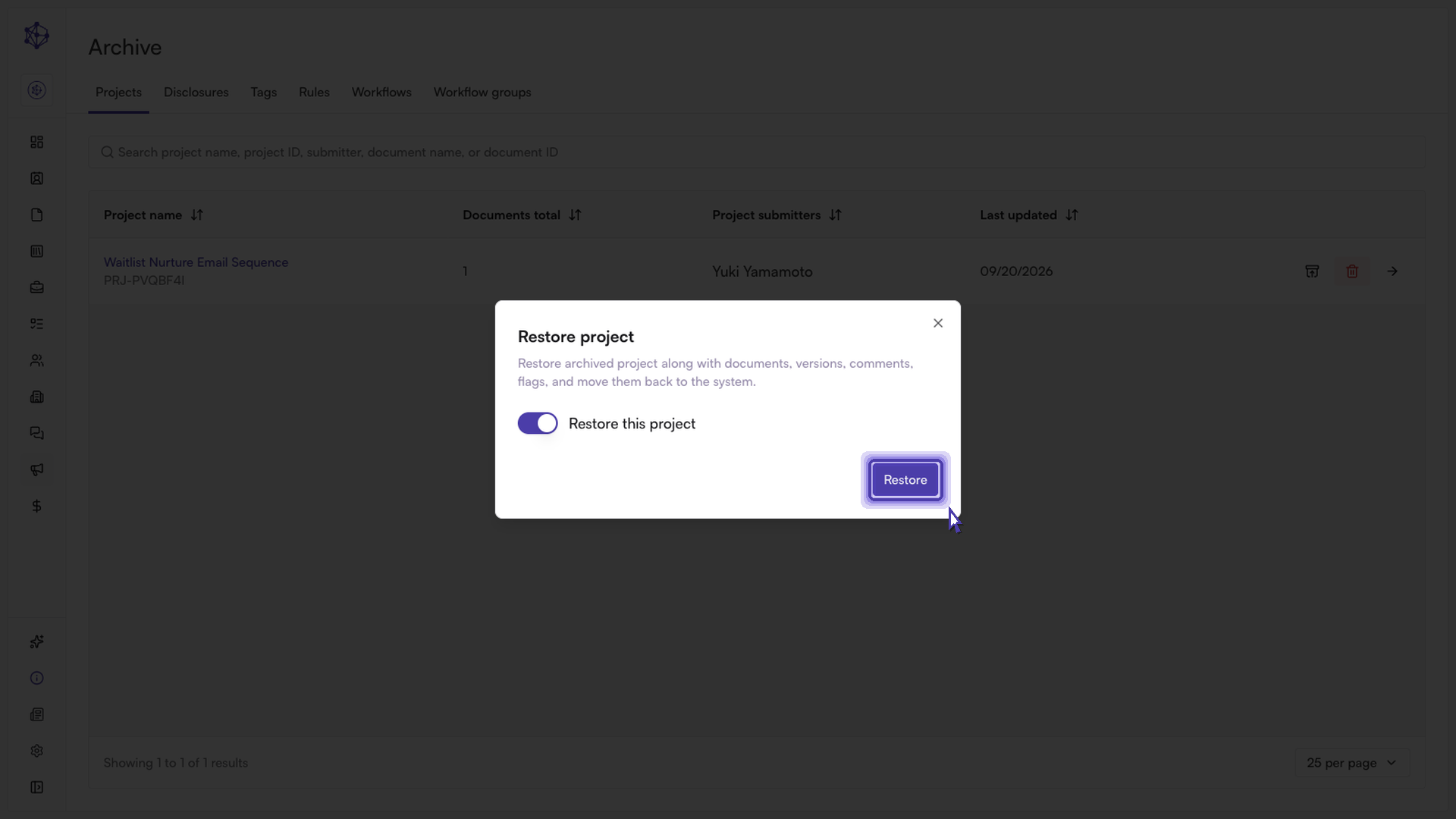
Next steps: Once confirmed, the project and all attached assets will immediately reappear in your active workspace, ready for editing, scheduling, or compliance re-review.