How to create a new disclosure in Marketing
Last updated: October 17, 2026
Maintaining pre-approved, standardized disclosures is essential for keeping your firm's marketing materials compliant across all channels. This guide walks you through creating and publishing a new compliance disclosure in the Hadrius Marketing module.
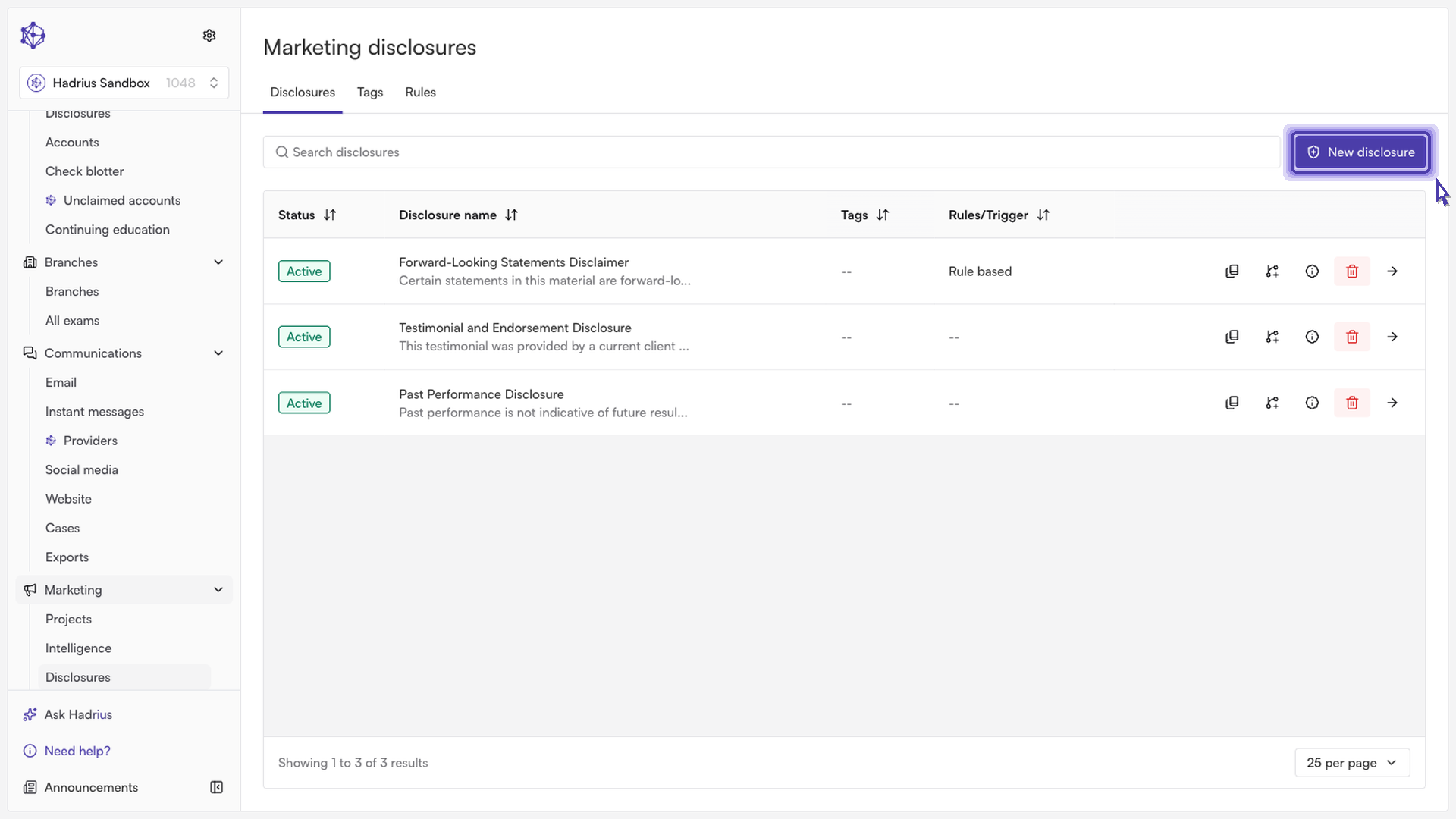
Navigate to Disclosures and create a new entry:
Go to the Marketing section of Hadrius, where all your compliance disclosures are centrally managed. Select the option to create a new disclosure entry.
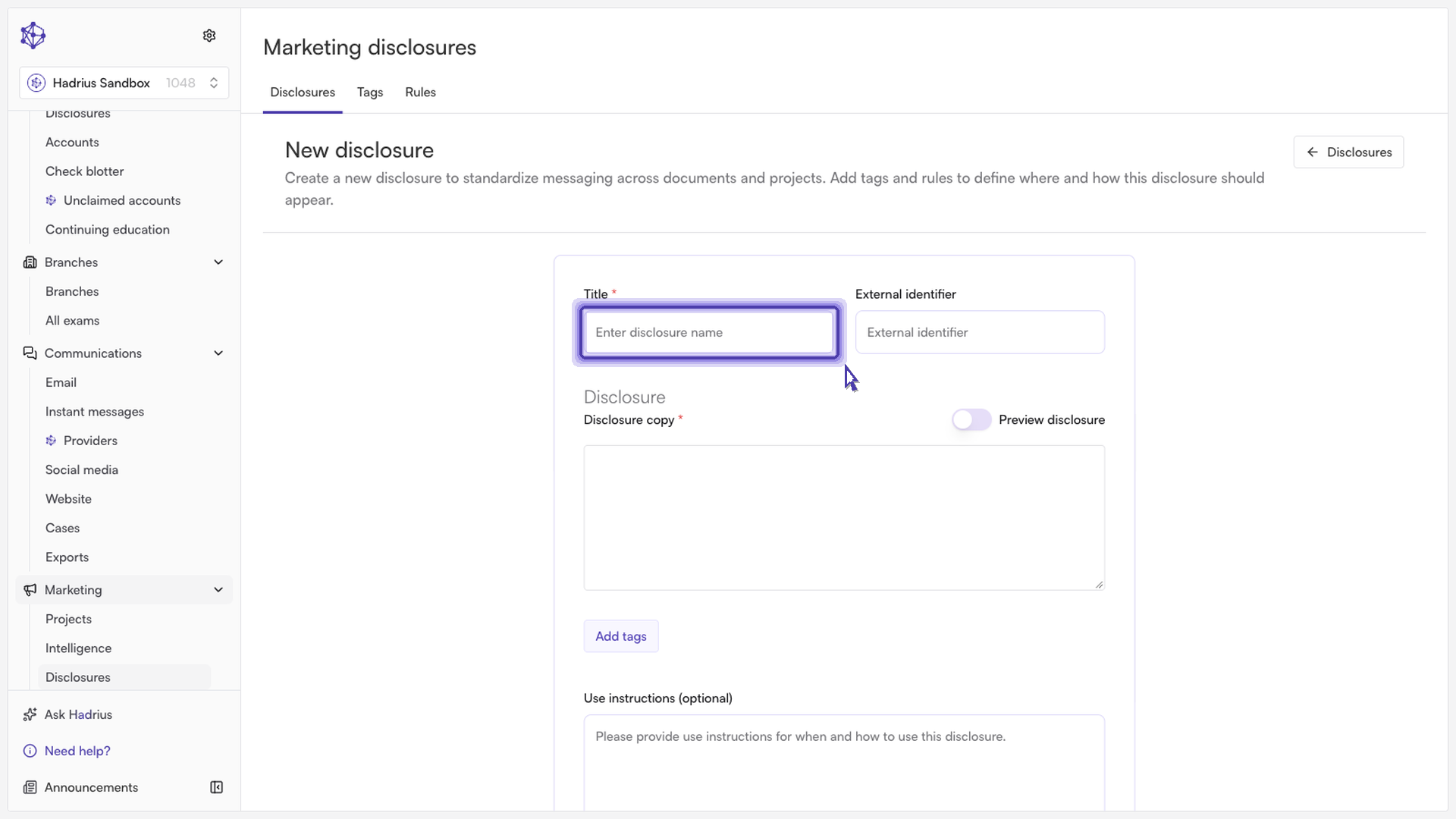
Enter the disclosure title and legal copy:
Give your disclosure a clear, descriptive title so team members can easily identify it in the library. Next, input the exact, approved legal copy that must appear on marketing assets.
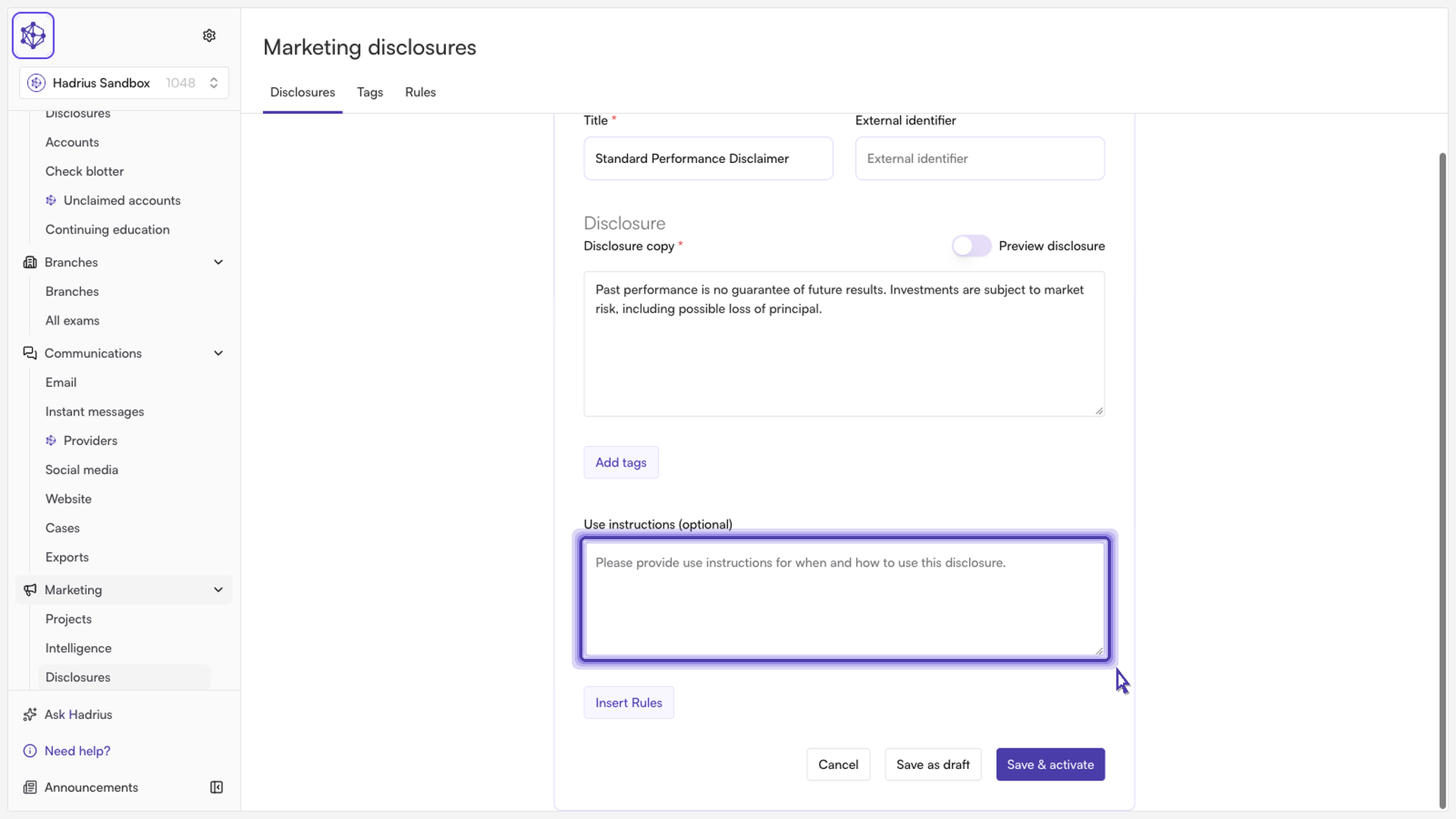
Add usage guidance:
Include quick instructions explaining where and when this disclosure should be used (e.g., social media posts, email footers, or performance presentations) to help your team apply it correctly.
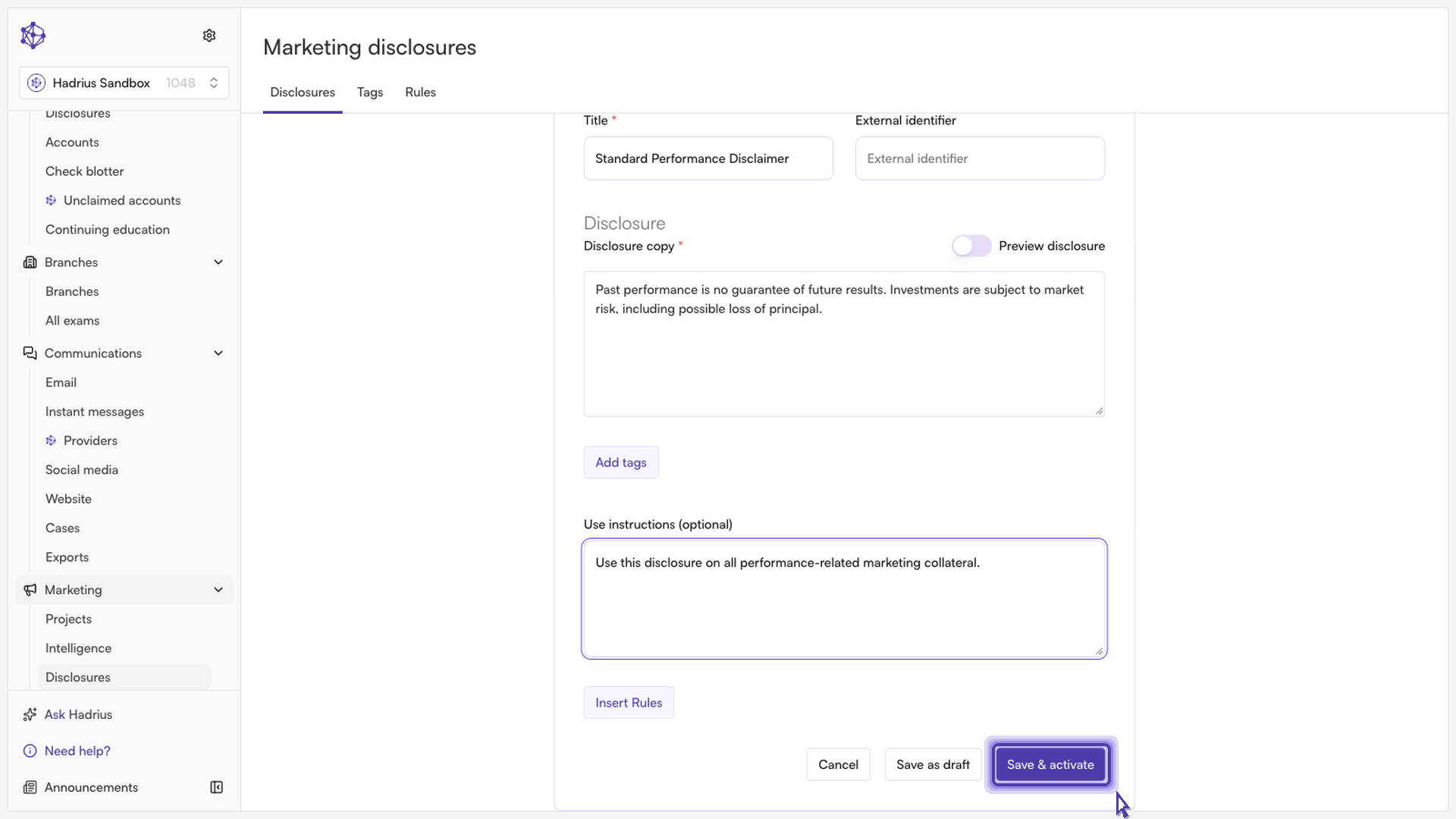
Activate the disclosure:
Once you have verified the details, activate the disclosure. This locks in the approved text and makes it immediately available across your organization.
Next steps: With the disclosure activated, your marketing and compliance teams can reference and apply it directly to outgoing collateral, ensuring consistent and compliant messaging across your firm.