How to Manage Versions
Last updated: October 17, 2026
Every document submitted for marketing review keeps a full version history — each new upload becomes the version under review while every prior submission stays on record with its own flags and comments intact. This article walks through where to find a document's version history, how to review or download a specific version, and what happens to older versions once a new one is submitted.
Finding the document
Start from the project list, where each marketing project shows its current status in the review process.
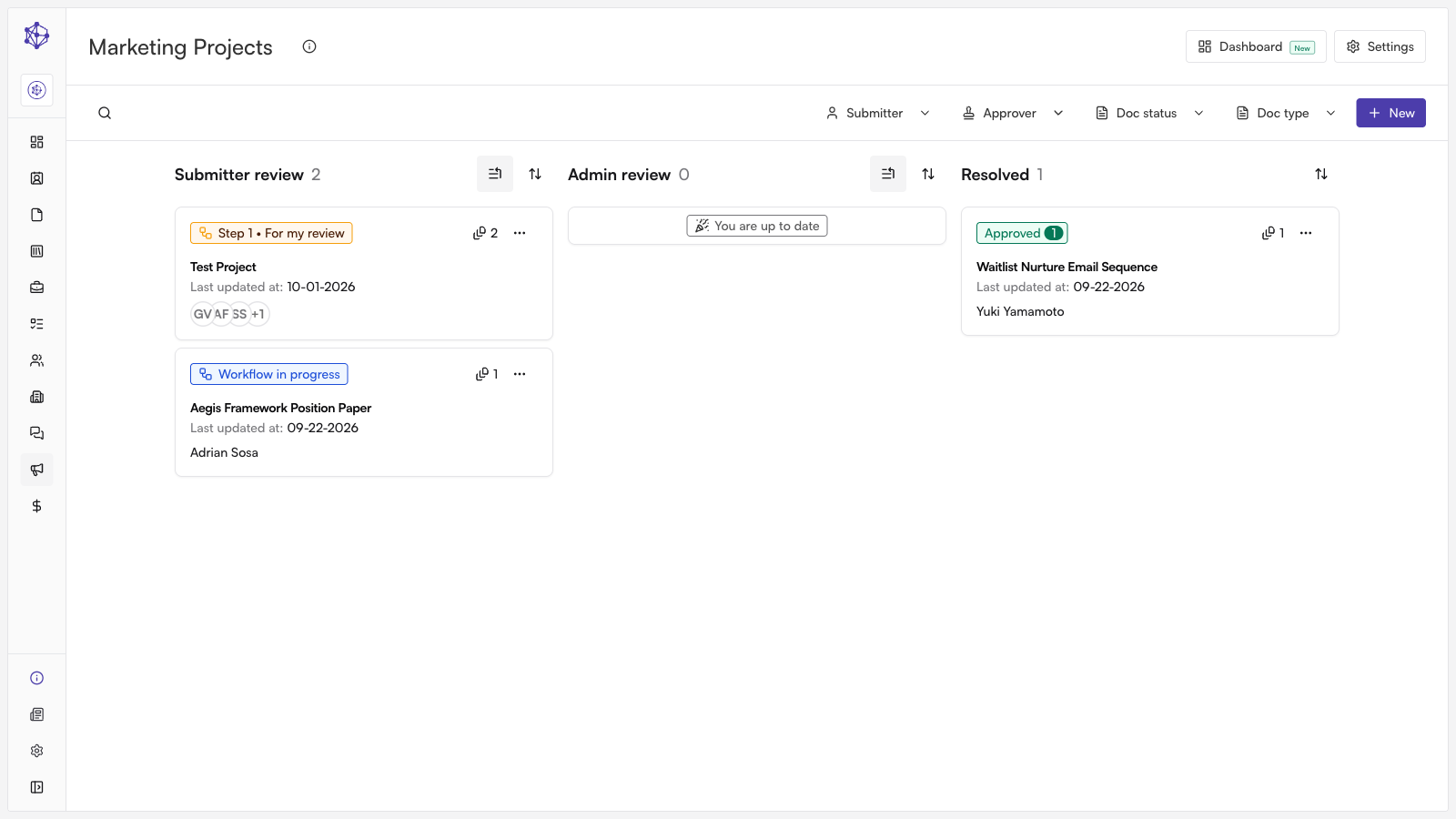
Open a project to reach its full document workflow — the view where all of a project's documents and their review progress come together. From here you can also reach the shared document library in one step, and narrow it to a specific team's filings (for example, Marketing) if you need to check related documents outside the project.
Opening a document's version history
Within the project, expand any document to reveal its full review and version history.
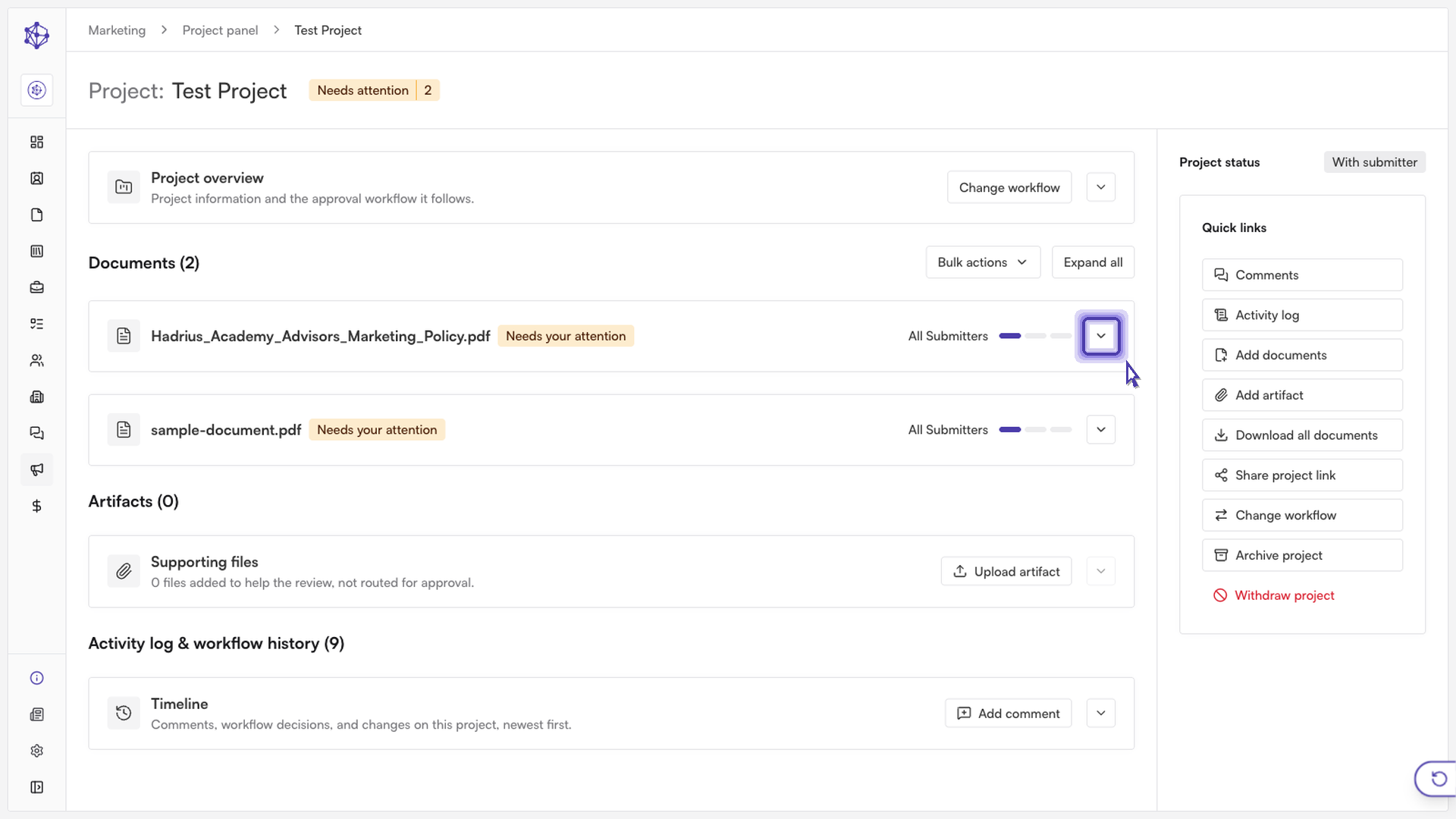
The expanded view lists every version that has been submitted for that document, with the current version shown first. If a document has gone through multiple rounds of changes, you'll see each submission stacked in order, letting you compare how the document has evolved over time.
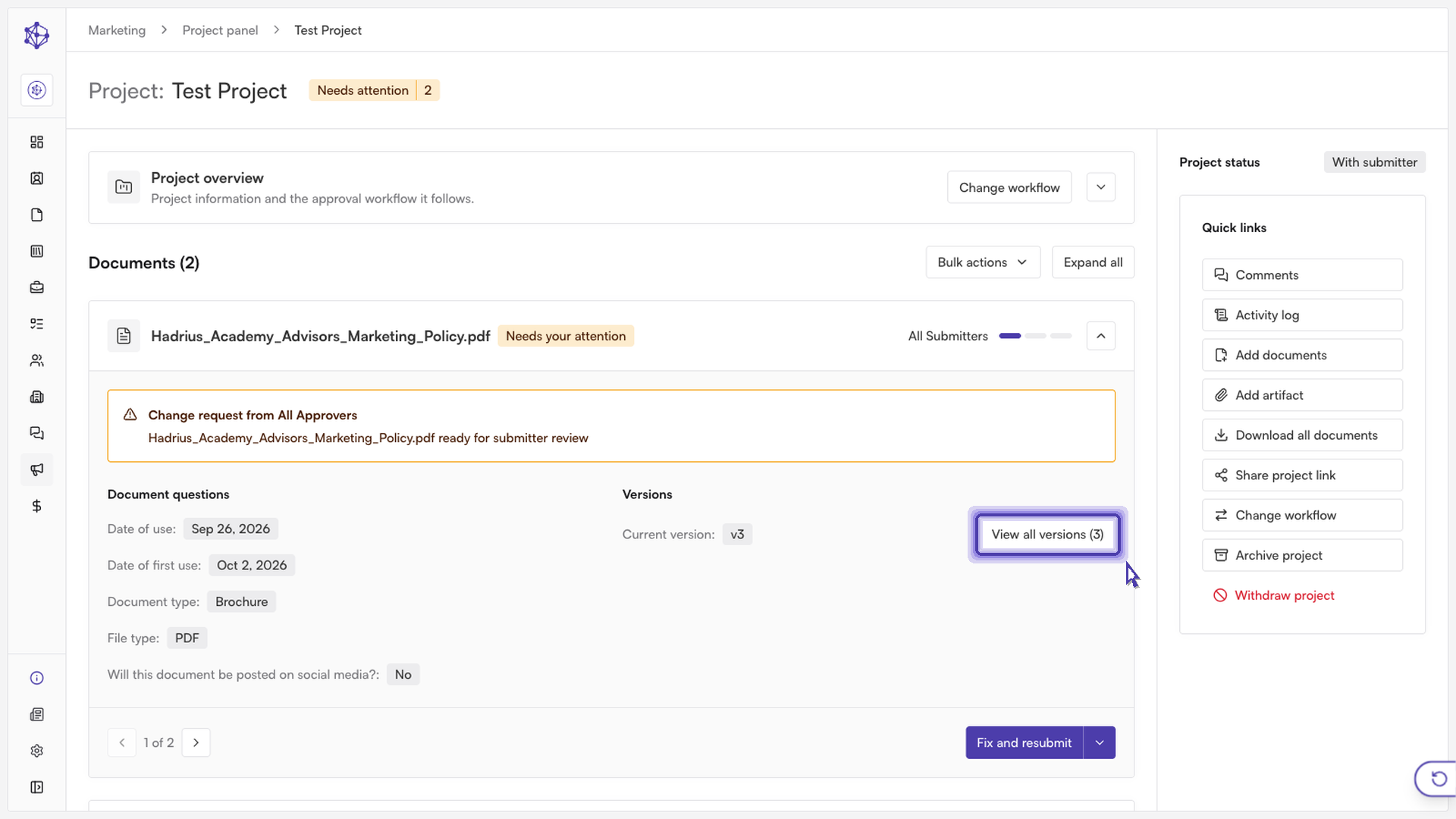
Acting on a version
Each document has a menu that holds every action available for it. From that menu you can:
Download the current version — grabs exactly what's under review right now.
View the document — opens it directly for a closer look, rather than downloading a copy.
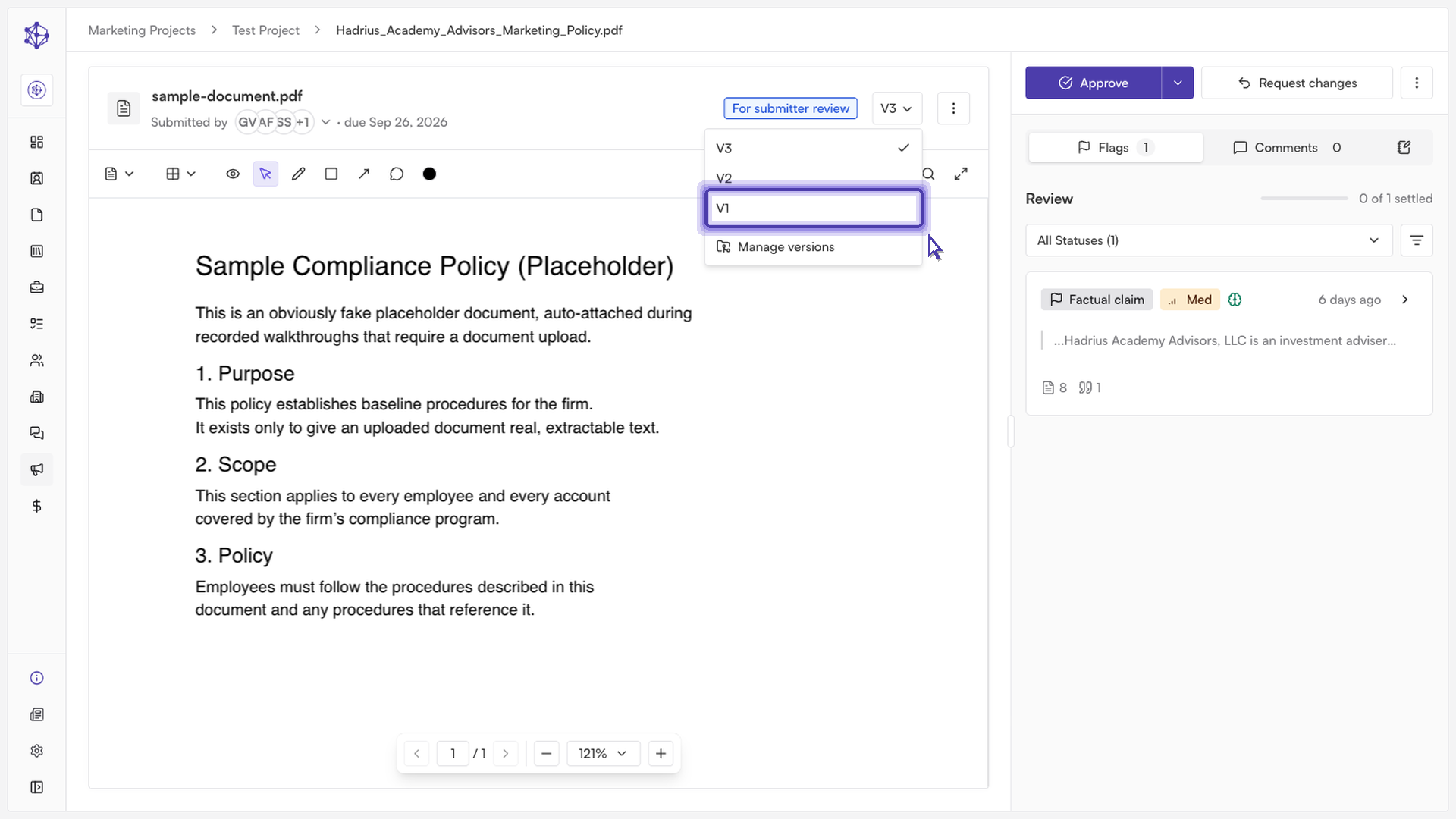
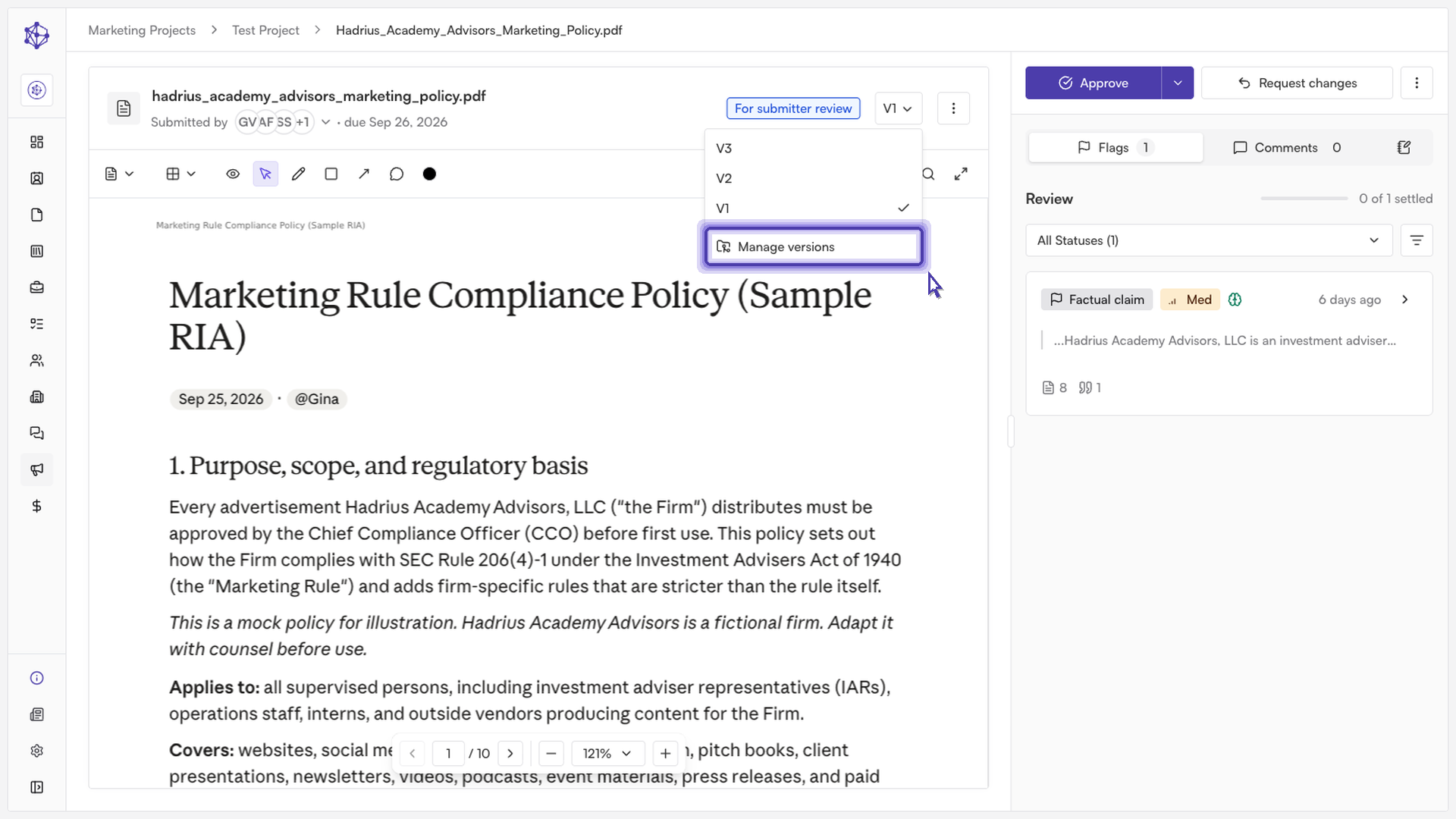
Once a document is open for viewing, you can switch between versions directly from the version selector. For example, if version three is the latest submission, selecting version one steps you back to the original — still intact, with its own history preserved.
What stays on record
Managing versions this way keeps every submission on record: each version holds on to its own flags and comments, so nothing is lost when a document moves forward to a newer version.
When you're done reviewing, simply close out of the document — every version stays safely on the record for future reference, whether you need to revisit an earlier submission or confirm what changed between rounds.