How to create a new instant messaging provider
Last updated: October 17, 2026
Connecting your firm's communication channels to Hadrius ensures compliance oversight and automated recordkeeping across all monitored conversations. This guide walks you through setting up a new instant messaging integration and assigning it to the appropriate team member.
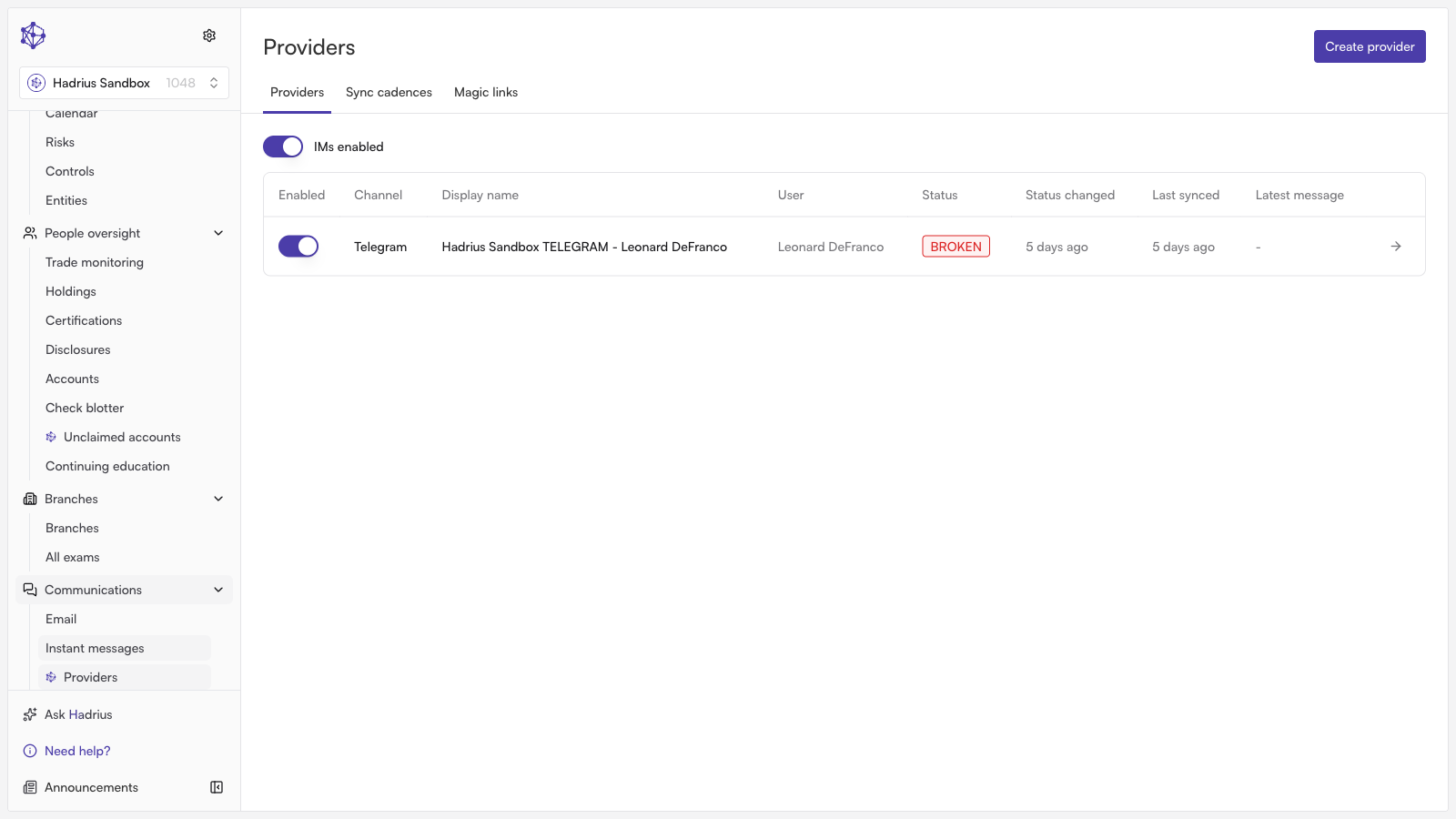
Navigate to Instant Messaging Providers: From your Hadrius dashboard, head to the Instant Messaging Providers page and select the option to start the new provider setup flow.
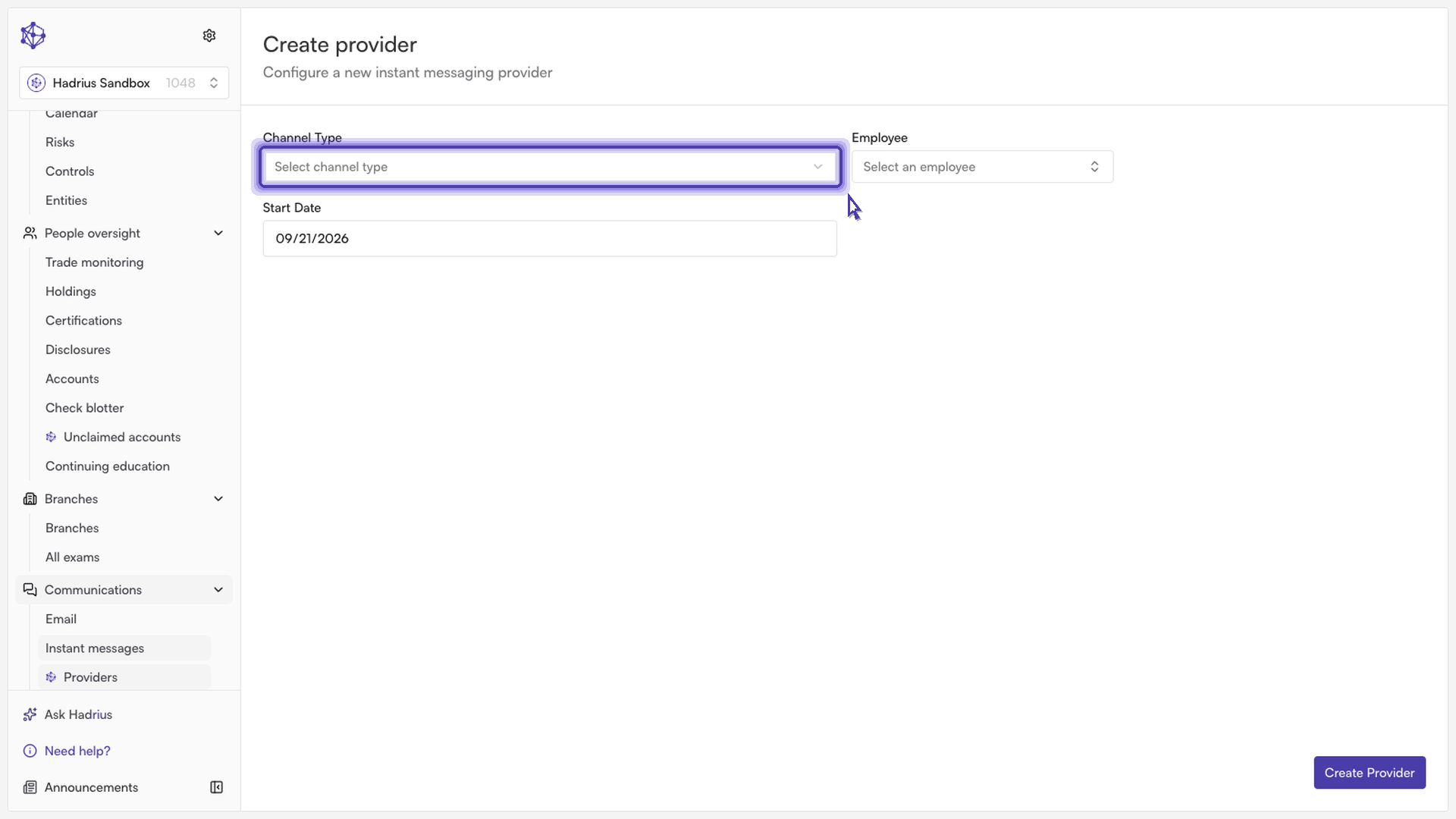
Select your messaging channel: Choose the communication platform you wish to integrate (such as WhatsApp, WeChat, or SMS). You can adjust your channel settings later if your team's communication tools change.
Assign the provider to an employee: Search for and select the team member who will be using this messaging stream. Confirming the correct individual ensures all message archives and audit trails are accurately mapped for compliance tracking.
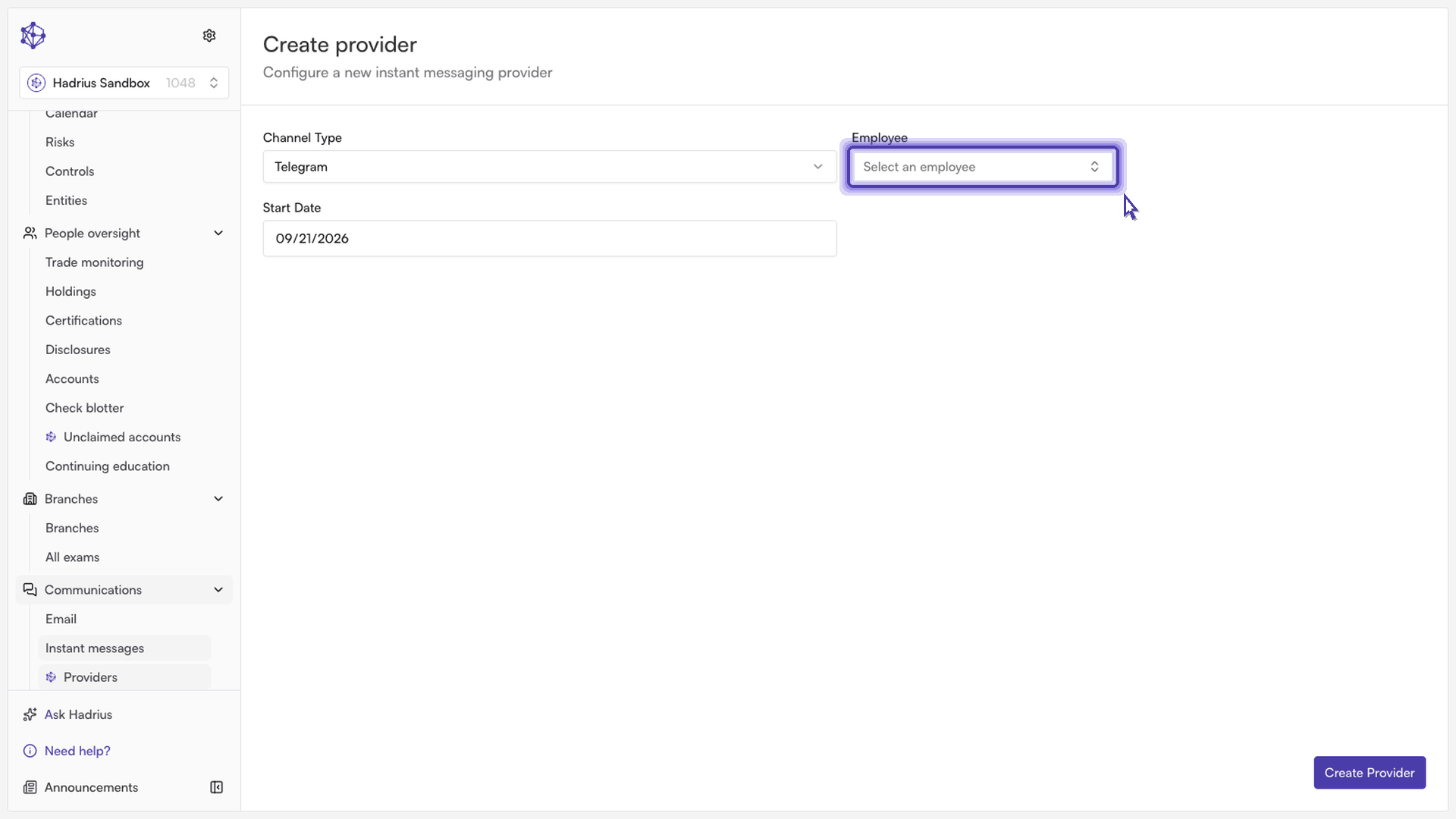
Create and finalize the provider: Review your configuration and confirm the setup to lock in the integration.
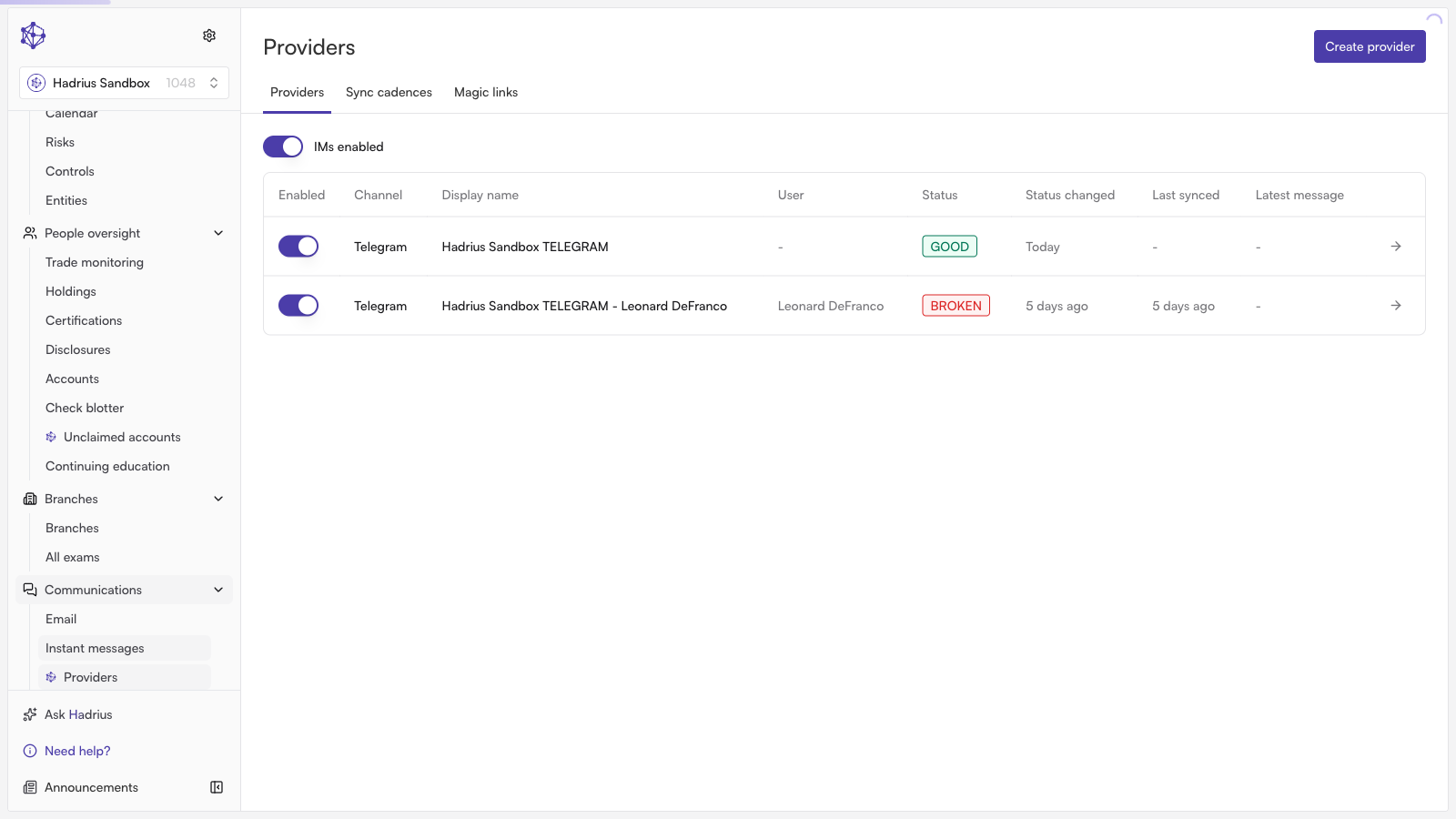
Your new messaging provider is now active. Hadrius will automatically begin capturing and monitoring communications across this channel according to your firm's compliance policies.