How to add an affiliated firm
Last updated: October 17, 2026
Affiliated firms are the additional firms your team files under when completing U4 and U5 registration paperwork. Add an affiliated firm any time your organization starts filing on behalf of a new firm, so it becomes available to select the next time you build a U4 or U5 filing.
Where to add an affiliated firm
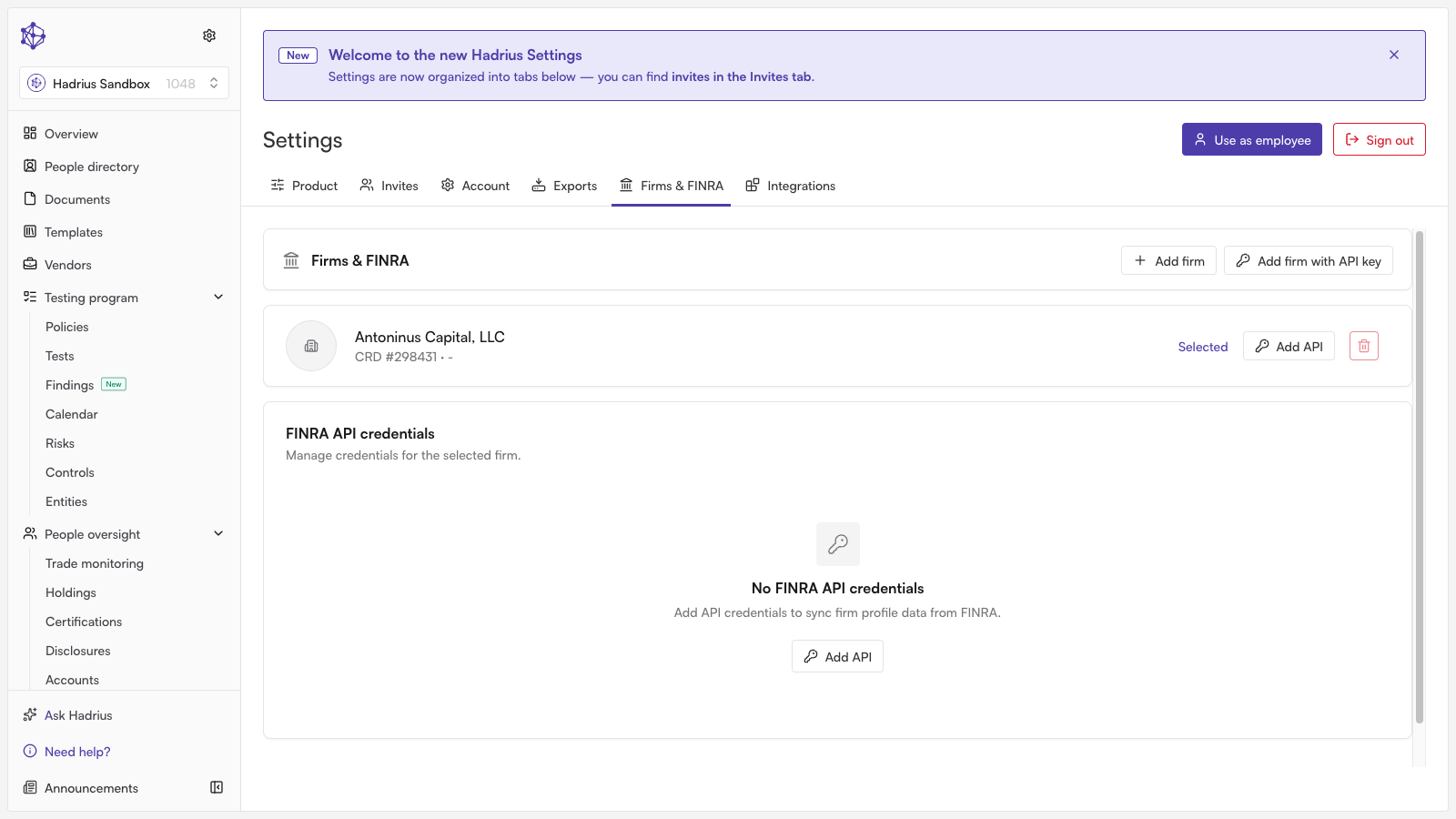
Affiliated firms are managed from the firm profile's Firms & FINRA section, which lists every firm currently affiliated with your organization along with each firm's CRD number and billing code.
Adding a firm manually
From the Firms & FINRA section, click Add firm.
Enter the Firm name. Use a clear, recognizable name, since this is how the firm will appear when selecting it in future U4 and U5 filings.
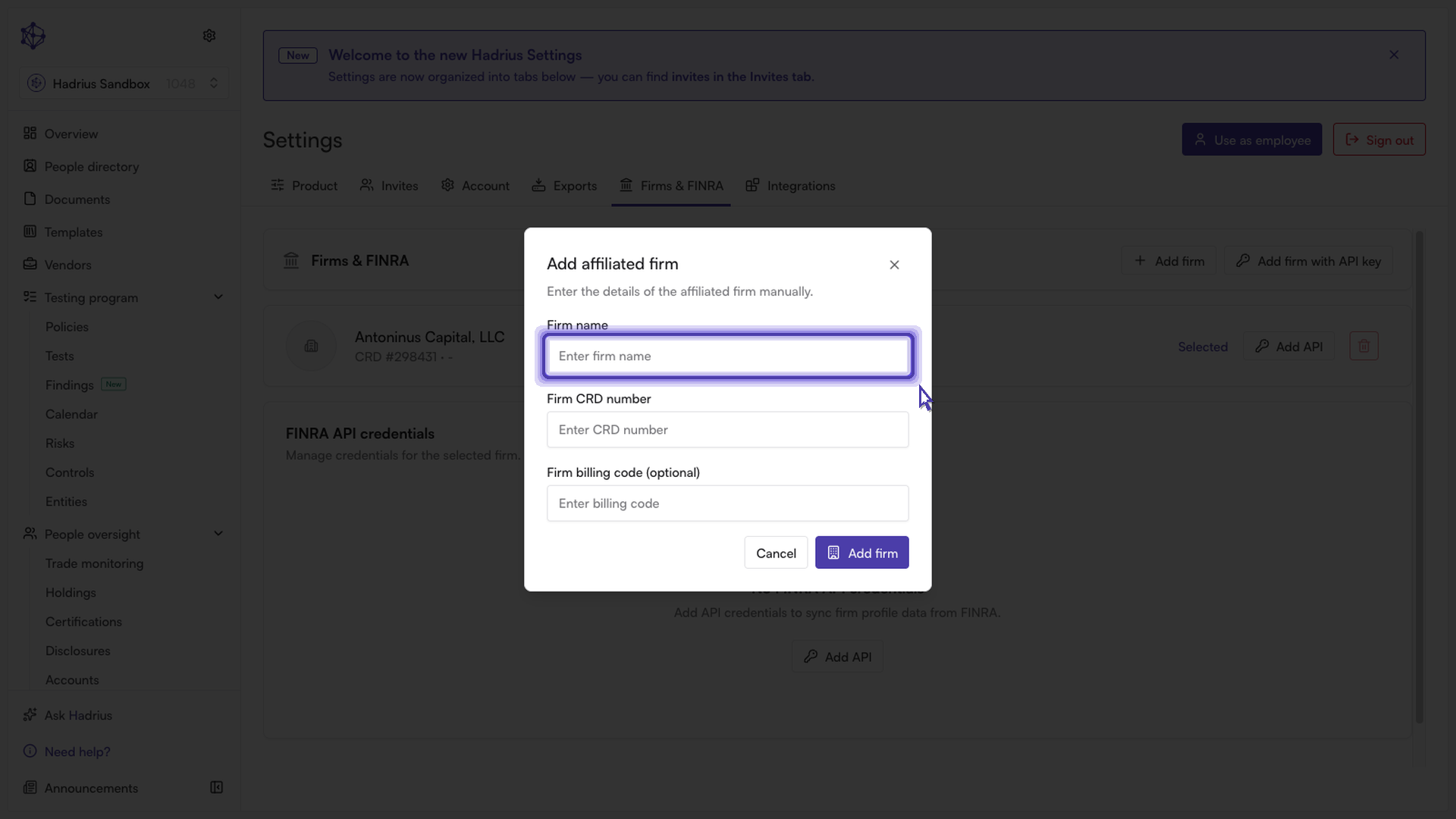
Enter the firm's Firm CRD number. This ties the entry to the correct firm on record with FINRA, so double-check it before saving.
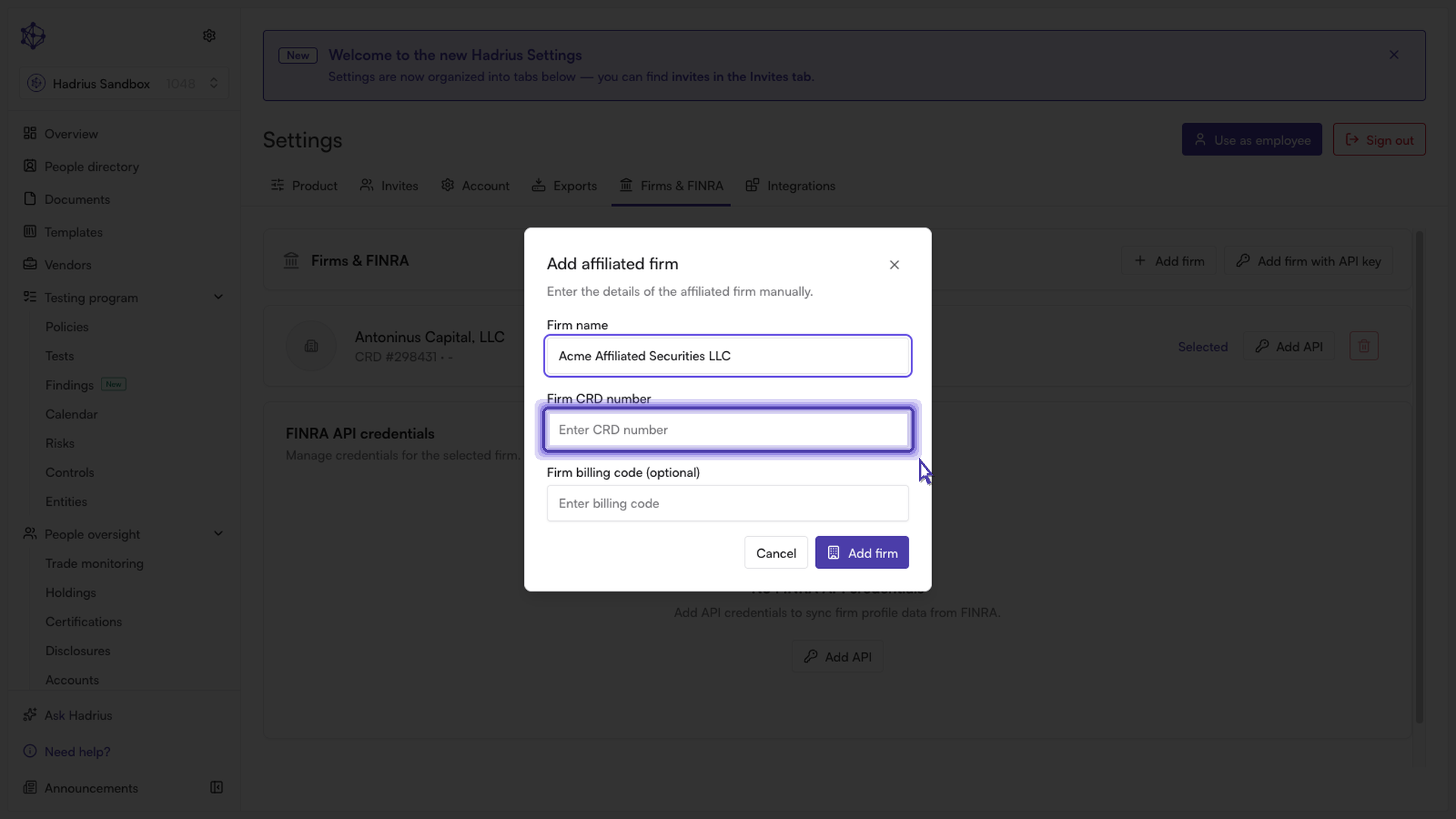
Optionally, enter a Firm billing code if your organization tracks billing by firm.
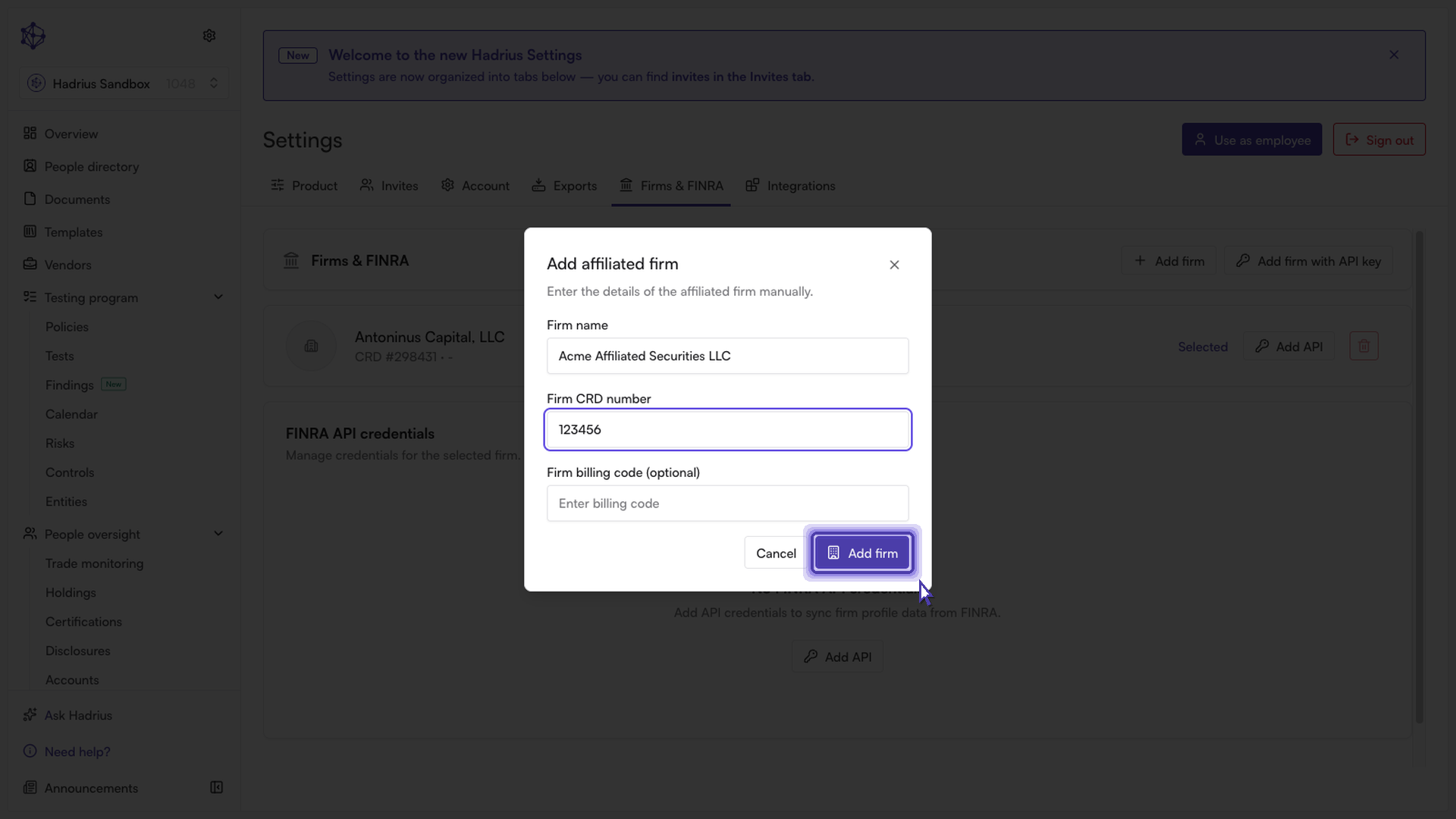
Click Add firm to save. You'll see a confirmation, and the new entry appears in your affiliated firms list.
Other ways to add a firm
If the firm you need is already set up elsewhere in your organization, you can link it instead of re-entering its details — this option appears when you start the process from within a specific firm's profile rather than the "Add firm" button described above. You can also connect a firm directly through FINRA API gateway credentials, which links the firm and enables automatic syncing of its U4, U5, and BrokerCheck data in one step.
Firm name and Firm CRD number are required for a manually added firm; the billing code is optional and can be added or changed later by editing the entry.
What happens next
Once saved, the affiliated firm appears in your list and becomes available to select when building future U4 or U5 filings that require registration with an affiliated firm. You can edit or delete an affiliated firm at any time from the same list using the actions next to its row.