How to schedule a new branch exam
Last updated: October 1, 2026
This article walks through scheduling a new branch exam from the Branch Exams dashboard. Use this workflow whenever a branch office is coming due for a periodic inspection and you need to set up the exam, assign an inspector, and put it on the calendar so the team is notified in advance.
Before you start
Open the Branch Exams dashboard, where you can see all upcoming and in-progress office inspections at a glance. From here, select "Schedule exam" to launch the exam setup wizard.
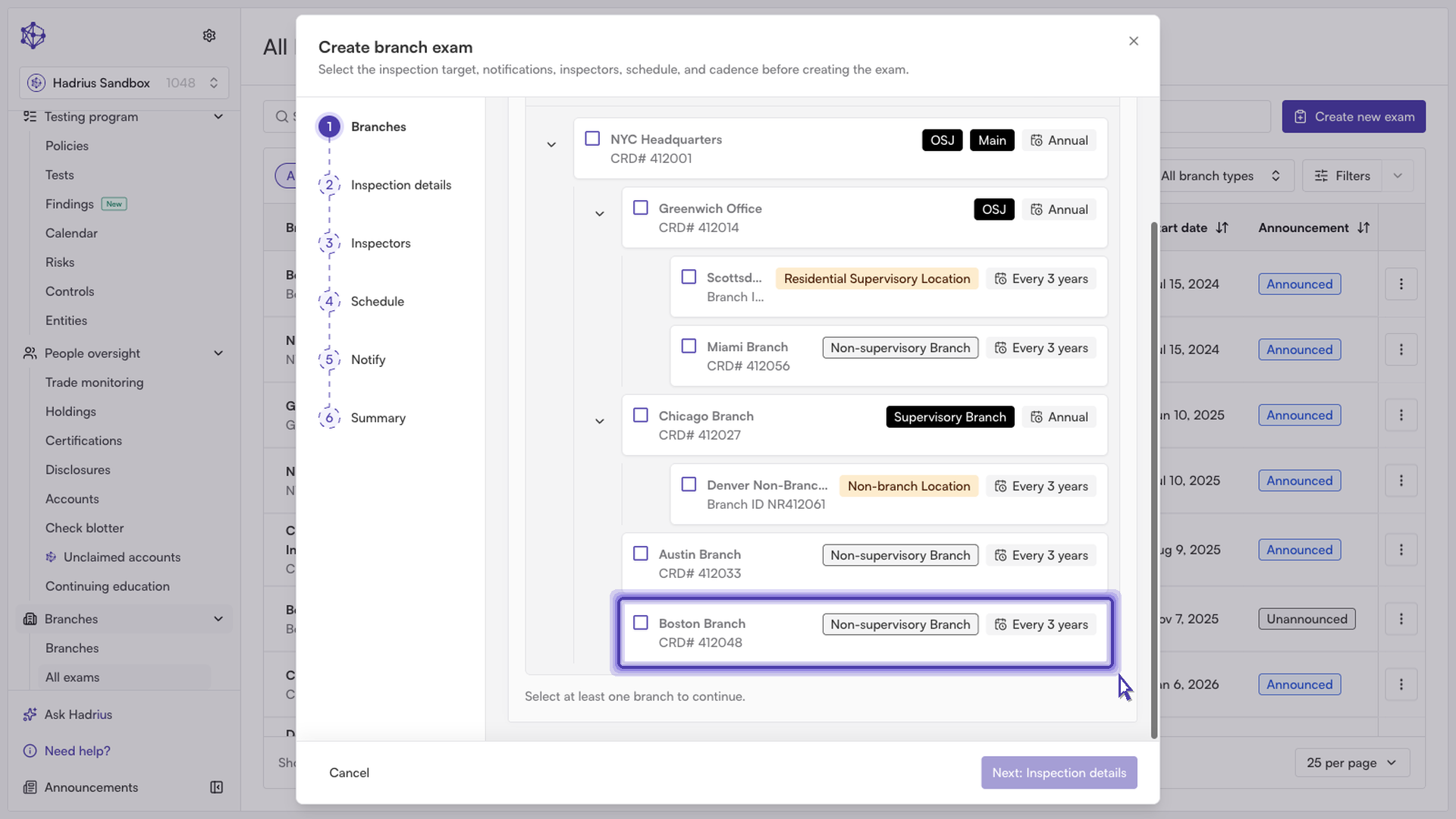
Step 1: Choose the branch and describe the exam
Start by selecting the branch location that's due for review. You can scope the exam to a single office or, depending on your setup, a group of branches under the same supervision structure. Next, give the exam a descriptive title so it's easy to identify later on the dashboard and in reporting.
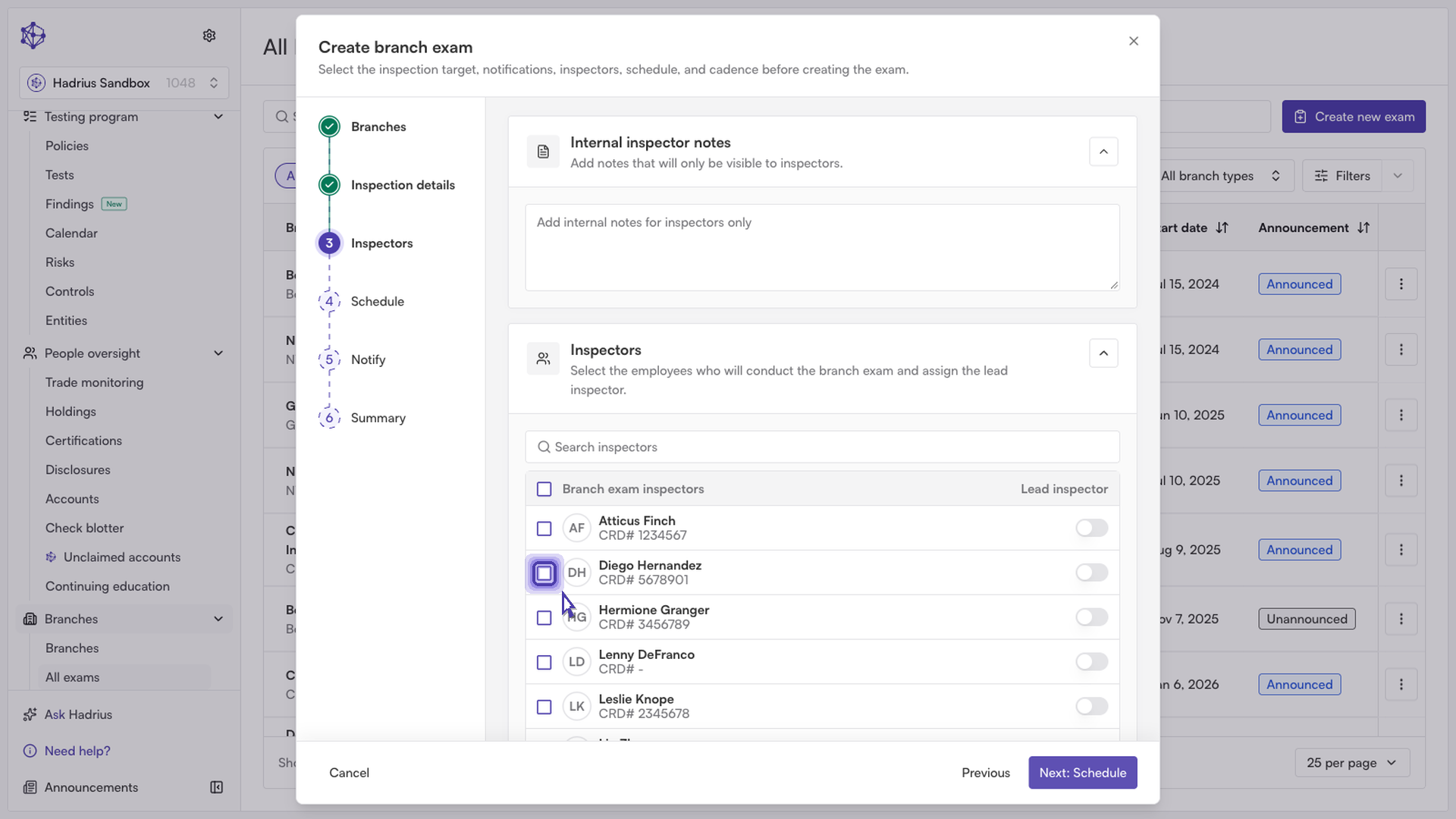
Step 2: Assign inspectors
Designate the lead inspector who will be responsible for conducting the audit. If needed, you can also add supporting inspectors to assist with the review.
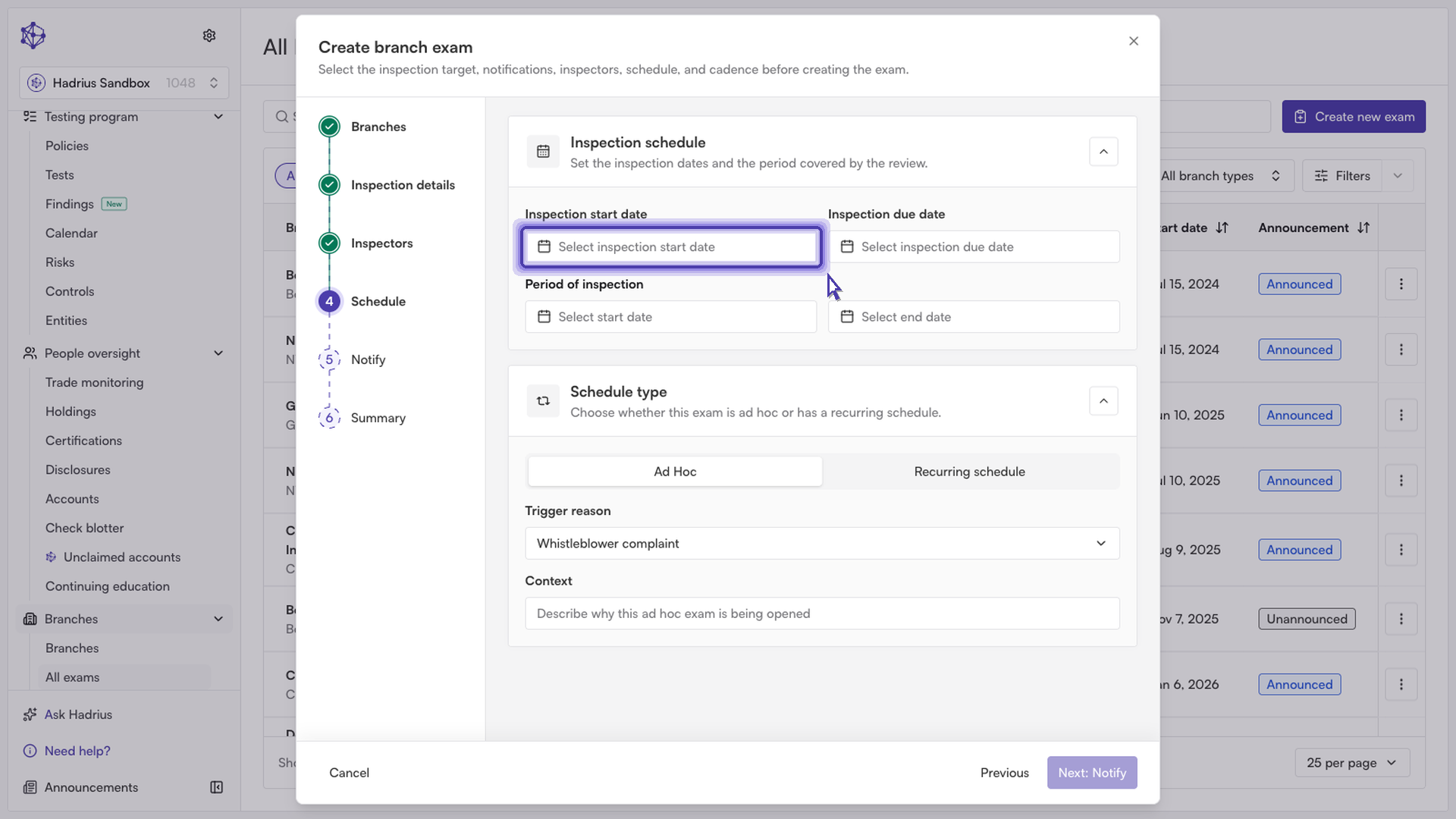
Step 3: Set the inspection window
Establish the target inspection window by entering a start date and a due date for the exam. Setting clear dates here keeps the exam on your compliance calendar and gives the inspector a defined timeframe to complete the review.
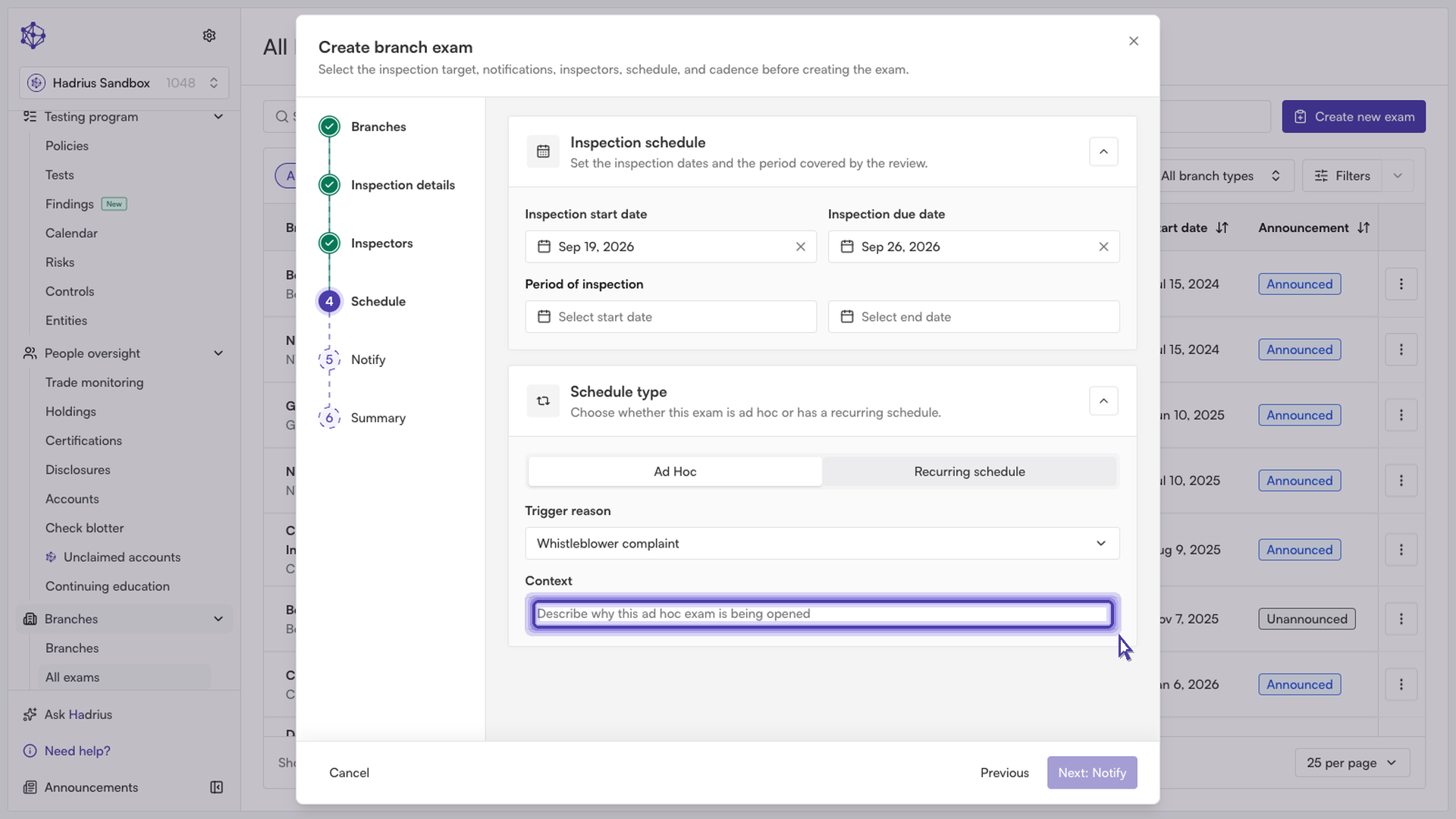
Step 4: Add notes and notify the team
Before finalizing, you can add background context or internal notes for the inspector — this gives them helpful guidance upfront on what to focus on during the visit. You'll also confirm who should be notified about the exam, such as branch personnel at the location being reviewed.
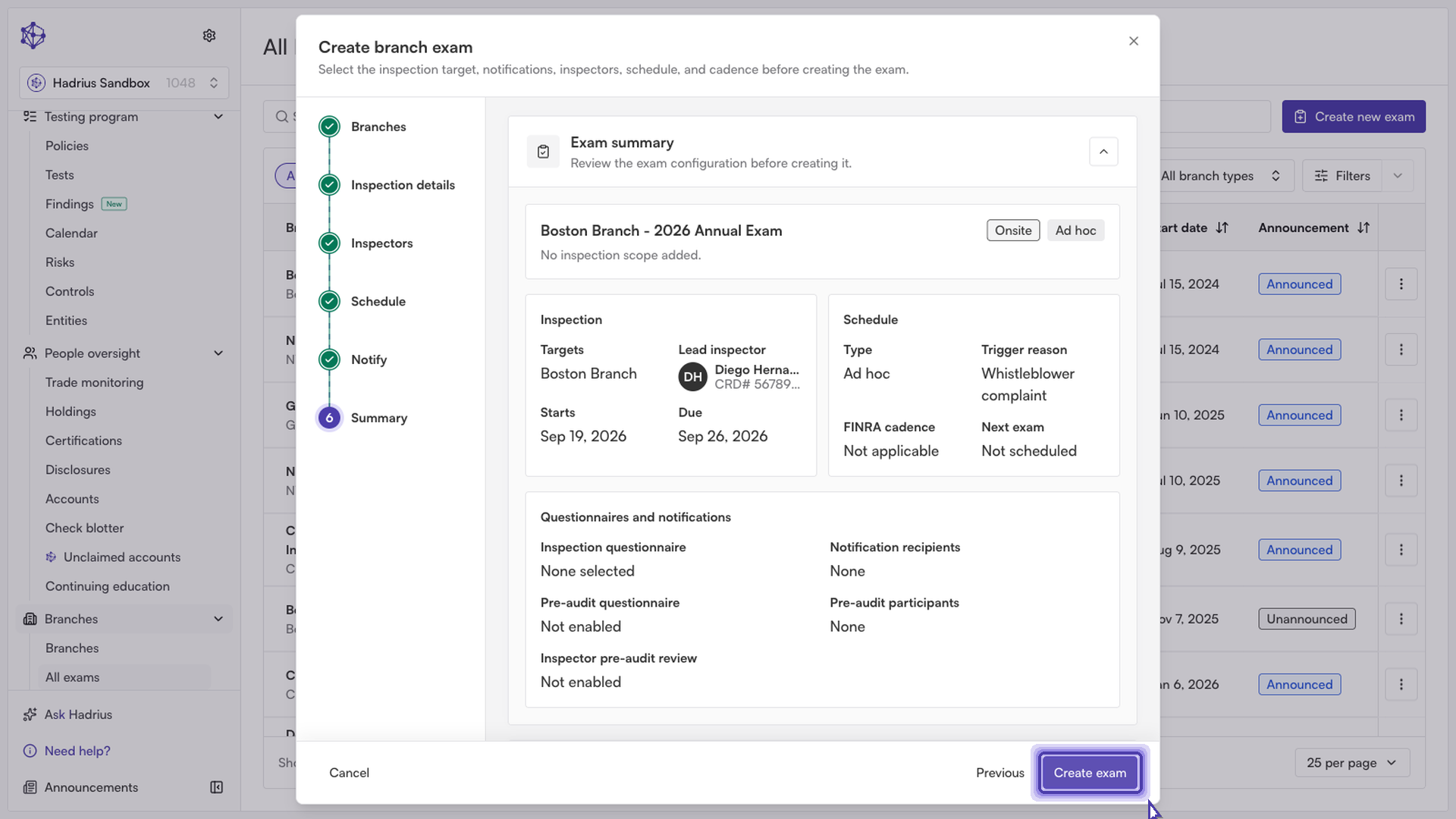
Step 5: Review and finalize
The final step shows a summary of everything you've configured — branch, title, inspector, inspection window, and notification recipients. Review the details, then finalize the exam. This locks in the schedule and immediately notifies the assigned team members.
What happens next
Once finalized, the exam appears on the Branch Exams dashboard with its scheduled dates and assigned inspector, and the notified team members can begin preparing ahead of the inspection window.