How to View the Audit Trail for a Project
Last updated: October 17, 2026
The audit trail is the single, combined history of everything that has happened on a marketing review project — every workflow decision and document event alongside every comment, in one newest-first timeline. Use it whenever you need to confirm who took an action, when a document moved between review stages, or what was discussed before a decision was made.
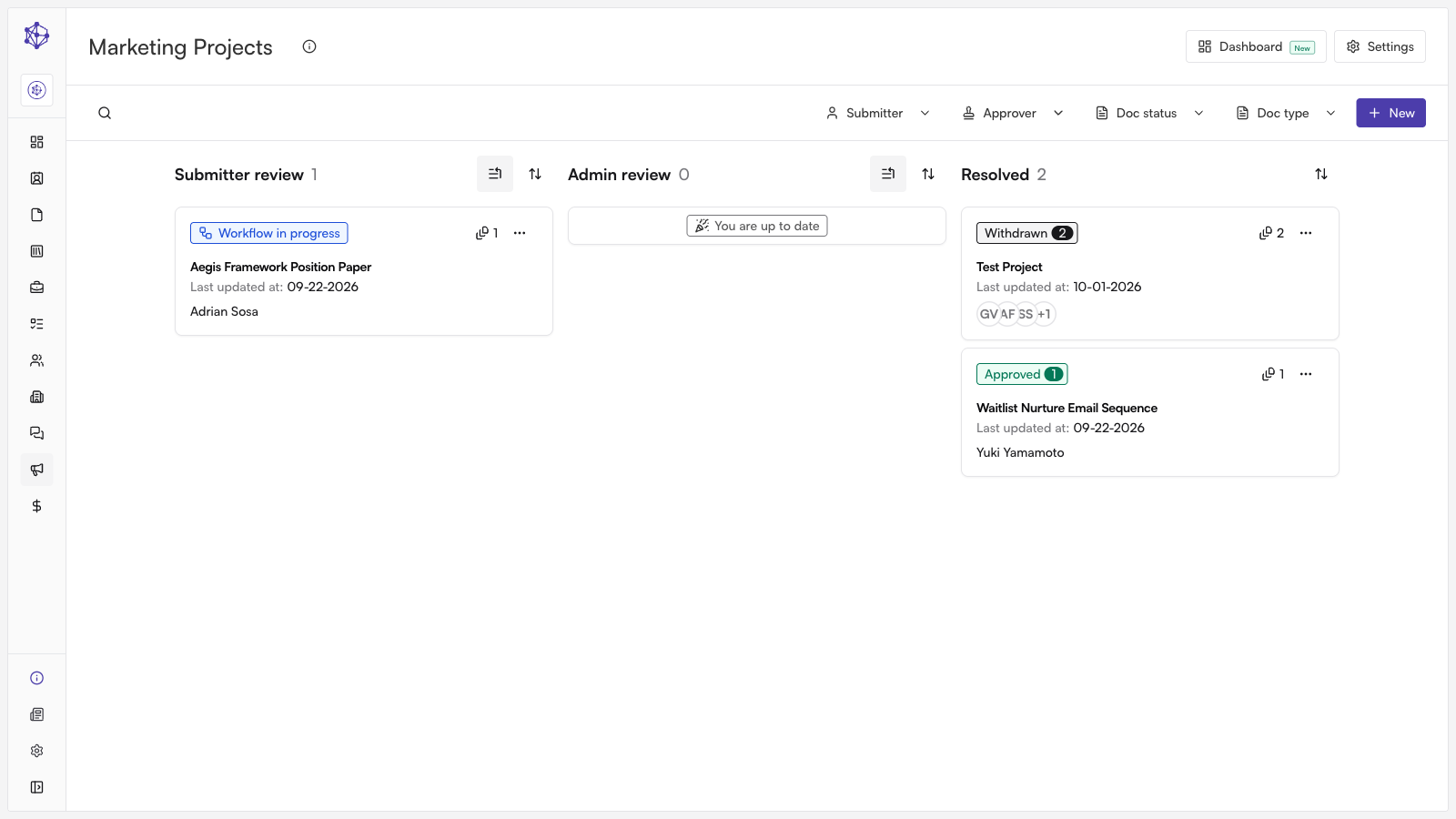
Finding the project
Start in the marketing review queue, which lists every piece of content currently moving through review. Locate the project you need and open it to load its full record, from the original submission through its current status.
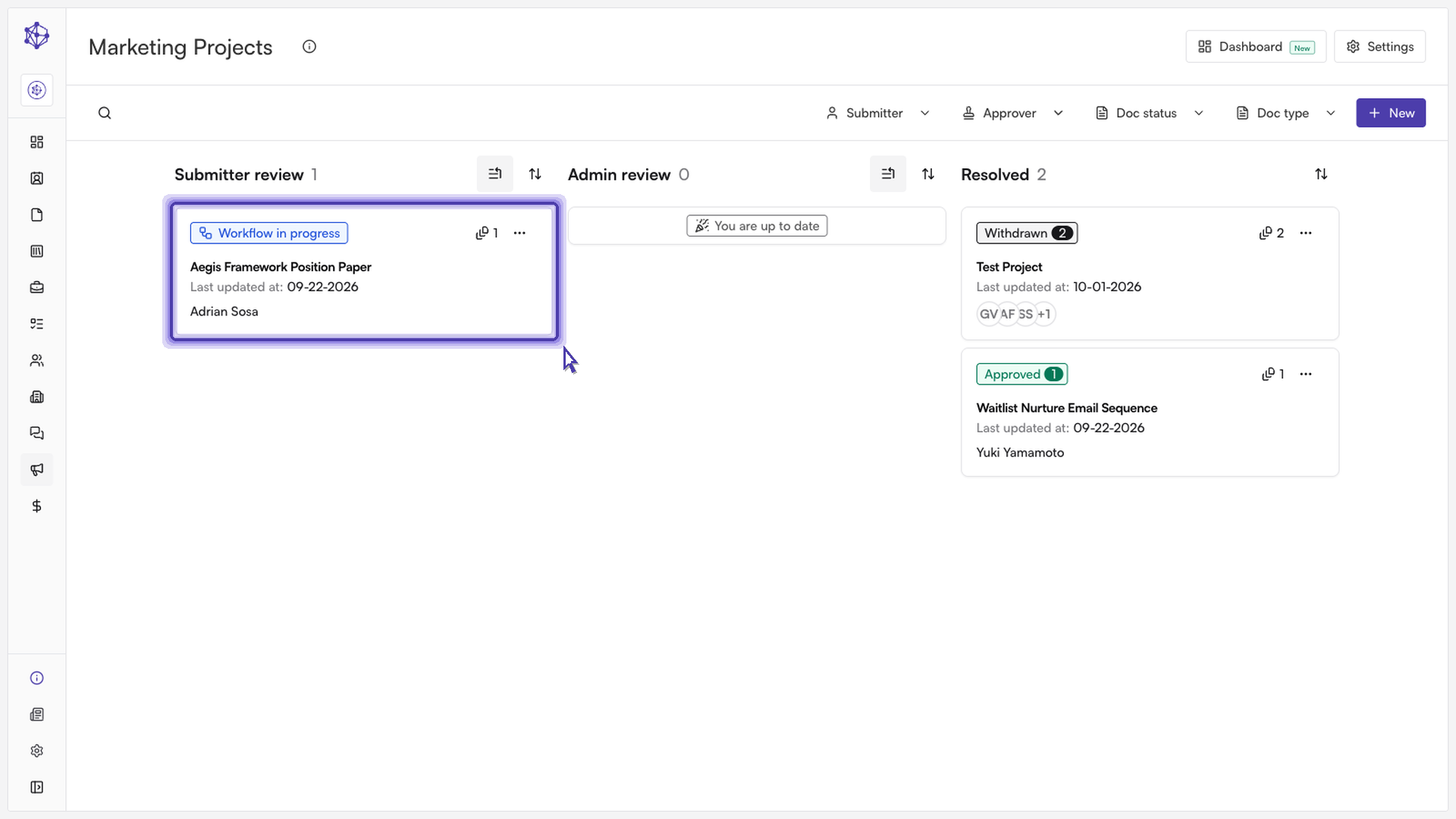
Opening the audit trail
A project's page brings together its details, its documents, and its review history in one place. The project details and routing information appear at the top, with the documents under review below them.
To jump straight to the audit trail, use the "Activity log" quick link in the right-hand rail. This opens the Timeline section, which is the project's combined audit trail: every workflow decision (such as a document moving to approver review, being sent back to the submitter, or being approved) and every comment, merged into a single list ordered from most recent to oldest.
Filtering the timeline
Because the timeline mixes several kinds of events, it includes filters to help you narrow what you're looking at:
Event type — use the "All," "Comments," or "Decisions" filter chips to show everything, only comments, or only workflow decisions and changes.
Document — narrow the timeline to a single document, to project-level events only (such as the original submission or project comments), or leave it on "All documents."
Person — filter to a specific person's activity, or leave it on "Everyone."
The timeline shows ten events at rest; use "Show all" to expand the full list, or "Show less" to collapse it again. If no events match your current filters, you can clear them to return to the full timeline.
What's next
Because the audit trail draws on the same data as the rest of the project page, it stays up to date automatically as new comments are added or documents move through review — there's nothing to refresh or re-export unless you want a point-in-time copy for your own records.