How to create a new email compliance subrule
Last updated: October 17, 2026
In Hadrius, subrules allow you to fine-tune broad compliance policies—such as fraud prevention—by targeting specific communication risks. Use this workflow whenever you need to establish granular monitoring criteria for emerging risks, firm-specific language, or targeted regulatory concerns.
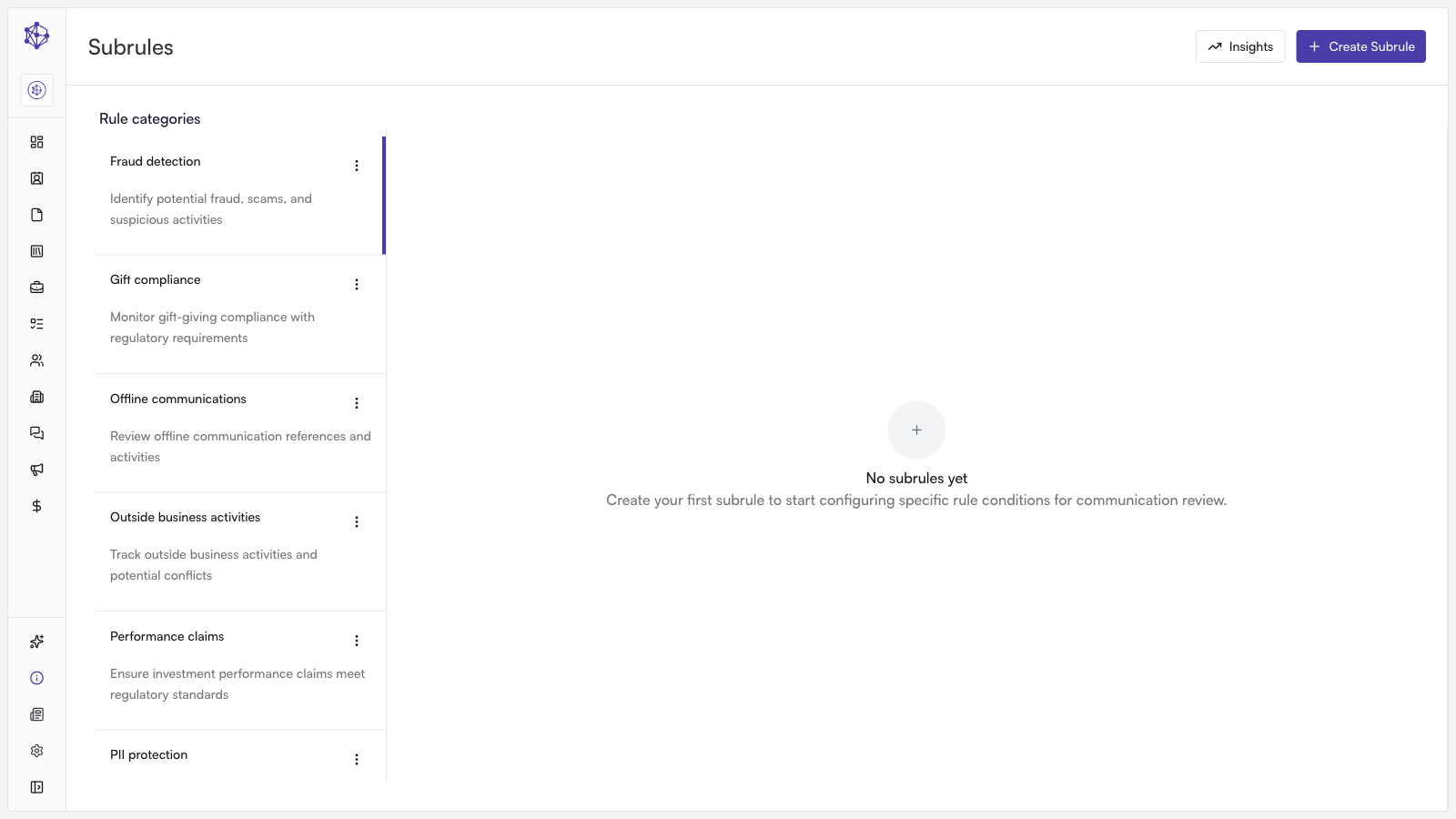
How to Create a Subrule
Open Email Compliance: Navigate to the Email Compliance section in your Hadrius dashboard and select the policy category you want to customize.
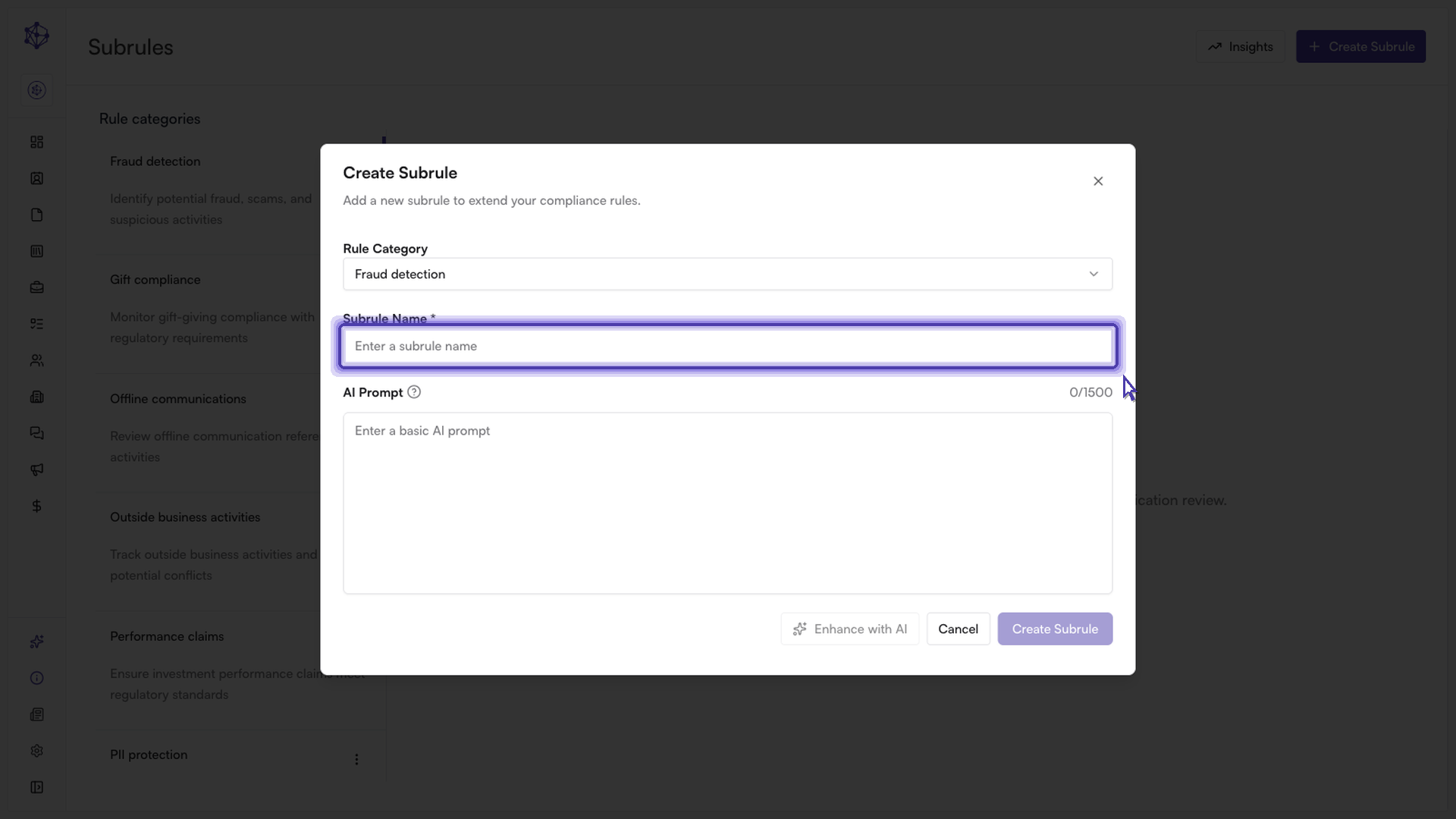
Set a subrule title: Provide a clear, descriptive title that readily identifies the specific risk or behavior you are targeting (for example, "Wire Instruction Alteration" or "Guaranteed Return Claims").
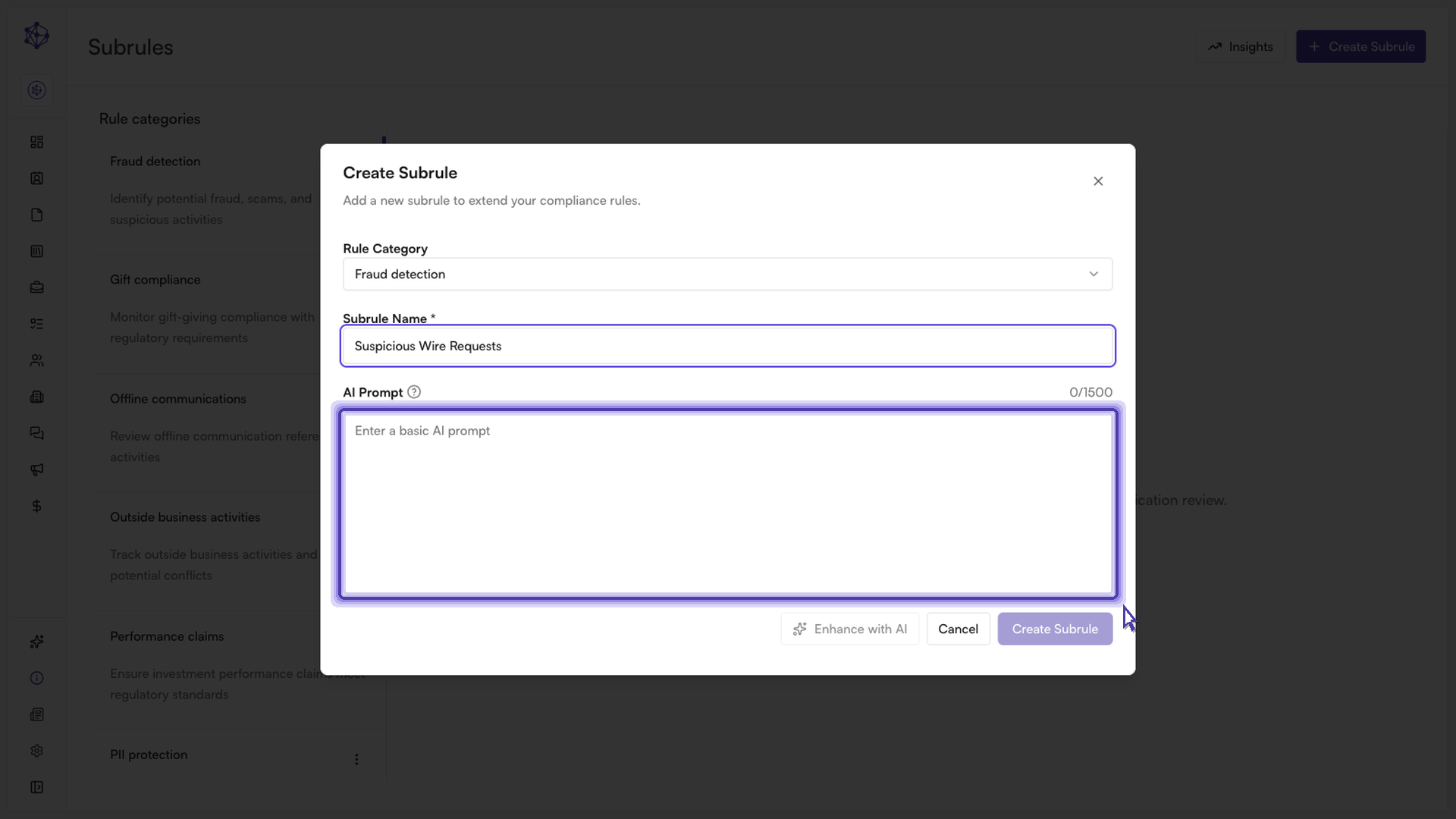
Configure conditions and triggers: Define the exact conditions, trigger phrases, or logic that Hadrius should use to flag messages. Be specific to ensure high detection accuracy while minimizing false positives.
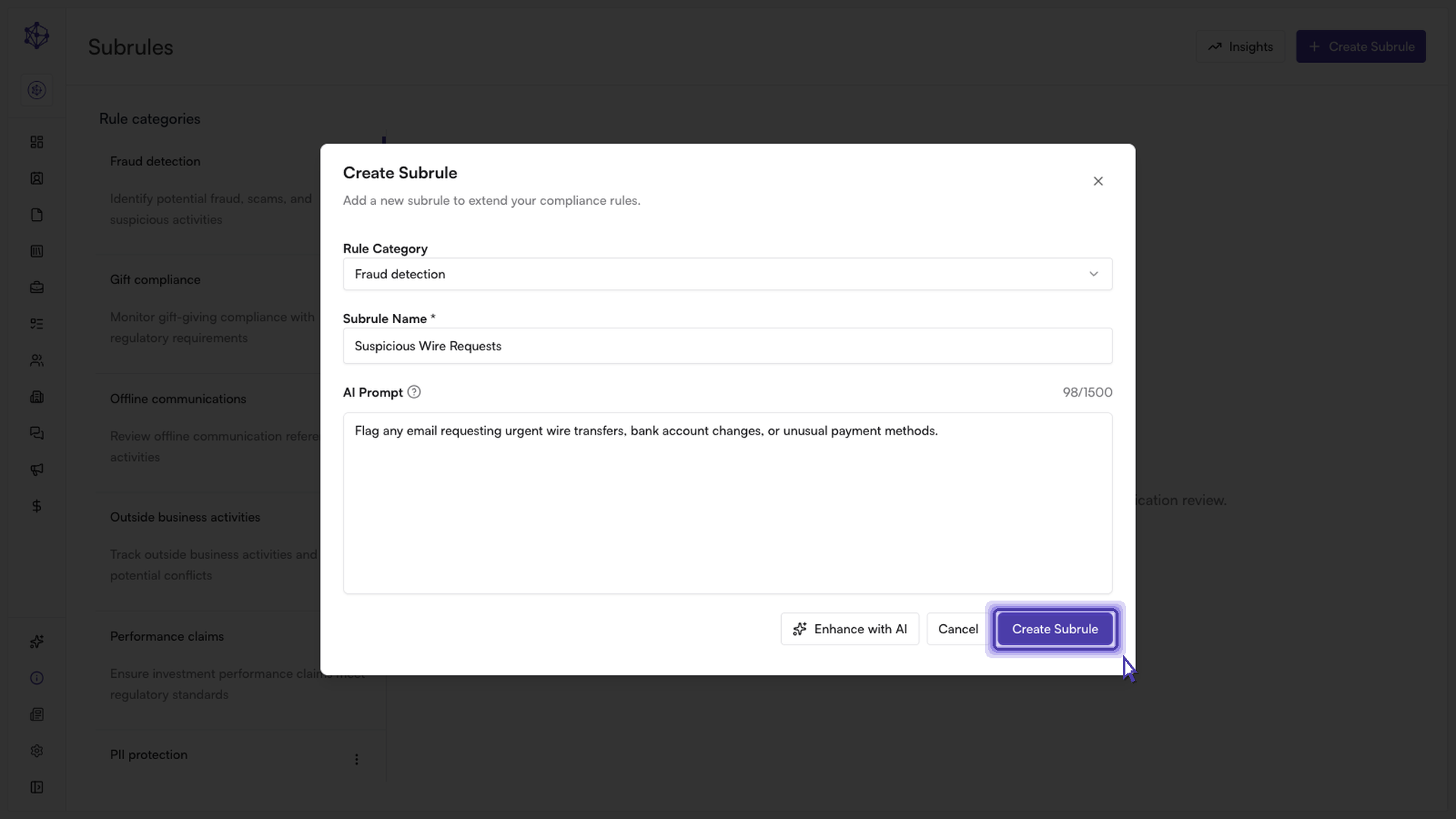
Save and deploy: Review your parameters and confirm the creation of the subrule.
Next steps: Once created, your new subrule activates immediately. Hadrius will scan ongoing email communications against these criteria and automatically route any flagged messages to your compliance queue for review.