How to create a disclosure rule to auto-attach disclosures
Last updated: October 17, 2026
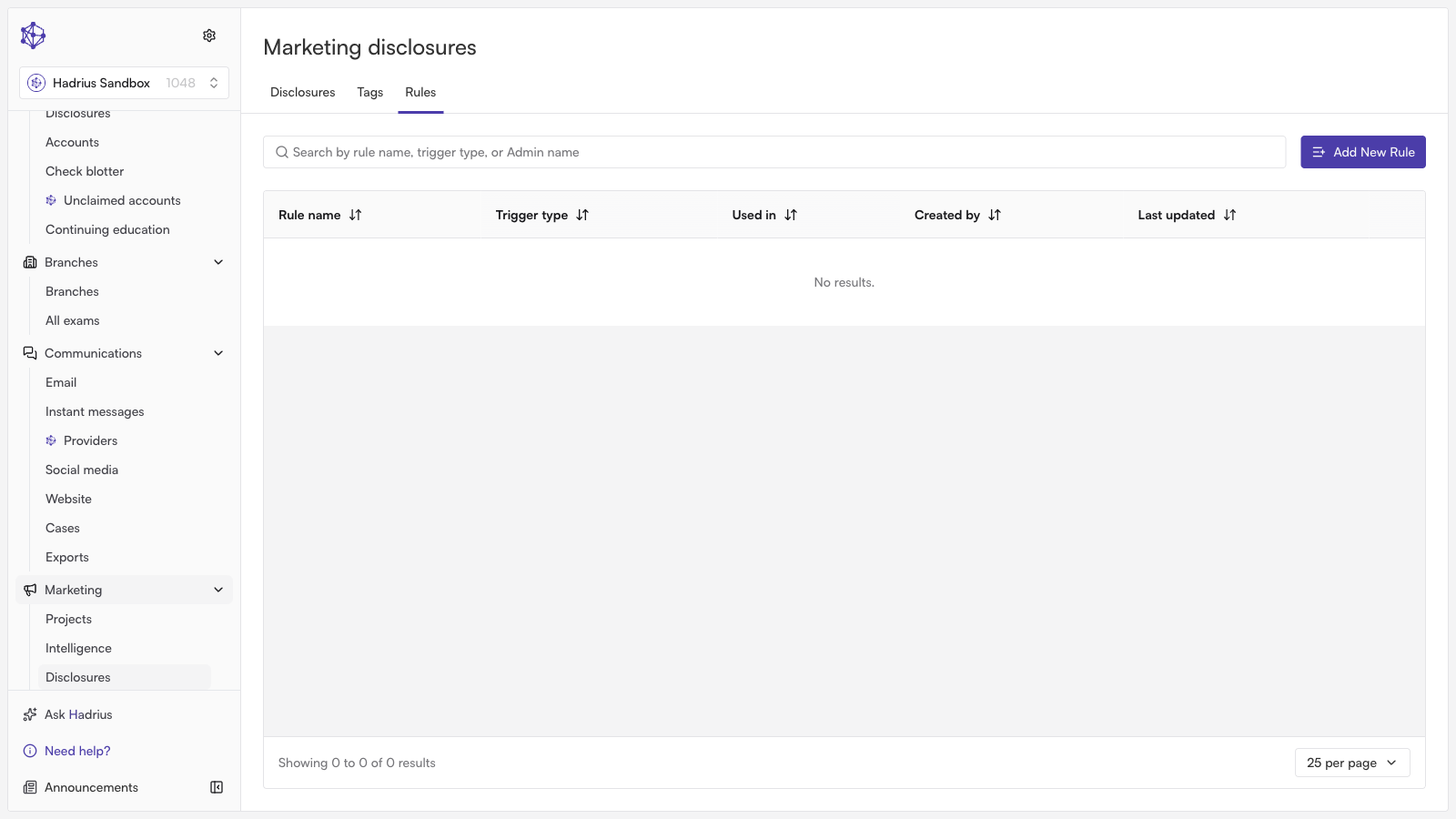
Disclosure rules in Hadrius allow compliance and marketing teams to automate the attachment of required legal disclaimers to specific types of content. By establishing automated rules, you ensure regulatory language is consistently applied across all outgoing communications without requiring manual checks each time a piece of content is published.
Follow the steps below to create a disclosure rule tailored to a specific content format.
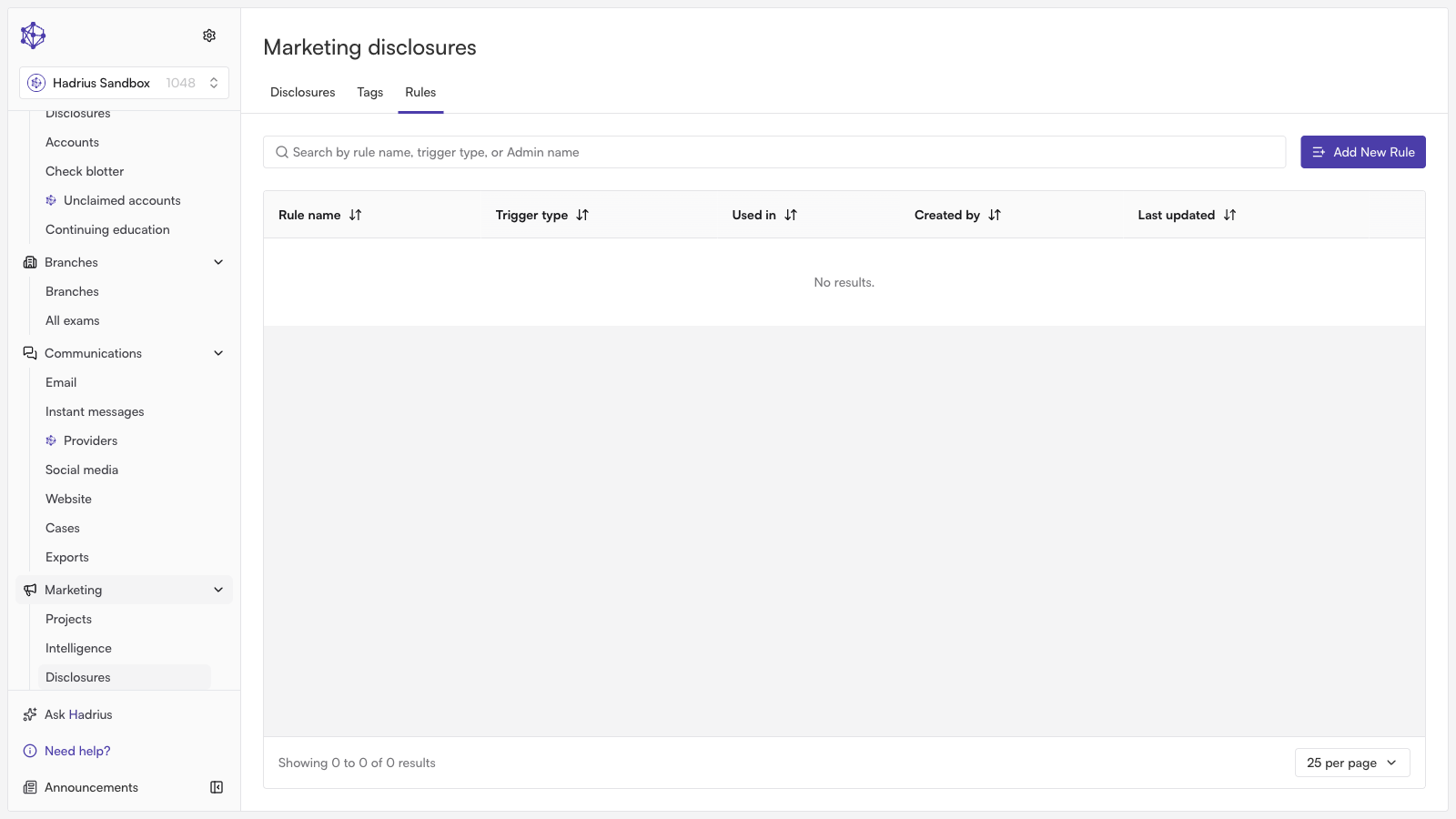
Navigate to Disclosure Rules: From your Hadrius dashboard, head to the Disclosure Rules section to view your existing rules and manage automated legal language across your organization. Click the button to create a new rule.
Name your rule: Provide a clear, descriptive name that reflects the rule's intended purpose (e.g., "Blog Post Standard Disclaimer"). A clear naming convention helps team members quickly understand which rules apply to specific channels.
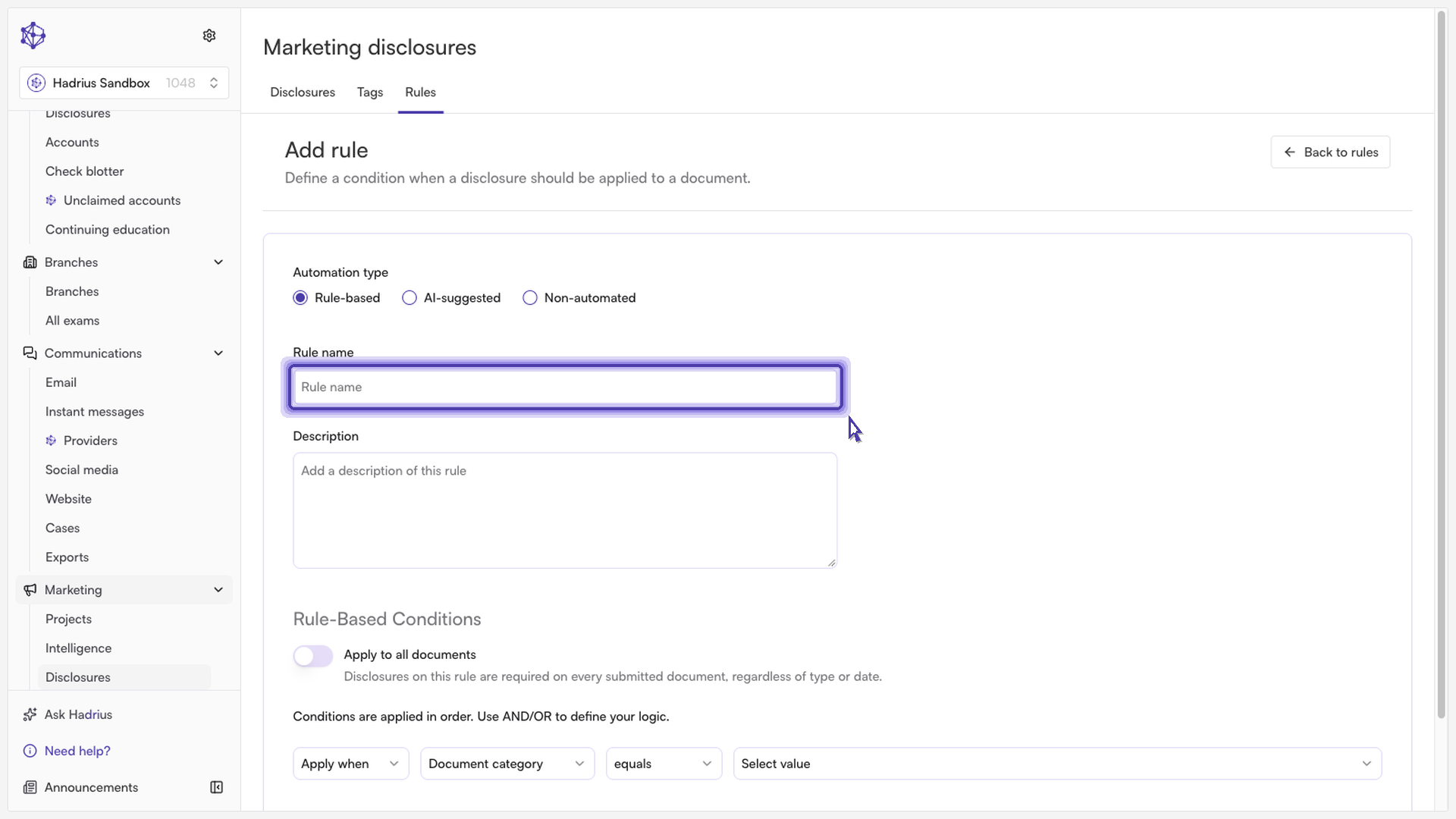
Select the trigger format: Choose the content type that should trigger this requirement. For instance, select Blog Posts if you want this disclosure applied to published articles.
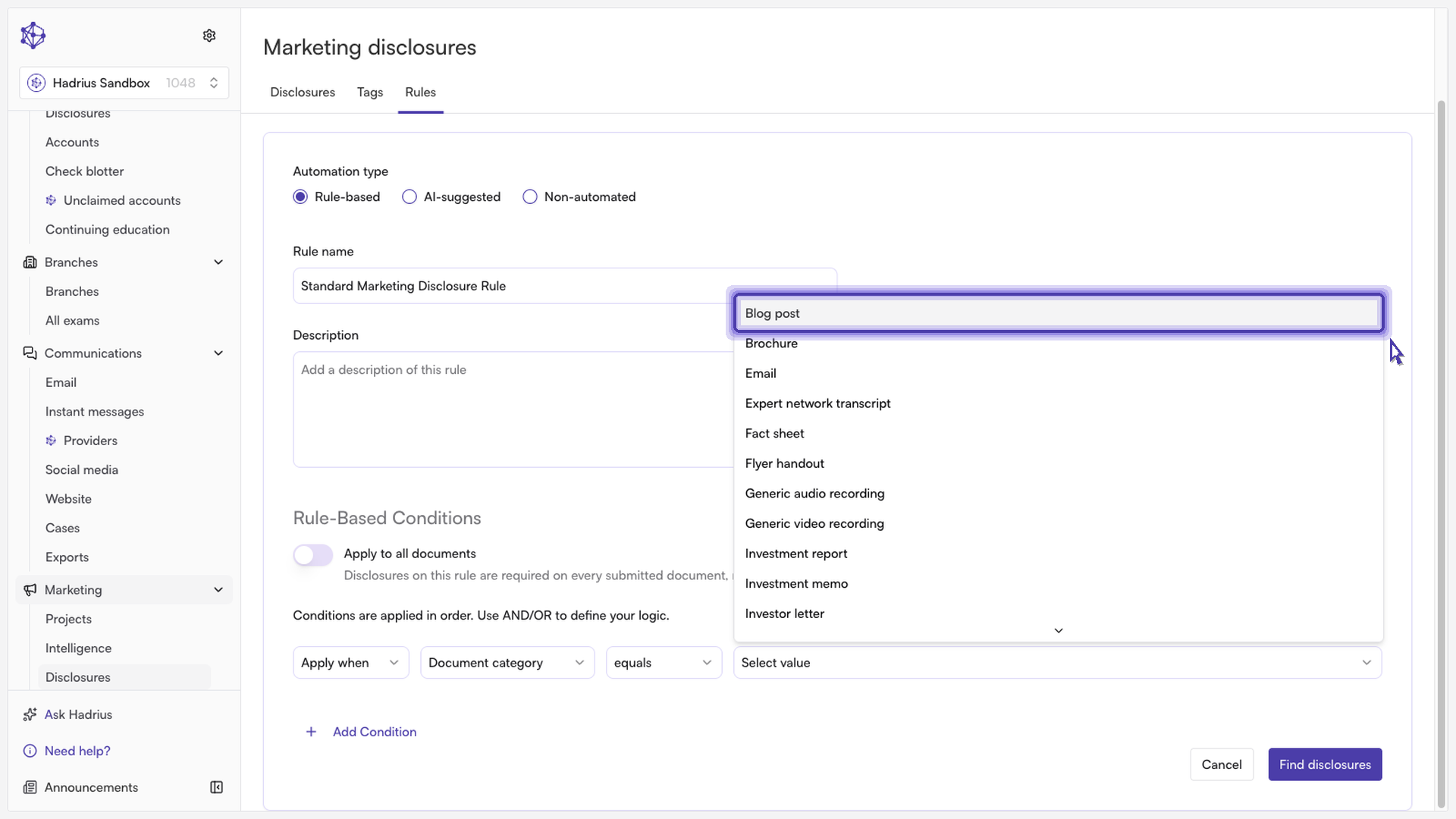
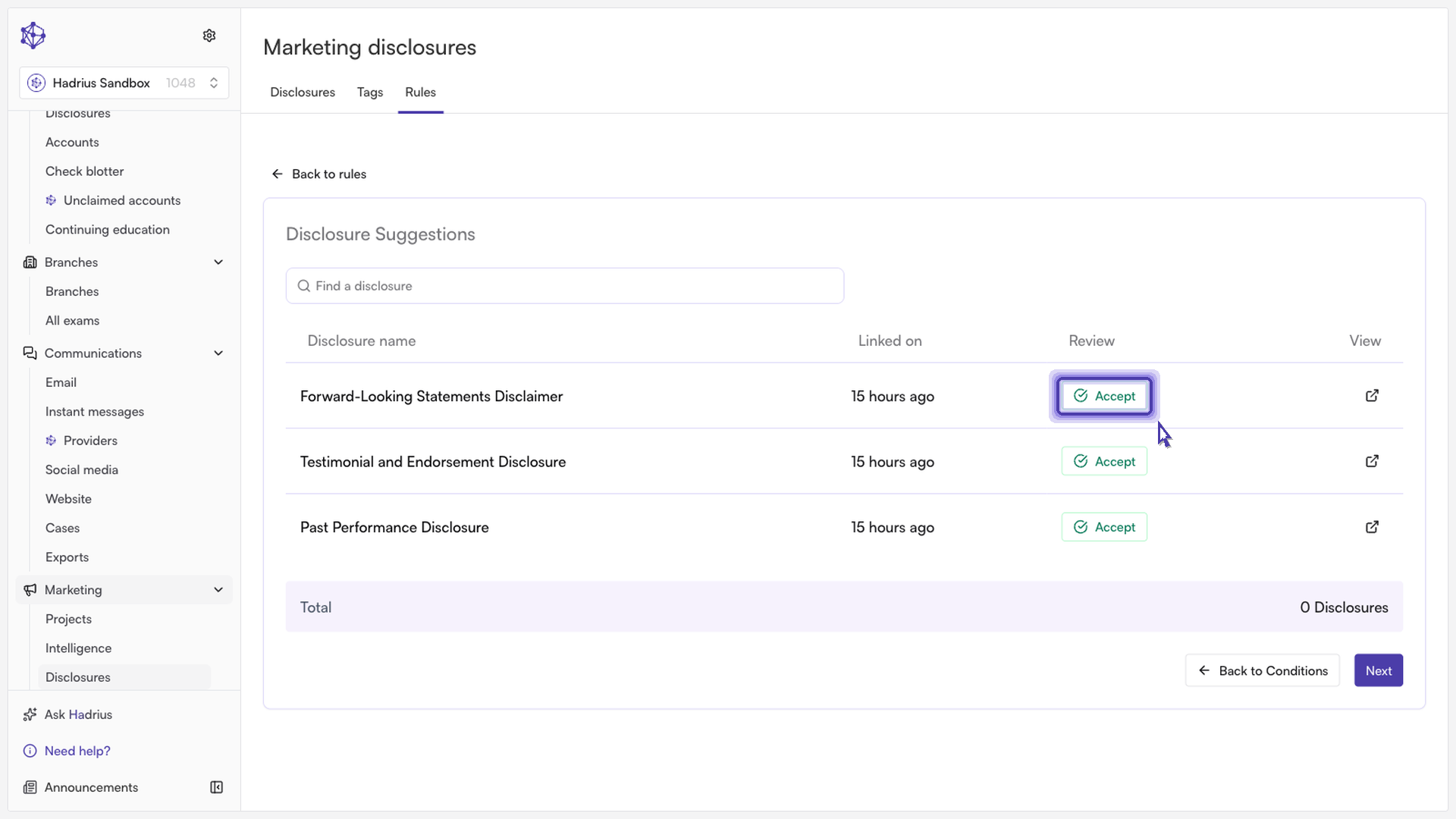
Assign the disclosure language: Search for your required disclosure, or let Hadrius automatically surface the most relevant legal language based on your content type. Accept the platform's recommendation to pair the legal text directly with the selected format.
Save and activate: Click Create Rule to complete setup.
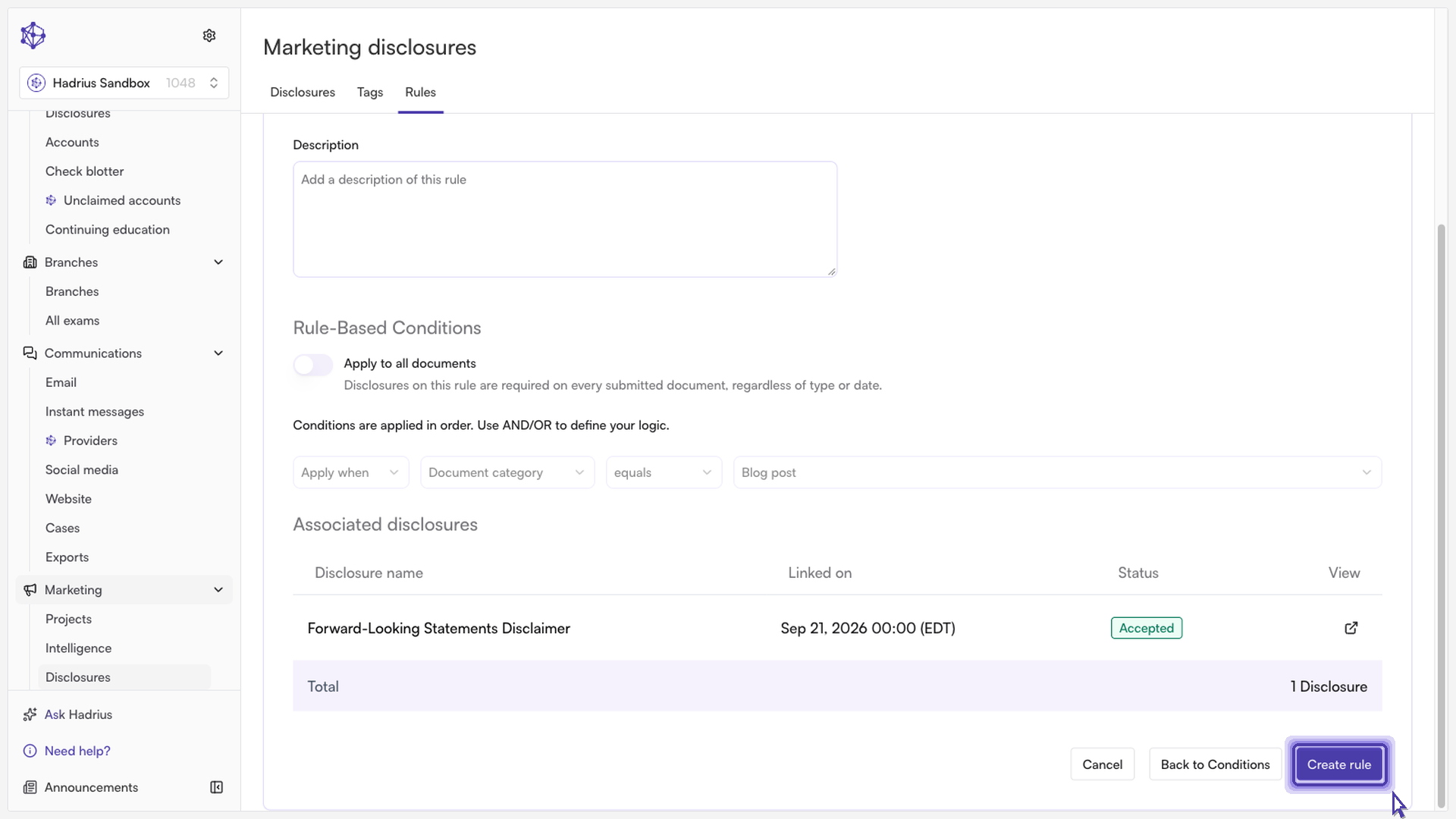
Next steps: The rule becomes active immediately. Any future content matching this format will automatically have the paired legal disclosure attached prior to publication. You can review, edit, or deactivate rules at any time from the Disclosure Rules page.