How to Find a Project ID
Last updated: October 17, 2026
Every marketing project in Hadrius is assigned a unique Project ID — a reference number you may need when searching for a project, reporting an issue to support, or cross-referencing a project in other systems. This article walks through where to find it.
Locating a project's ID
Open the Projects list. This is where every marketing project lives, and it's the starting point for finding any project's details.
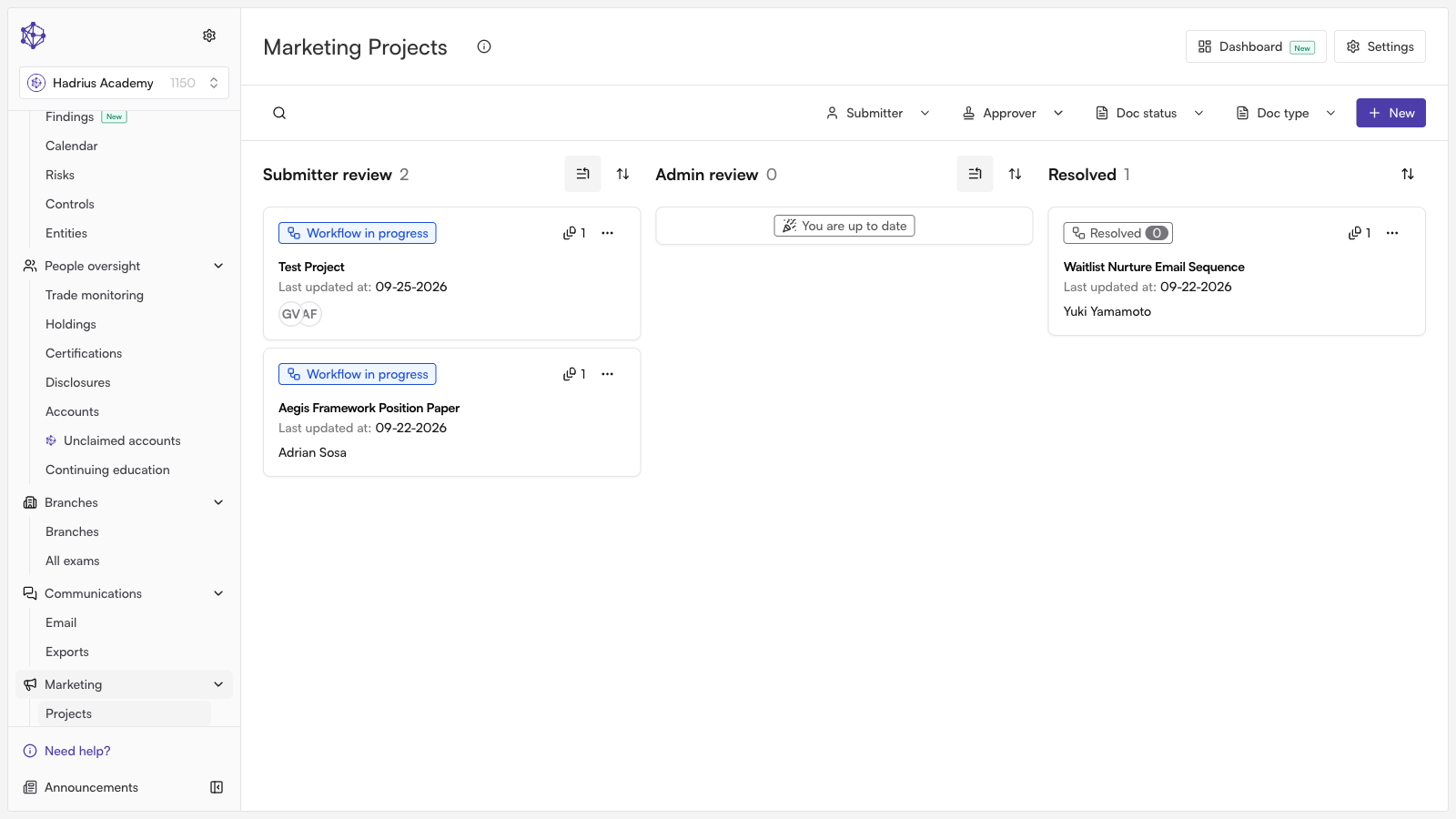
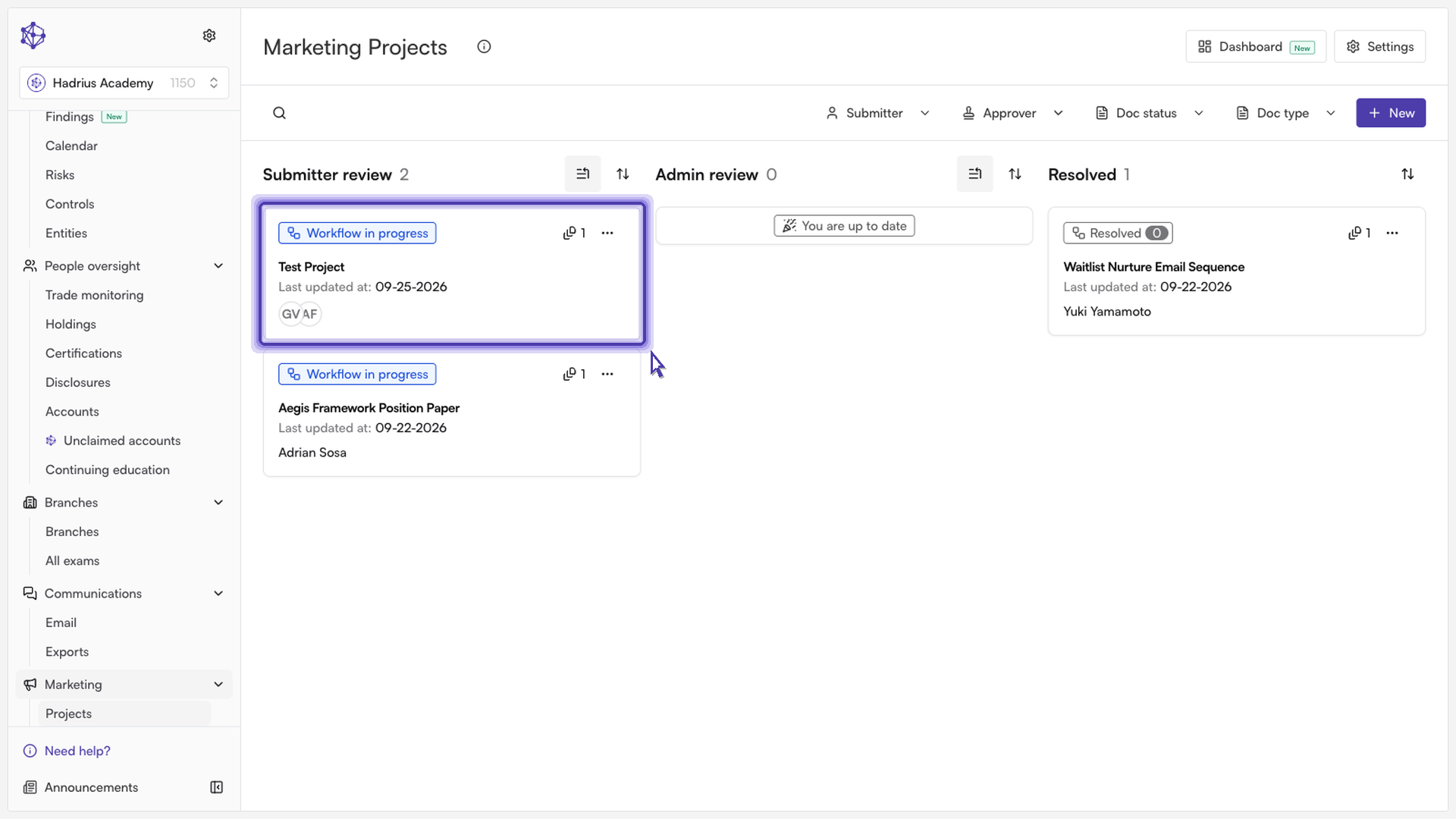
Open the project. Click into the project you're looking for to go straight to its project details page.
Find the ID on the page. Once you're on the project's details page, its unique Project ID is displayed directly on the page — no need to dig through menus or settings to find it.
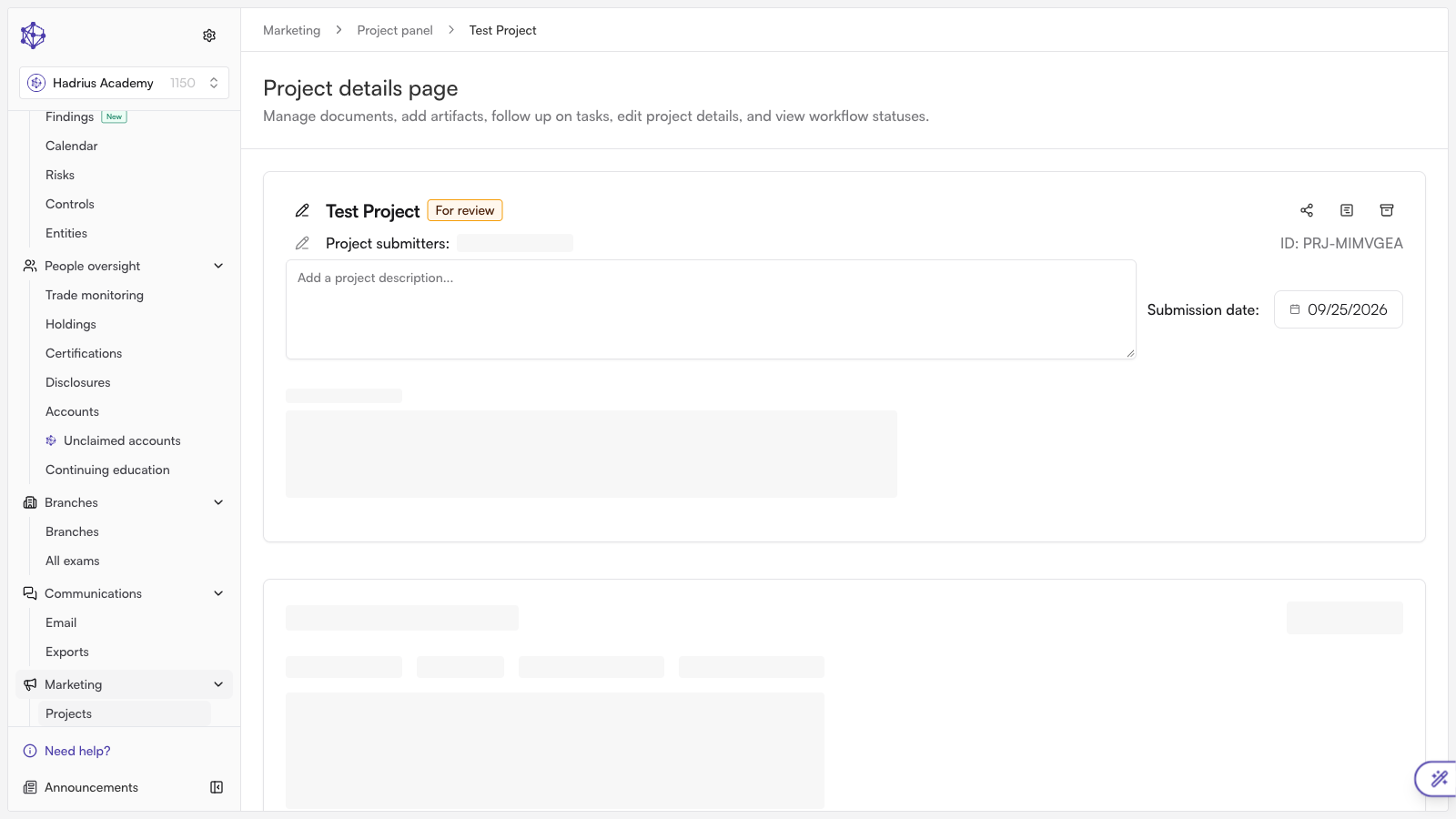
With the Project ID in hand, you can reference it when communicating with your compliance team or support about that specific project.