How to approve or reject pending social media account requests
Last updated: October 17, 2026
Use this workflow whenever your organization tracks employee social media accounts for compliance archiving and needs to review accounts that employees have requested to add or change. Pending requests appear alongside your active accounts in the Social Media Archive settings, where a compliance administrator can approve them to begin archiving or reject them to decline the request.
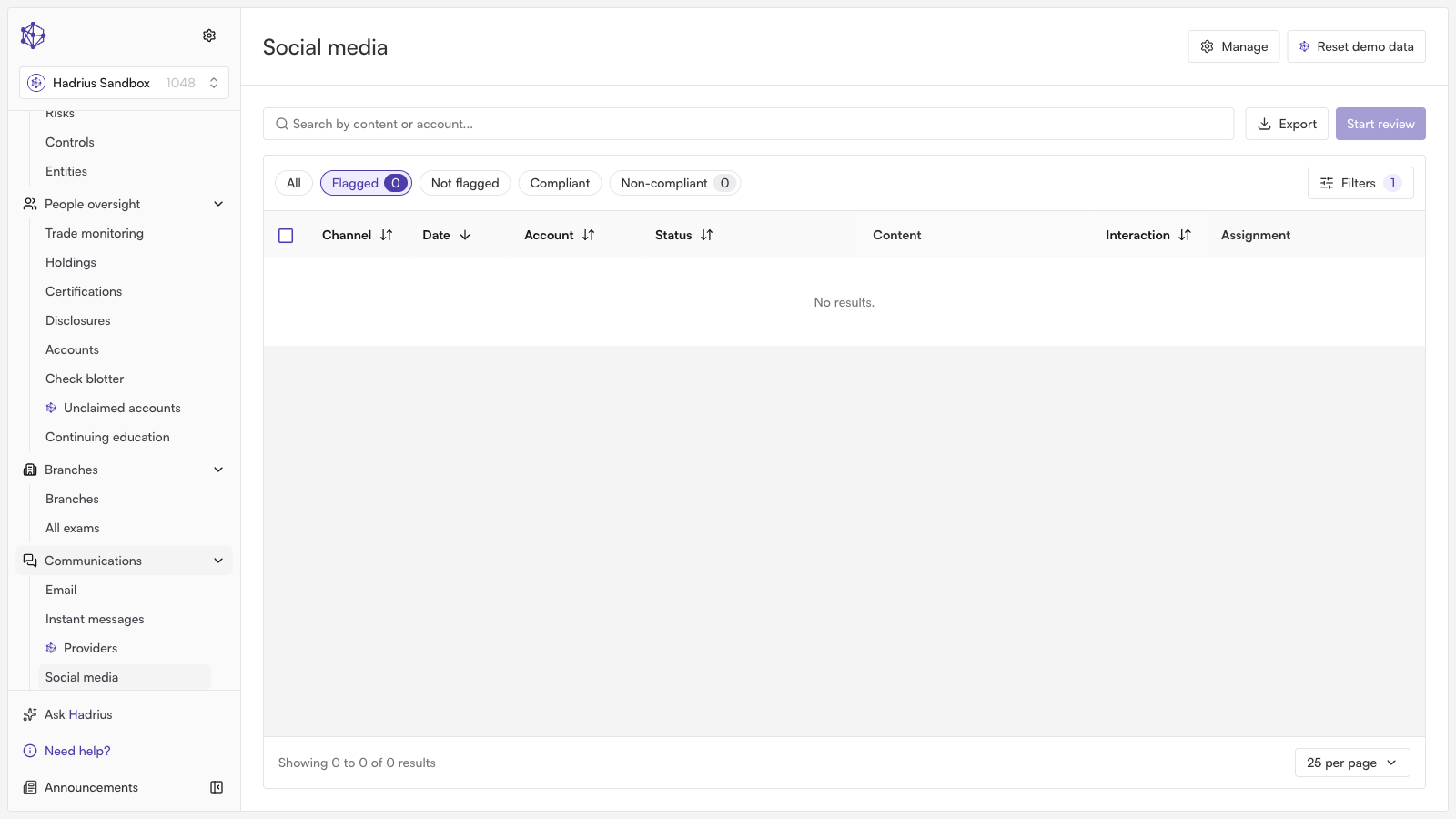
Opening the Social Media Archive settings
From the Communications navigation menu, select Social to open the social media compliance dashboard. In the upper right corner of the dashboard, click Settings to open the Social Media Archive Settings panel.
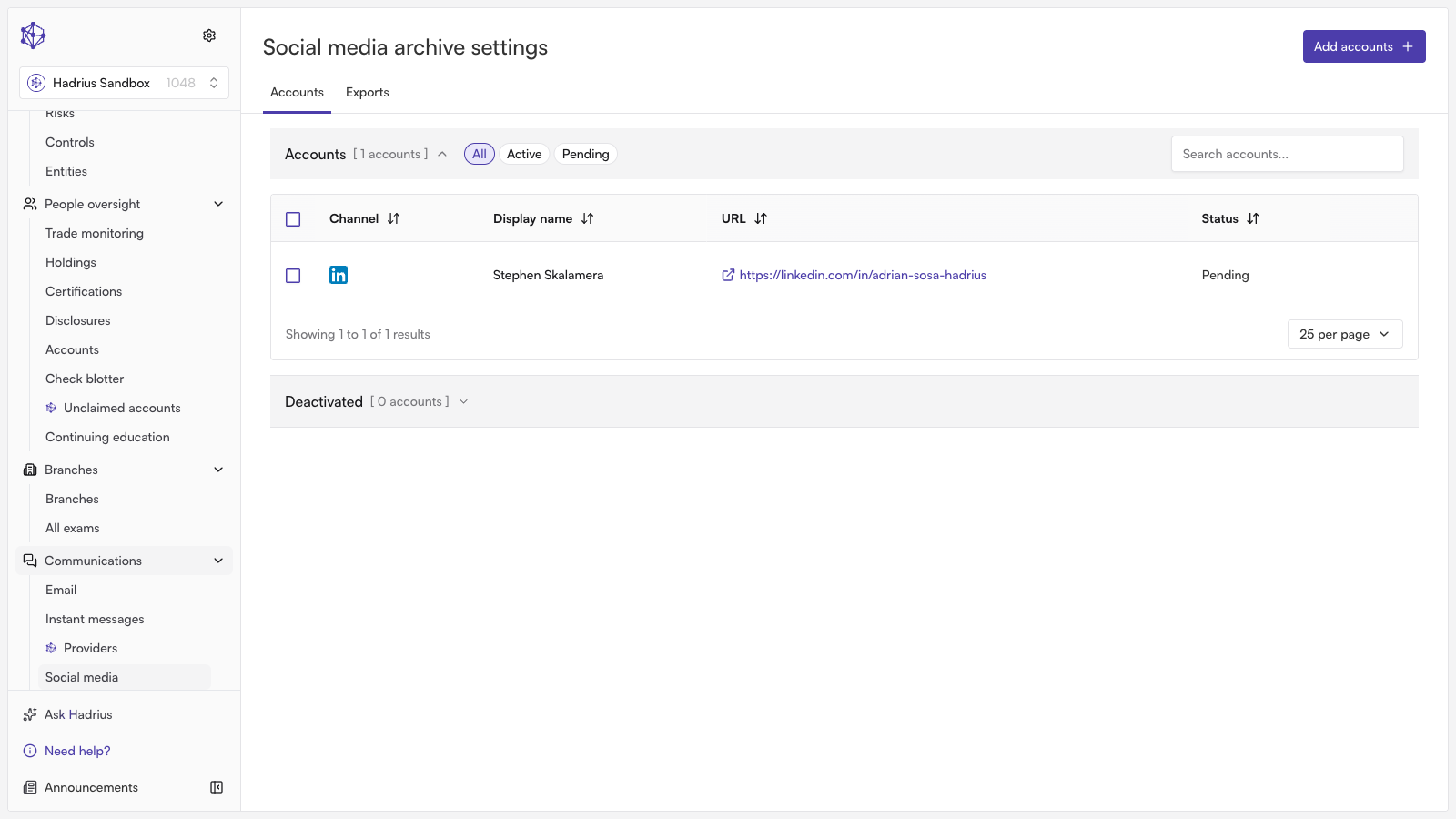
Reviewing accounts and pending requests
The Accounts section lists every tracked social media account alongside any outstanding employee requests to add or change an account. Each row shows the channel, display name, account URL, and a status of either Active or Pending.
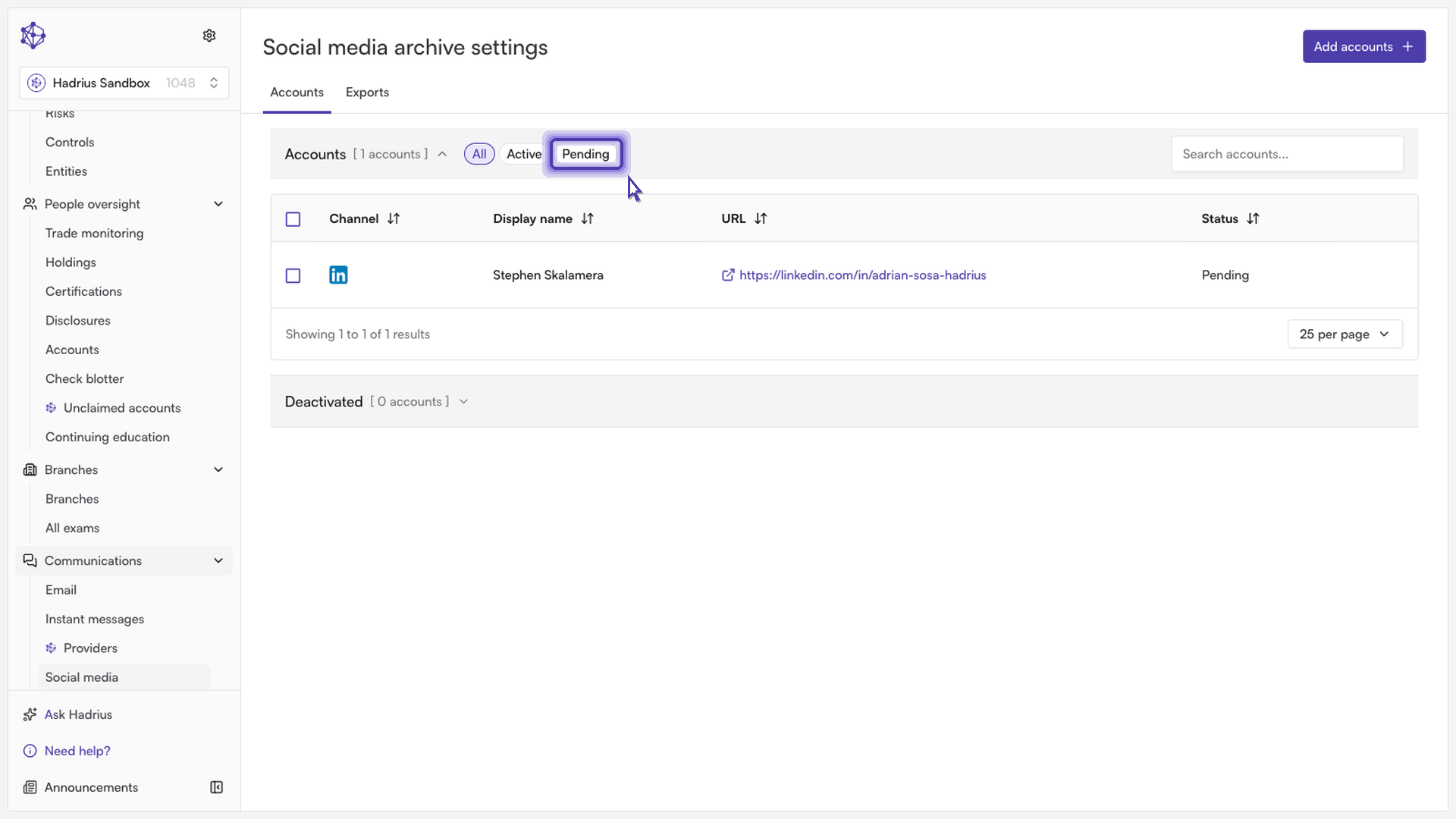
To narrow the list to only the items awaiting a decision, use the All / Active / Pending filter chips above the table and select Pending. This shows just the employee-submitted requests that still need a decision.
Approving or rejecting requests
Select the checkbox next to one or more pending requests. You can select a single request or multiple requests at once — the table shows a count of how many are currently selected.
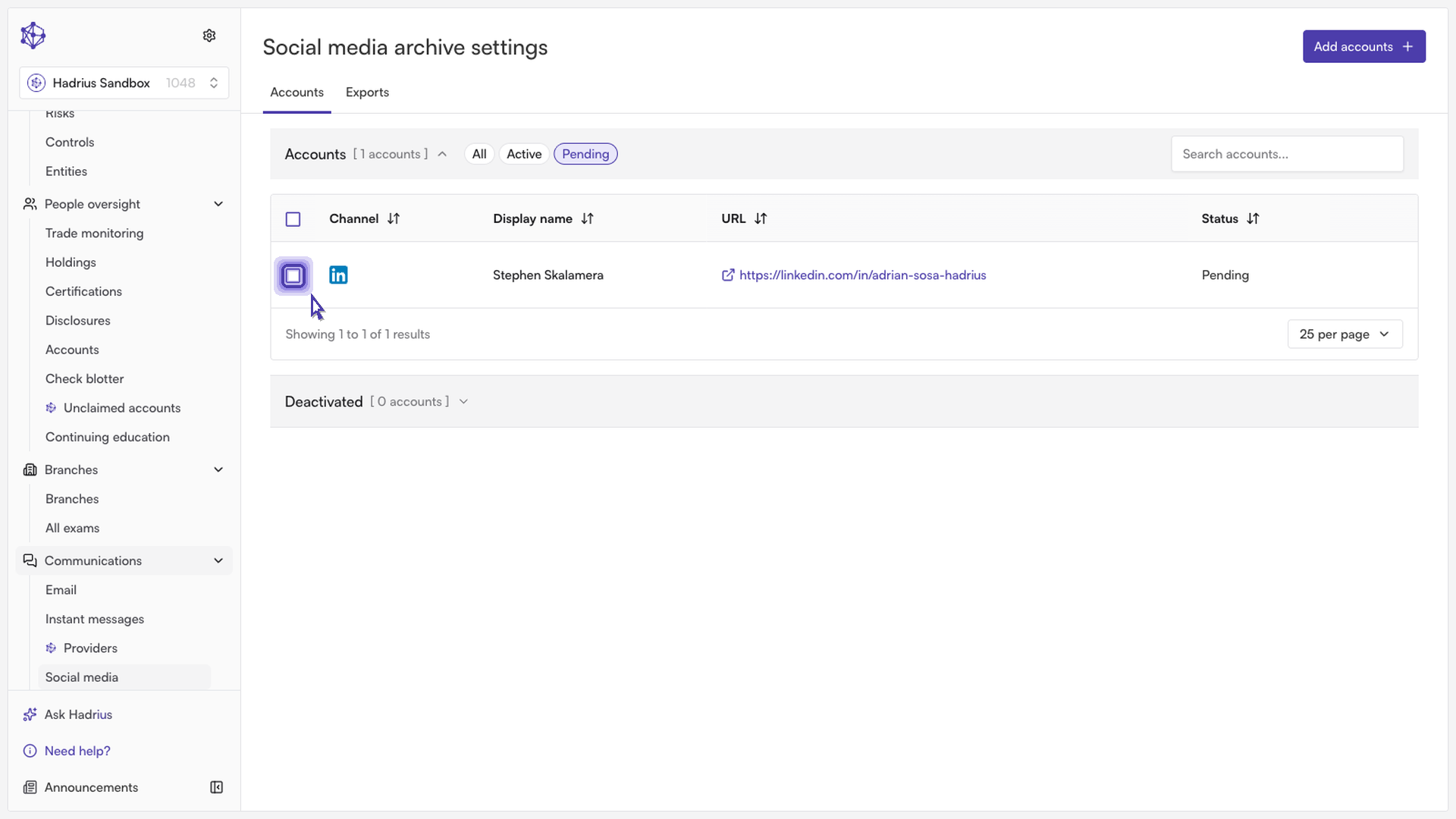
Once at least one pending request is selected, two buttons appear:
Approve (or "Approve (N)" when multiple requests are selected) confirms the request and adds the account for archiving.
Reject (or "Reject (N)" when multiple requests are selected) declines the request without adding the account.
Both actions apply to every pending request currently selected, so double-check your selection before clicking either button if you've selected more than one request.
What happens next
Approved accounts move into the active accounts list and begin being captured on their normal archiving schedule (daily or weekly, depending on the channel). Rejected requests are removed from the pending list and are not added for archiving. In either case, your selection is cleared automatically once the action completes.