How to Archive or Withdraw a Project
Last updated: October 17, 2026
Use this workflow when a project or an individual document inside it no longer needs to move through review — either because the work is finished and you want it off your active board, or because it needs to be pulled back for changes (or abandoned) before approvers act on it. Archiving and withdrawing are two different actions: archiving simply tidies your board and can be undone with one click, while withdrawing actively removes a document from every approver's queue and requires confirmation.
Archiving a project
From the review workspace — the board where every submitted project and document lives — open the actions menu (the kebab icon) on a project card. Choosing Archive takes the project off the board immediately. Because nothing is deleted and the project isn't pulled out of anyone's queue, there's no confirmation step; instead, a toast appears confirming the project is off the board, with an Undo option available for a few seconds if you archived it by mistake.
Withdrawing a document from a project
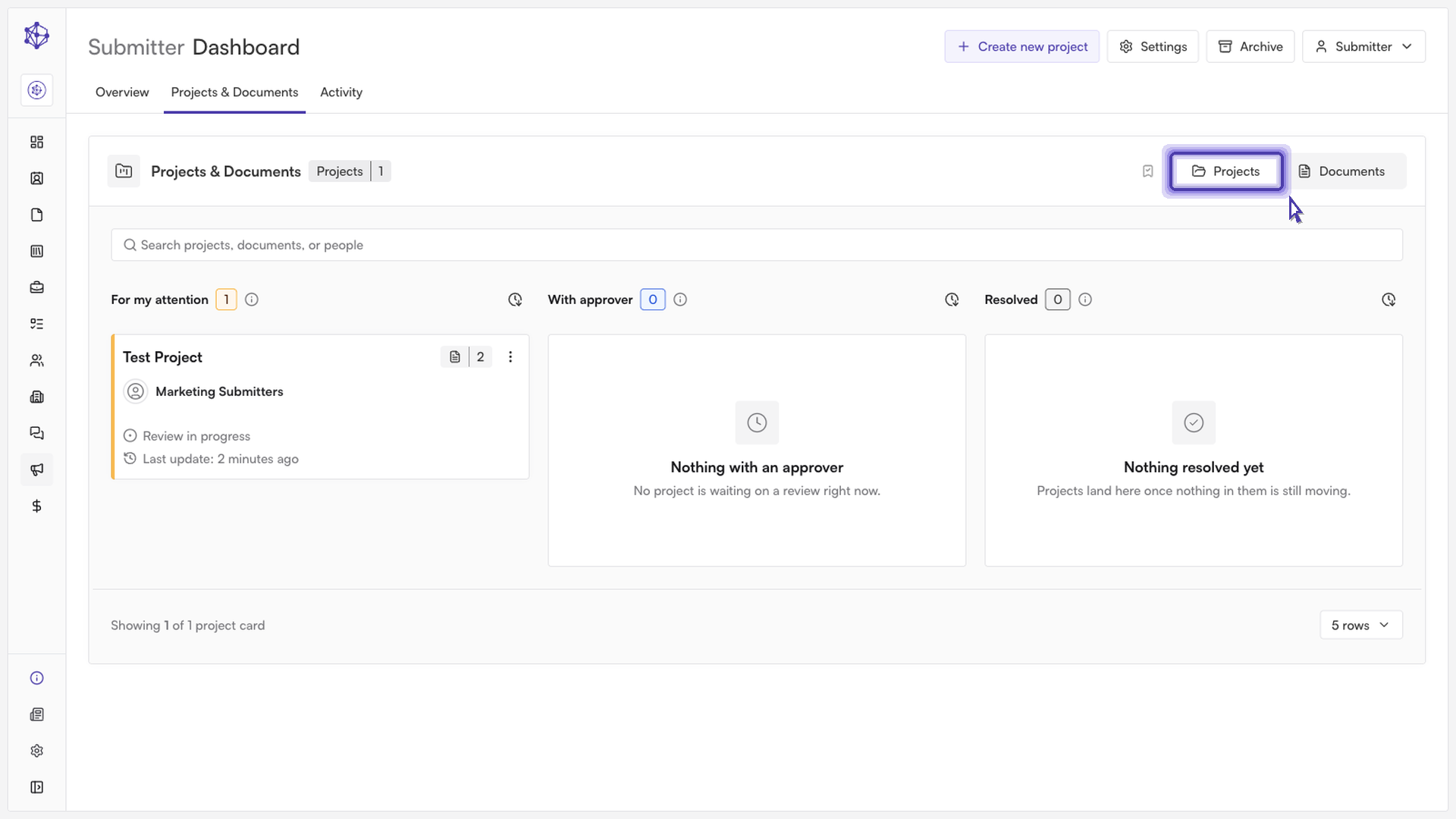
Open the project. From the review workspace, click into the project to reach everything tied to it — its documents, supporting artifacts, and activity log.
Locate the document. Find the specific document under its project and expand its section to see its details and current status.
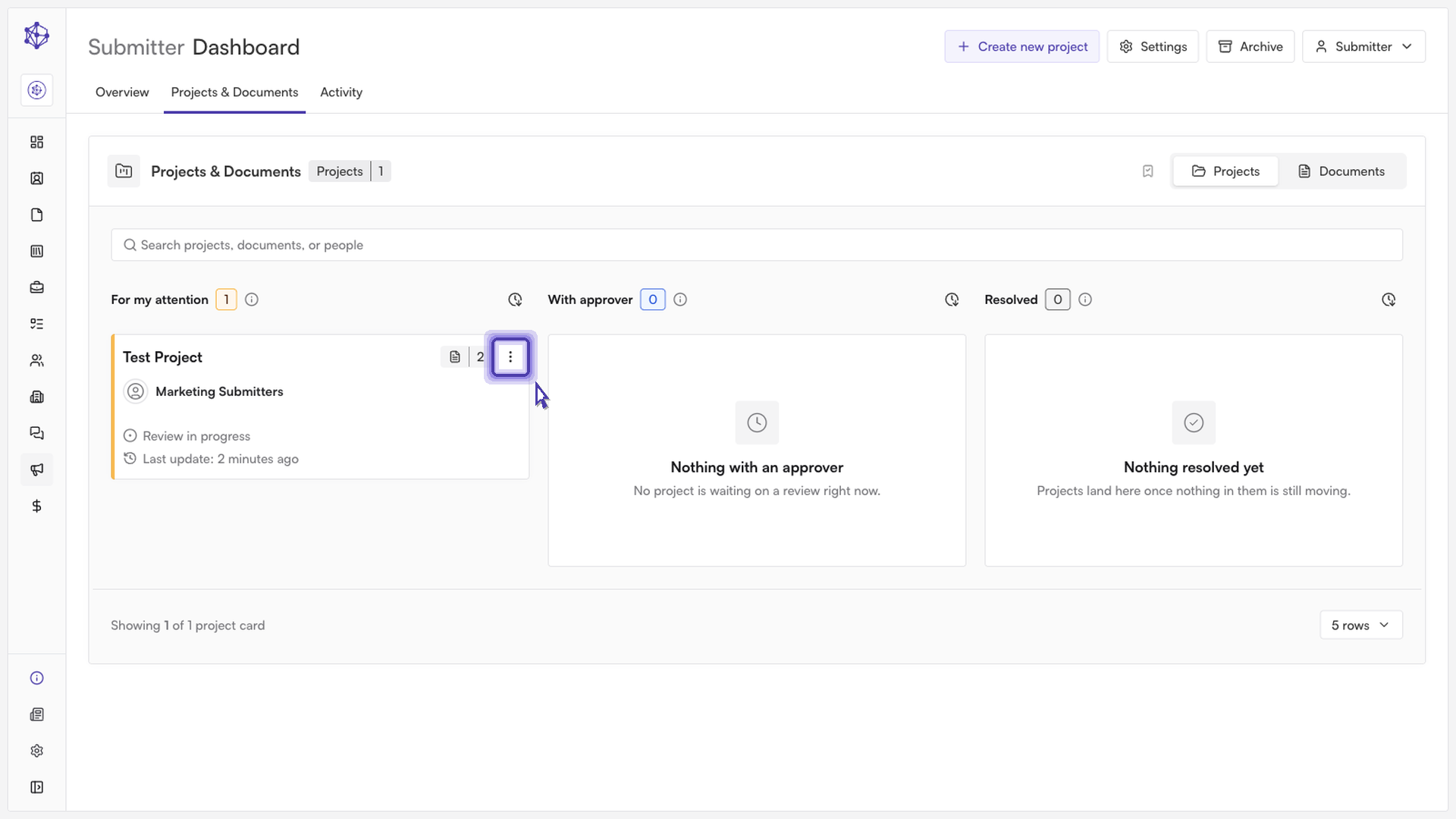
Open its actions menu. Each document has its own actions menu alongside its primary action button, giving you options for managing that document specifically — including renaming it, exporting its history, viewing its audit trail, and withdrawing it.
Choose "Withdraw document." Withdrawing is different from rejecting: a rejection comes from an approver and sends the document back for revision within the same review, while withdrawing pulls the document out of active review entirely, on the submitter's own initiative.
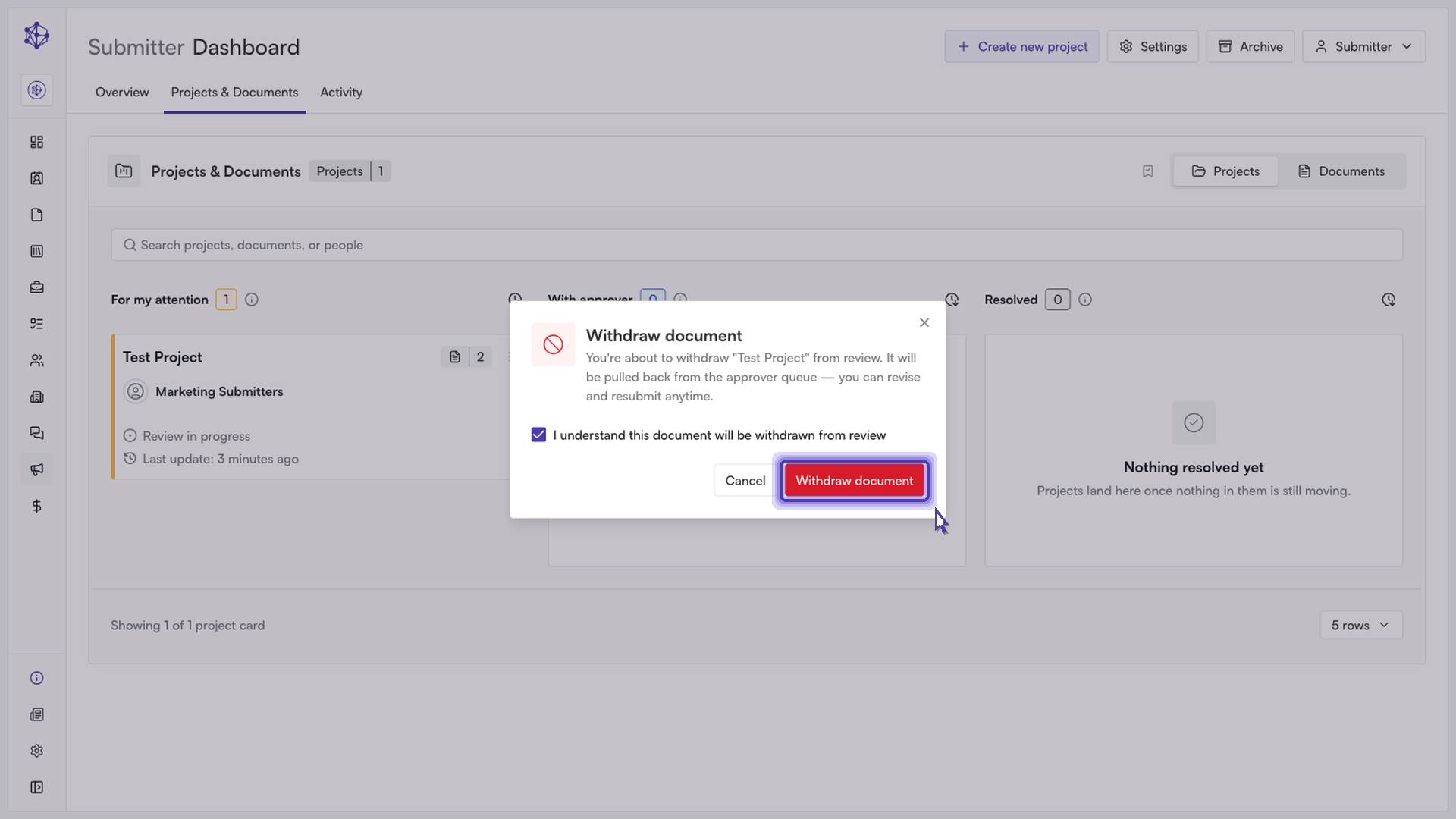
Confirm the withdrawal. A confirmation dialog appears so you don't withdraw a document by simply dismissing a menu or misclicking. Select Withdraw to proceed, or Cancel to back out.
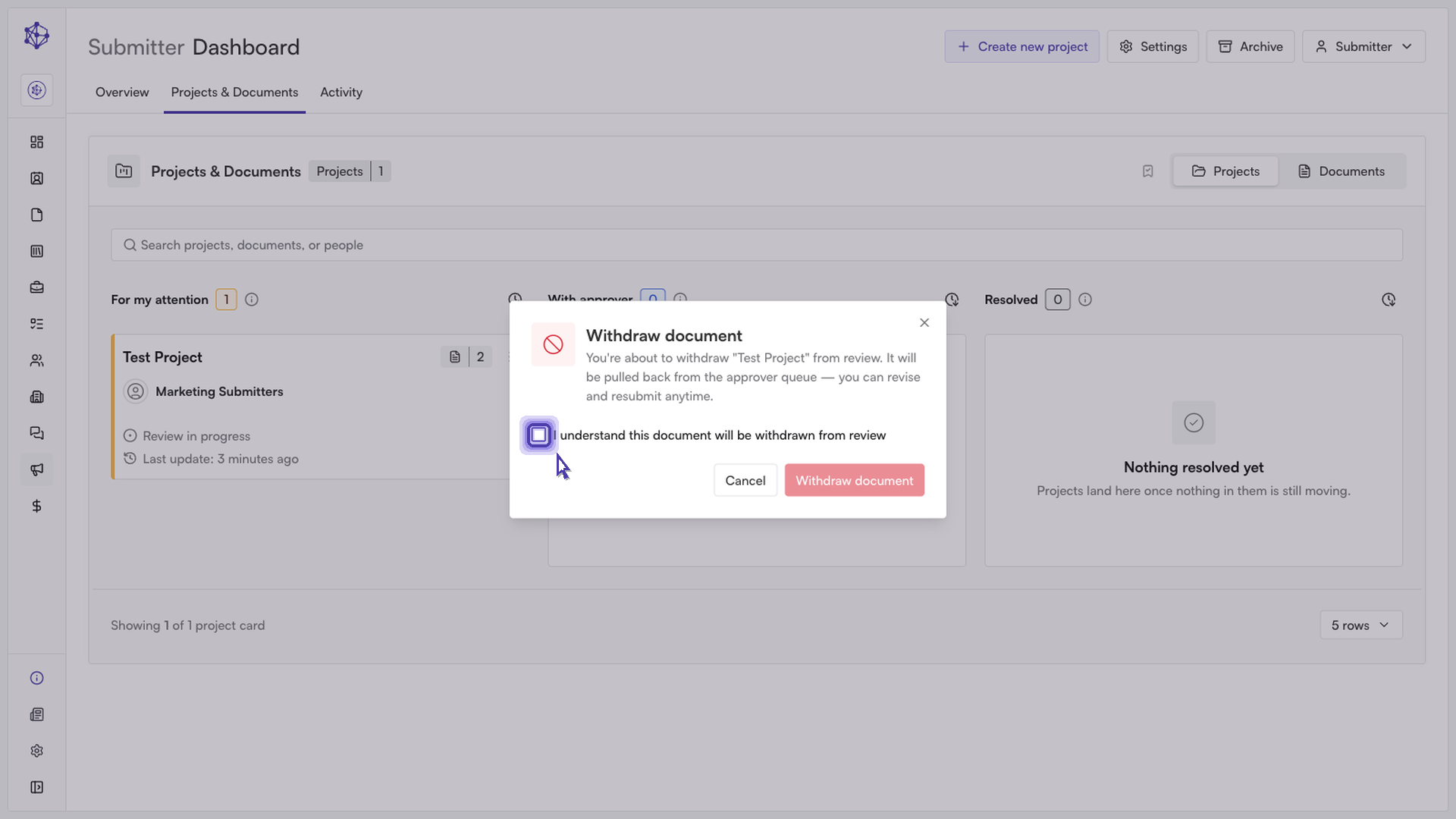
Once confirmed, the document is removed from the approver queue and drops out of the project's active review.
What happens next
Approvers assigned to the document are notified that it was withdrawn. The document itself isn't deleted — you can add it back to the project later, but it re-enters the workflow at the first review step rather than resuming where it left off.