How to add context to Firm Intelligence
Last updated: October 17, 2026
Firm Intelligence is the part of the platform that learns about your firm so its AI-driven reviews reflect how your firm actually operates. You can teach it by asking questions in a chat-style interface or by adding context directly — uploaded files, links, or plain text. This article walks through adding context as a text source, which is the fastest way to capture a written policy (such as a training deadline or a recordkeeping requirement) without needing a source document or link.
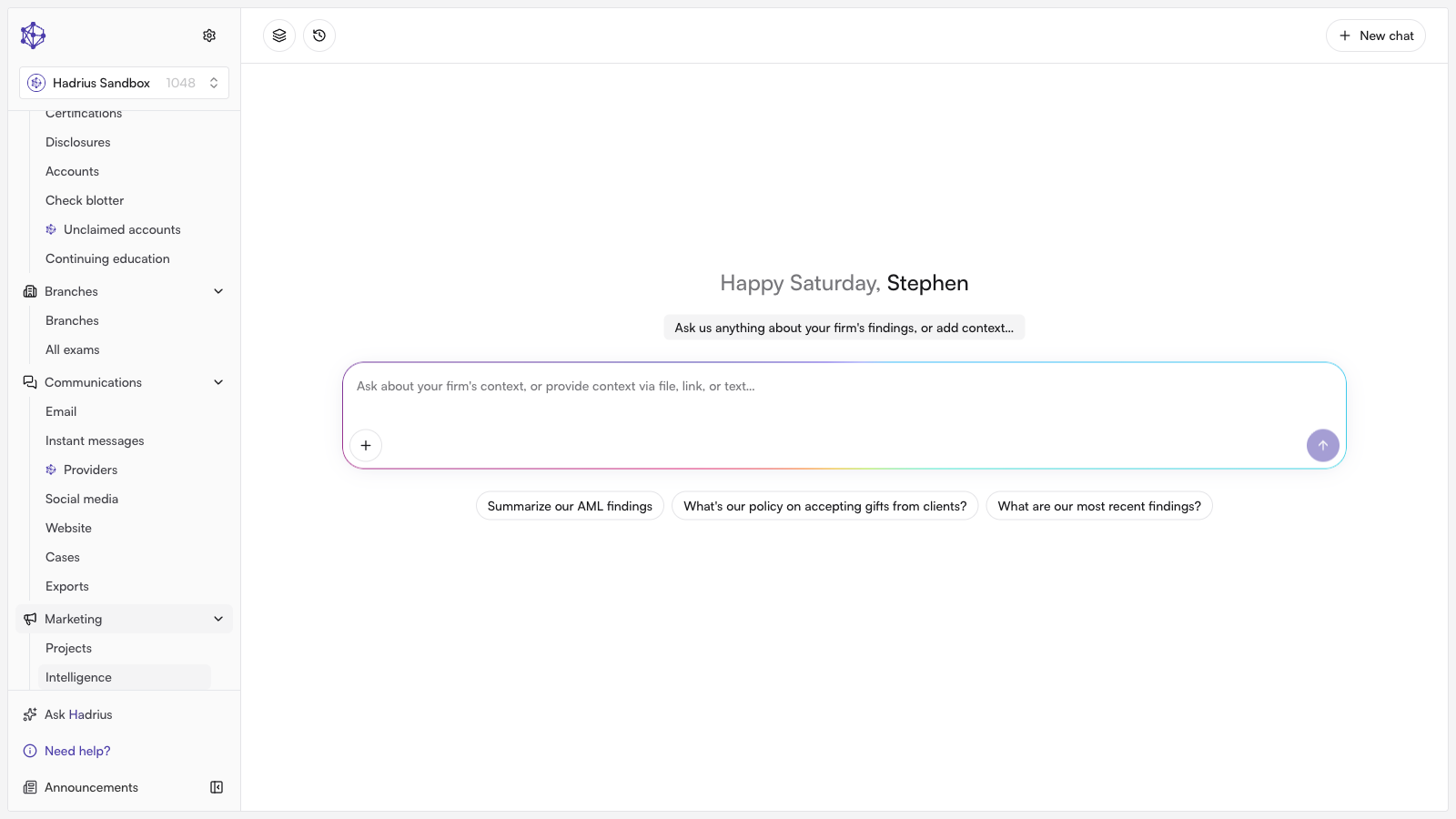
Adding a text source
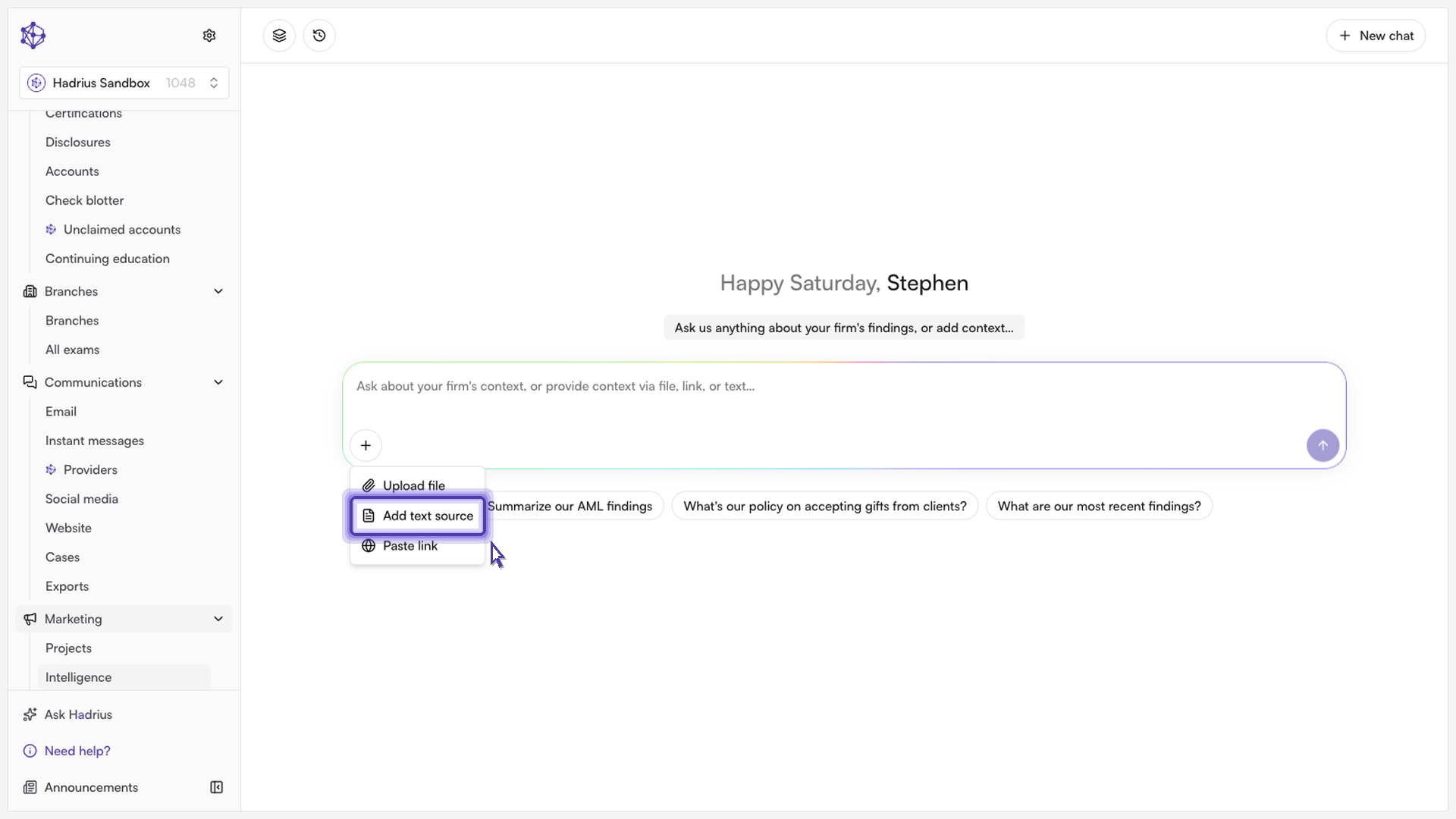
From the Firm Intelligence page, open the composer at the bottom of the screen. Click the "+" (Add context) button next to the message field to open the add-context menu, which offers three options: "Upload file," "Add text source," and "Paste link." Select Add text source.
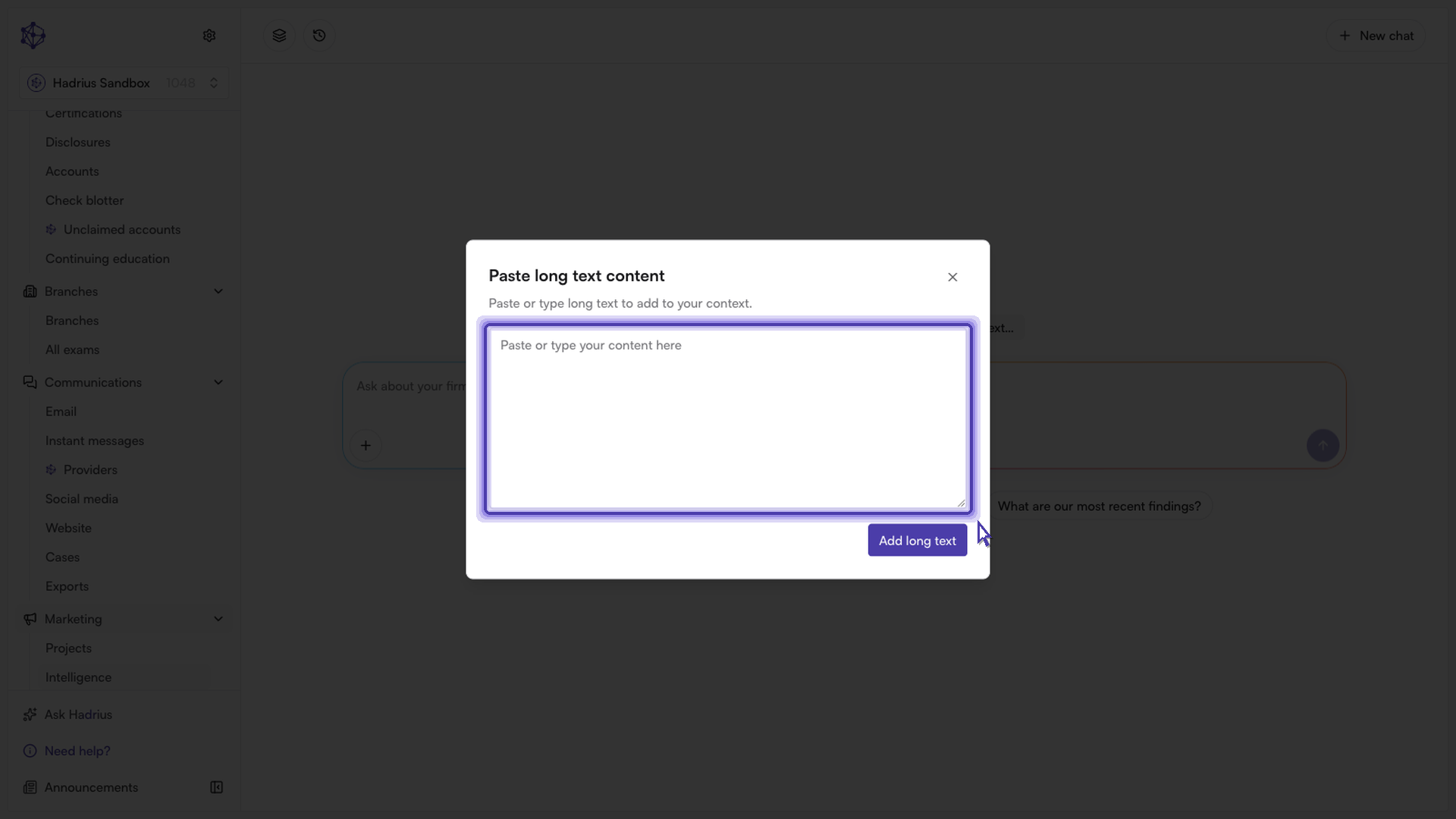
This opens the "Paste long text content" dialog. Type or paste the policy in plain language — for example, the details of a training deadline or a recordkeeping rule — into the text box, then click Add long text.
Clicking "Add long text" doesn't send anything to the platform yet — it stages the policy as a context card above the composer, labeled "Text Snippet." You can click the card at any time to review the full text, or remove it with the X in the corner before continuing.
Submitting the context
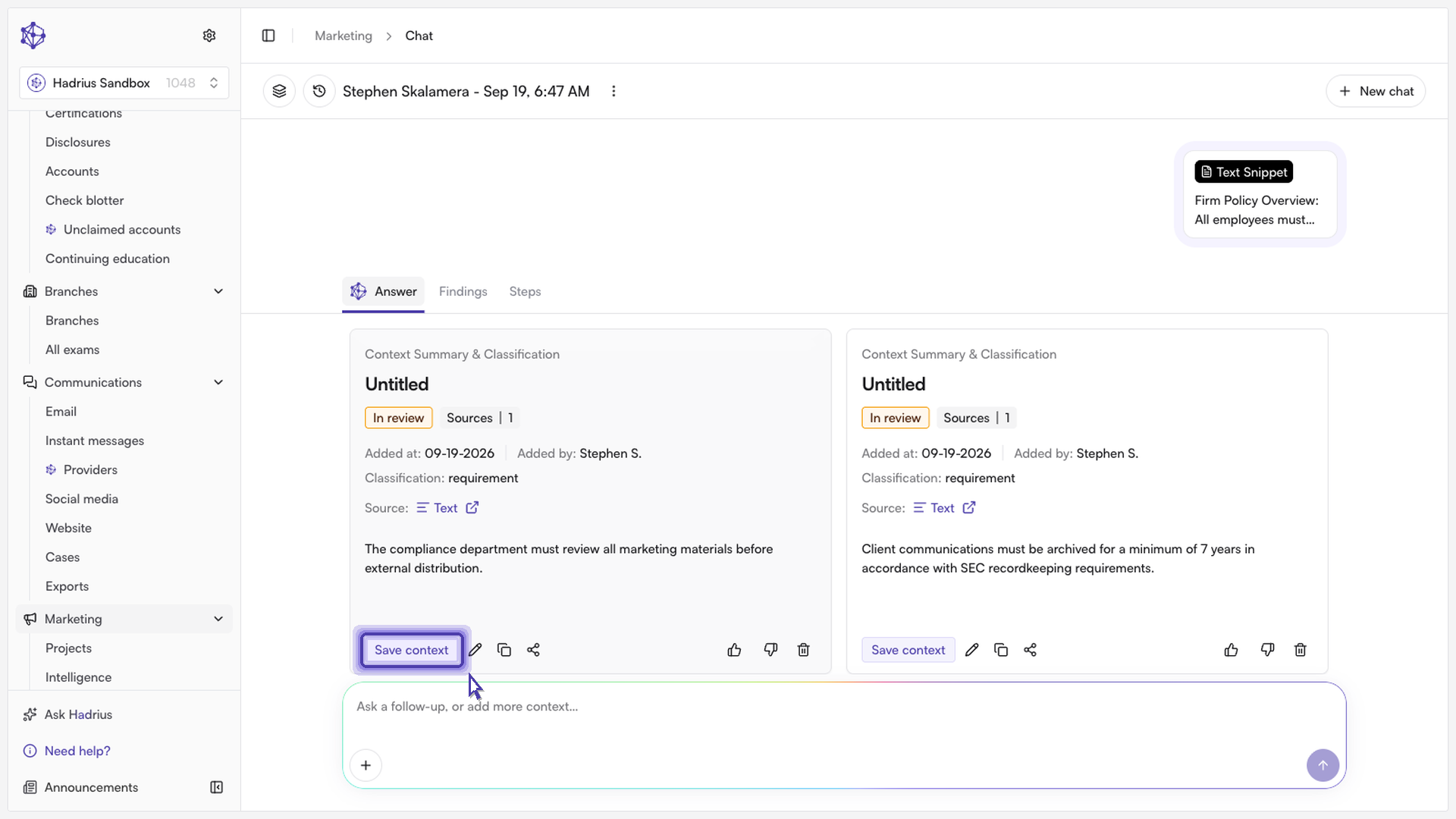
Once the card looks right, click the round arrow button ("Submit") at the bottom right of the composer. This creates a new chat and adds your text as a firm intelligence source in a single step, then takes you into that chat thread, where the source now appears as part of the conversation.
What happens next
As soon as it's submitted, the text is saved to your firm's Firm Intelligence knowledge base and is immediately available to inform future AI reviews. From the new chat thread, you can keep adding more context or ask follow-up questions about how the policy applies. To review everything you've added over time, use the "Manage context" icon in the header, which lists all sources on file for your firm.