Creating Entities in Firm Oversight
Last updated: October 1, 2026
This article walks through creating a new entity in Firm Oversight — the step you'll take whenever your firm adds a new regulated business line, such as standing up a broker-dealer or an investment adviser arm, that needs its own supervisory manual and testing program.
When to create a new entity
Each entity in Firm Oversight represents one regulated arm of your firm. If your firm operates as both a broker-dealer and a registered investment adviser, Hadrius recommends creating two distinct entities rather than combining them under one. Each entity maintains its own written supervisory procedures and its own testing program, which keeps reviews and oversight activity properly scoped. Tests can still be shared or pulled across entities later to avoid duplicating work.
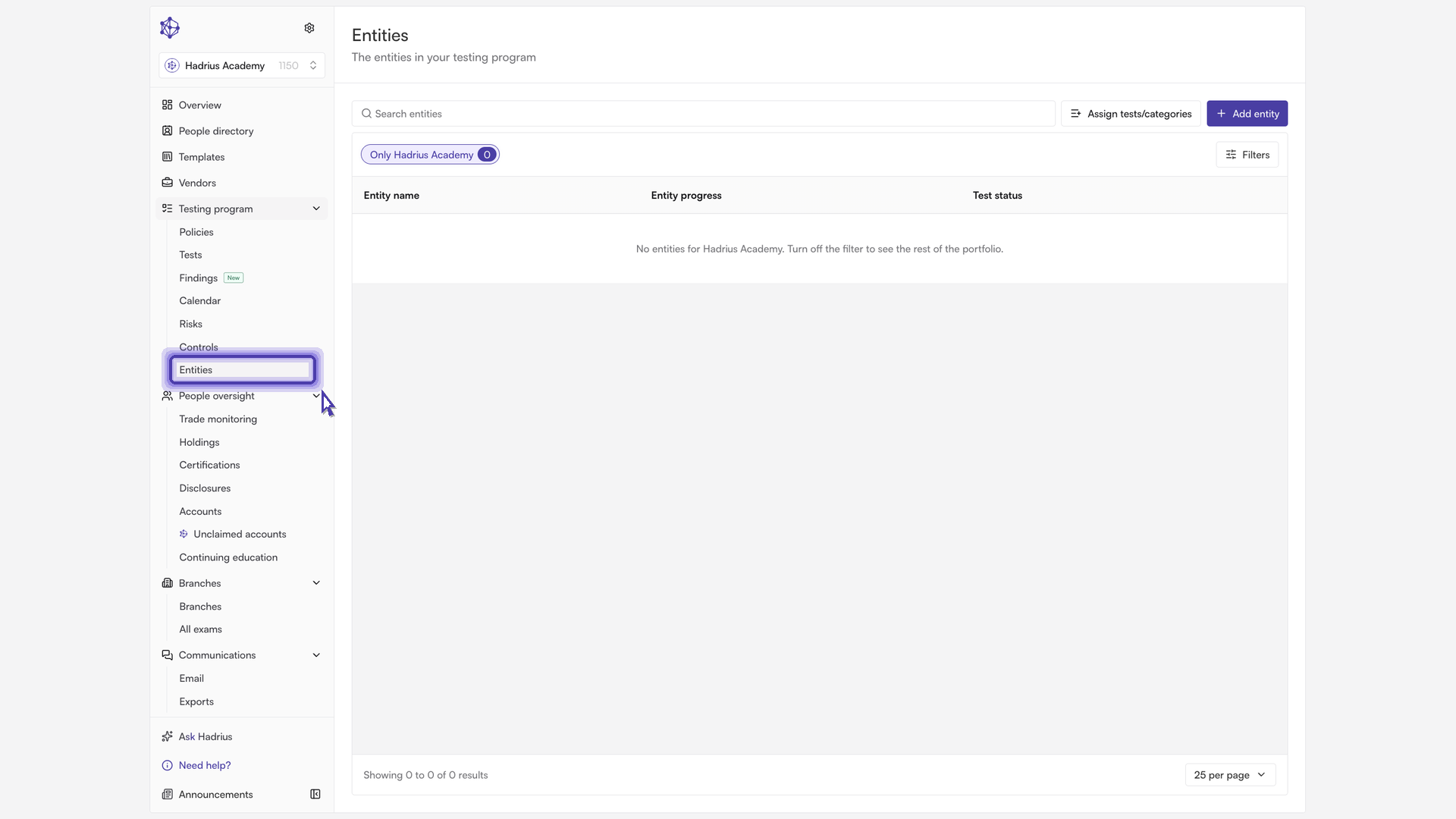
Steps to create an entity
Open Firm Oversight and start the "Add entity" dialog. This is where every registered entity your firm supervises is managed.
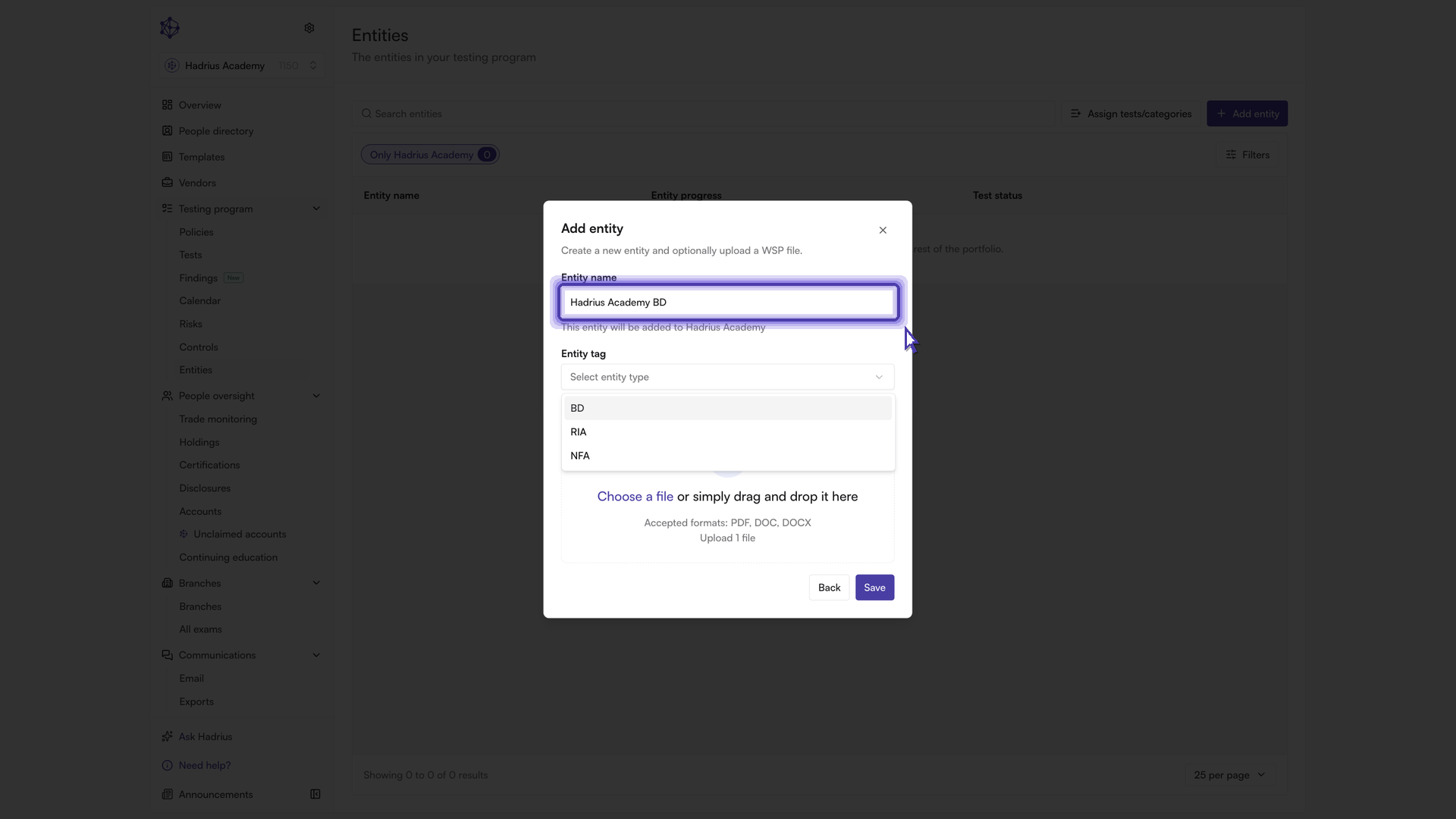
Enter a name for the entity. The name field adds an optional suffix to your firm's name, so the entity is clearly identified alongside your other entities (for example, distinguishing a broker-dealer arm from an advisory arm under the same parent firm).
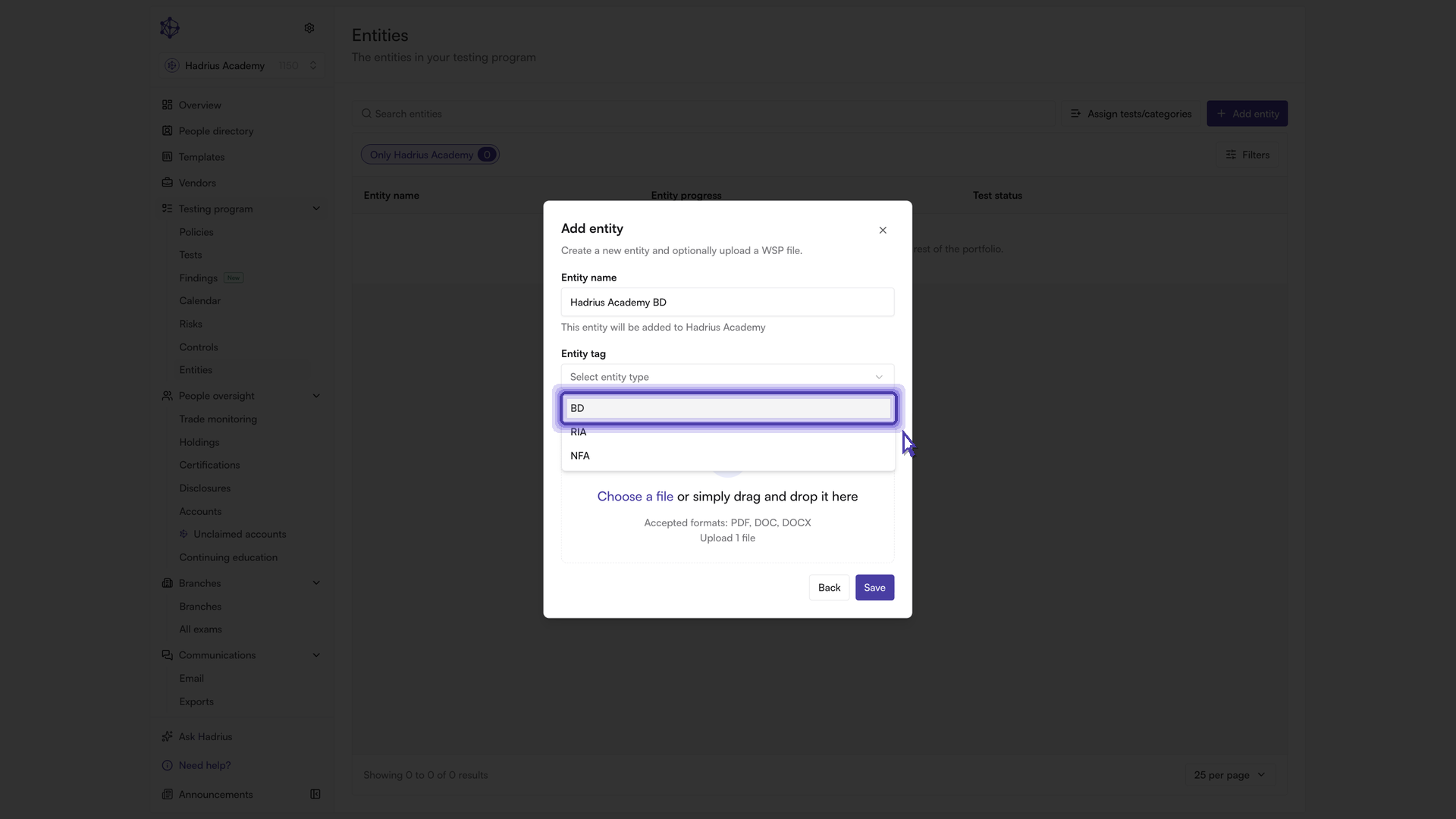
Select the entity tag. Choose the type that matches this business line (such as broker-dealer, investment adviser, or NFA member). This tag determines how the platform reads and reviews the written supervisory procedures you upload for this entity, so it's important to set it correctly.
Optionally upload a supervisory manual. You can attach the entity's written supervisory procedures document (WSP) directly in this dialog using the upload area. If you'd rather not upload it now, you can skip this step entirely and add the manual later from the entity's "Policies" tab.
Review the entity preview shown in the dialog, which displays the composed entity name and its selected tag, then select "Save" to confirm.
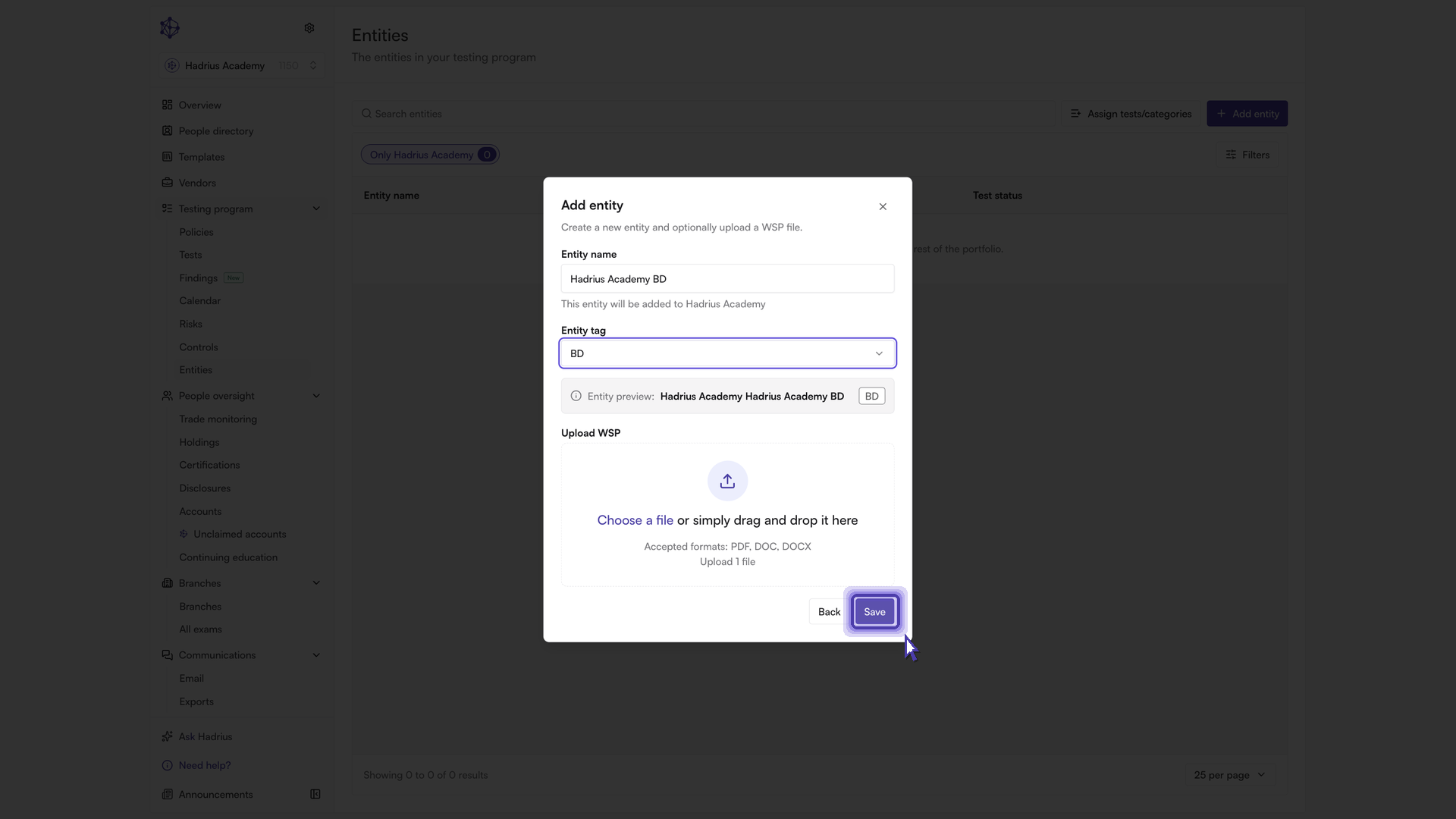
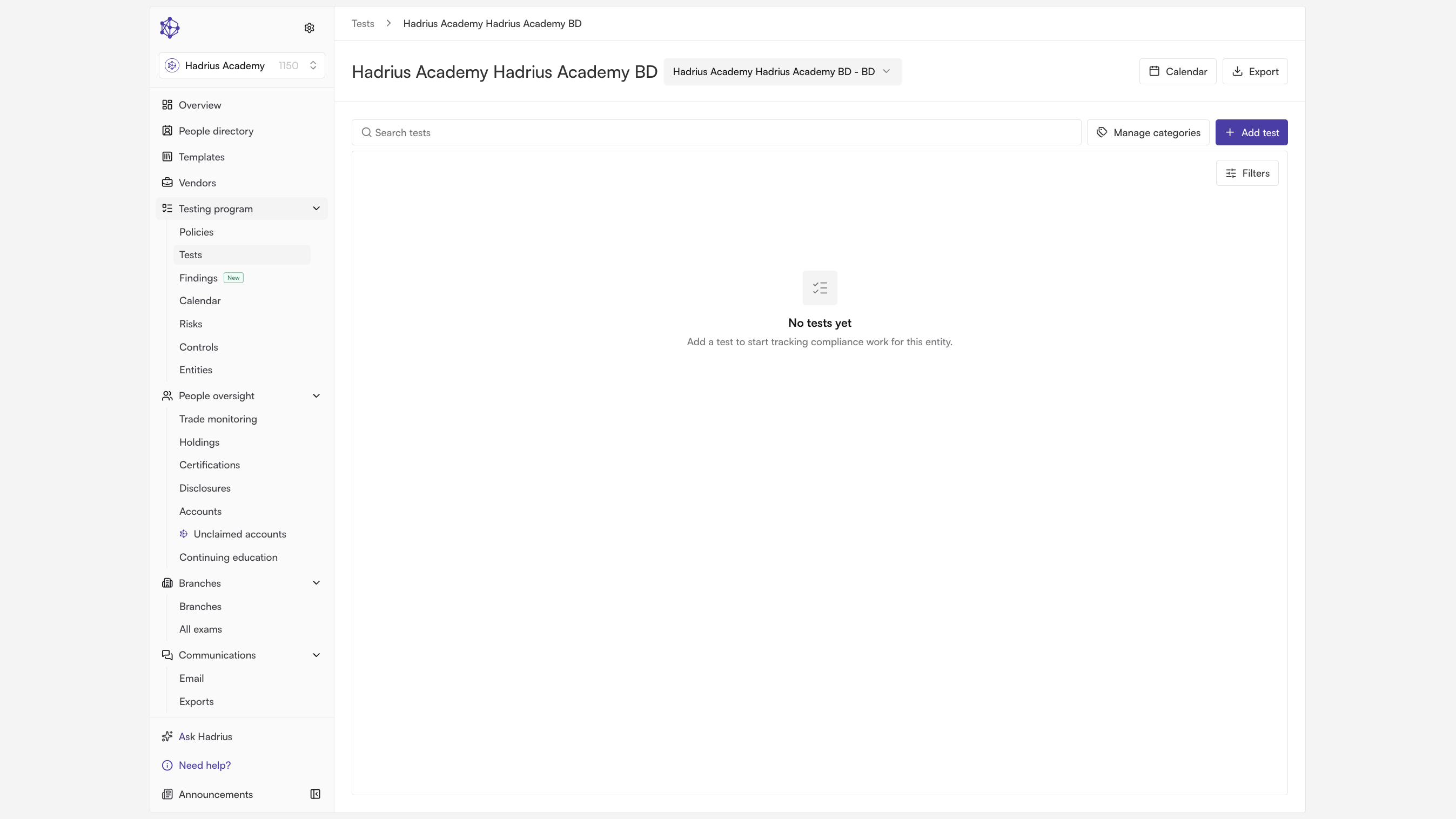
Saving creates the entity. If you uploaded a manual during this step, it's automatically parsed into sections as part of the same action — there's no separate step required. You'll then land directly in the new entity's testing view, ready to begin building out its oversight program.
What happens next
From the new entity's testing view, you can begin building its testing program. If you skipped the manual upload, head to the entity's "Policies" tab whenever you're ready to add it — the platform will parse it into sections at that time instead.