How to rename a policy
Last updated: October 17, 2026
Use this workflow whenever a policy's title no longer reflects its current scope — for example, after its content has been broadened, narrowed, or otherwise updated. Renaming updates the display name shown everywhere the policy appears, without affecting its content, version history, or the entities it covers. You can rename a policy from either the Policies list or the policy's own detail page — the two paths lead to the same dialog and have the same effect.
Renaming from the Policies list
Start on the Policies list, which catalogs every governing document for the firm. Find the policy you want to rename and open its actions menu (the icon with three dots) at the end of its row.
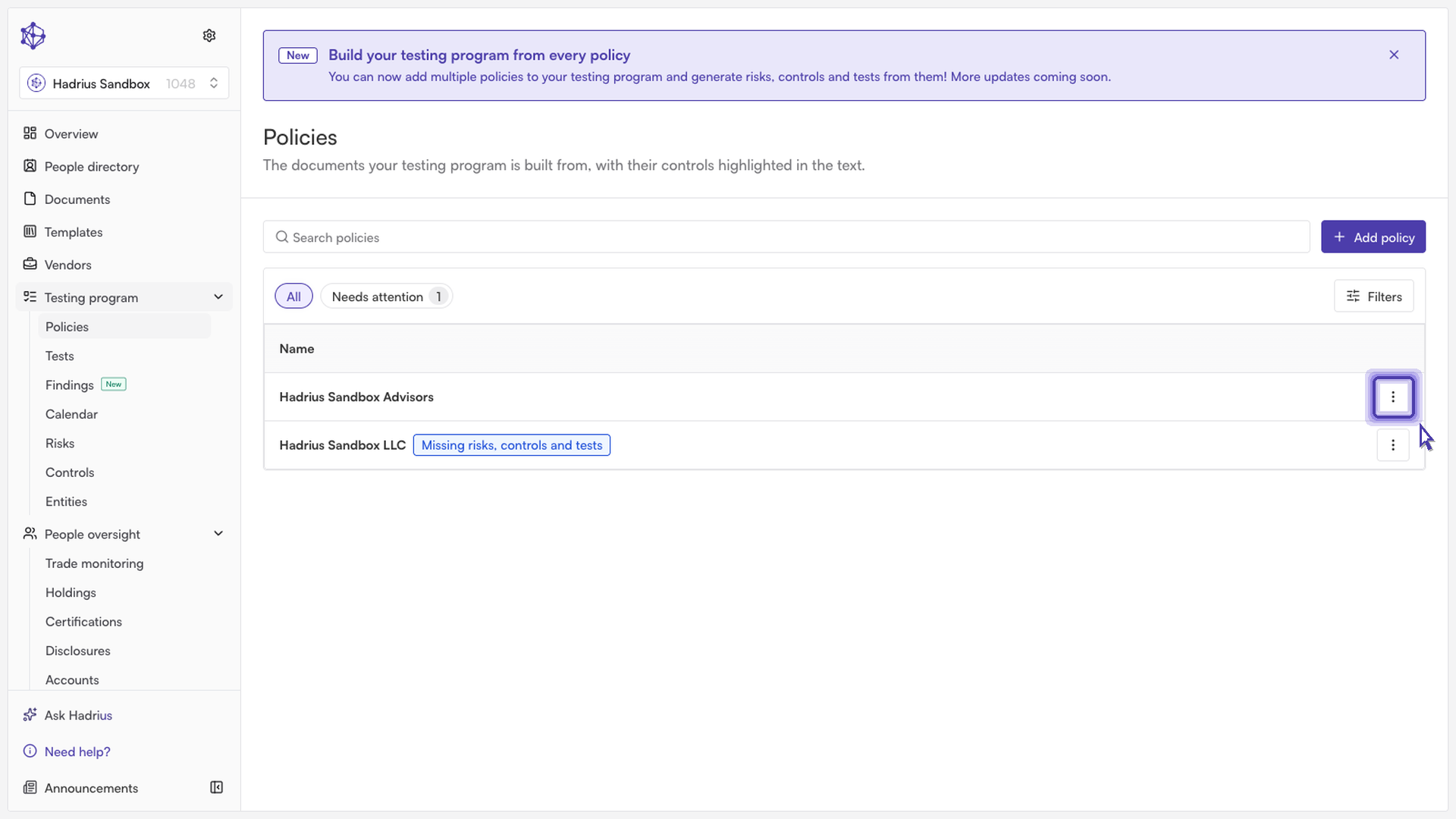
From the menu, select Rename policy. This opens a dialog with a single text field pre-filled with the policy's current name. Clear or edit the field to enter the new title.
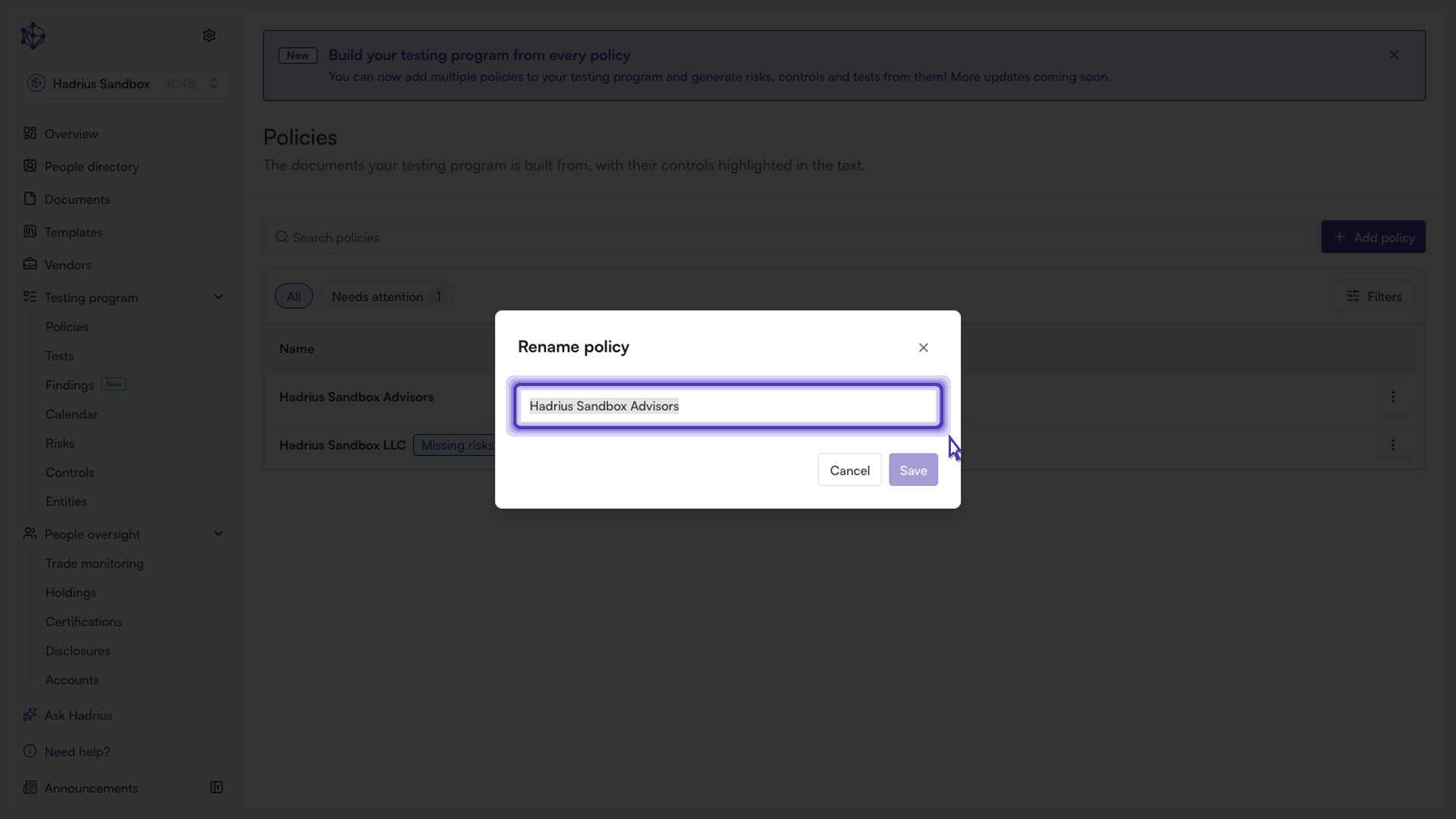
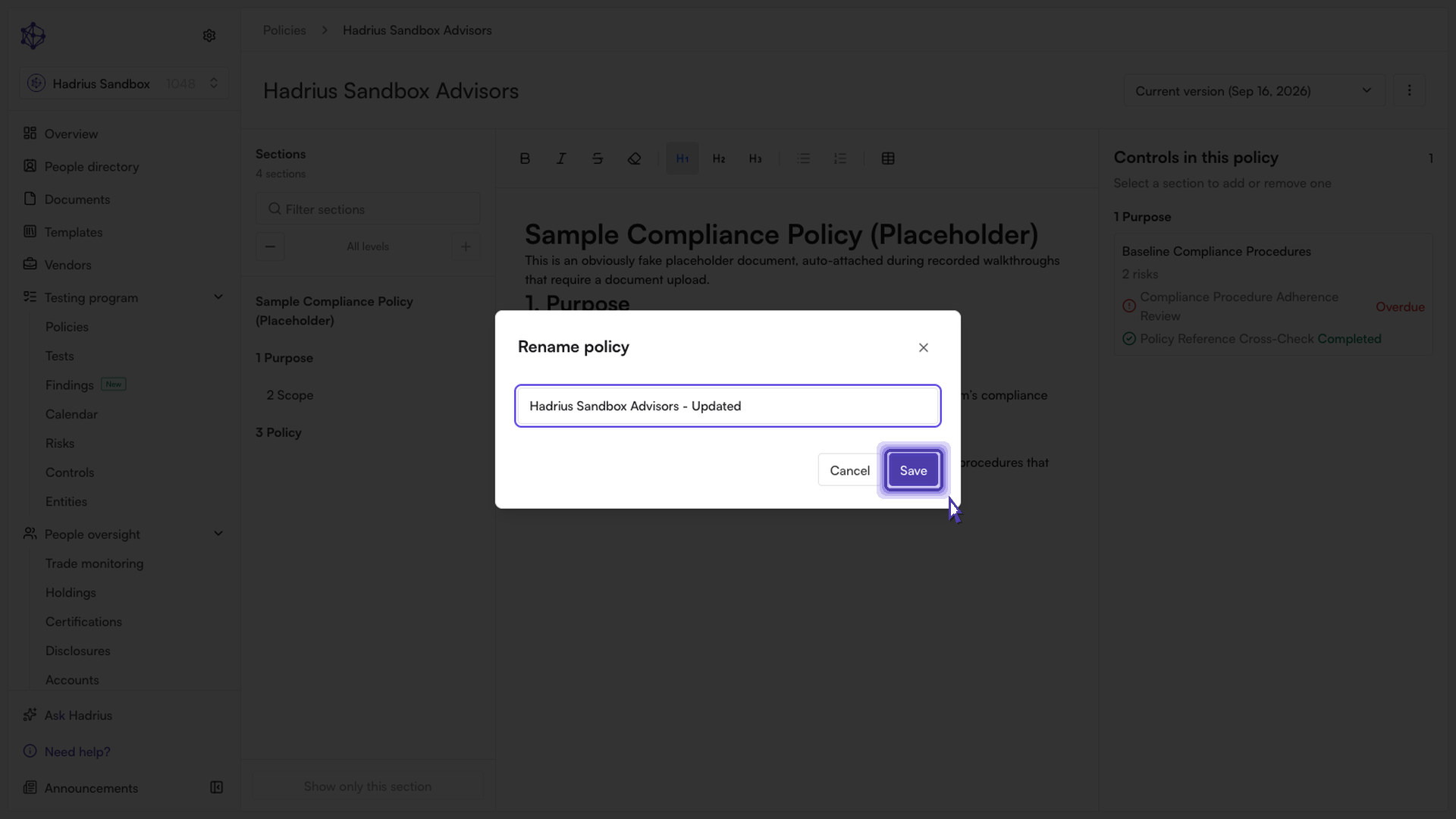
Select Save to apply the change. The button stays disabled until you've entered a name that's both non-empty and different from the current one, so there's no risk of accidentally saving a blank or unchanged title. Selecting Cancel closes the dialog without making any changes.
Renaming from the policy detail page
You can also rename a policy while viewing it directly. Open the policy's detail page, then use the actions menu there — it offers the same Rename policy option as the list view.
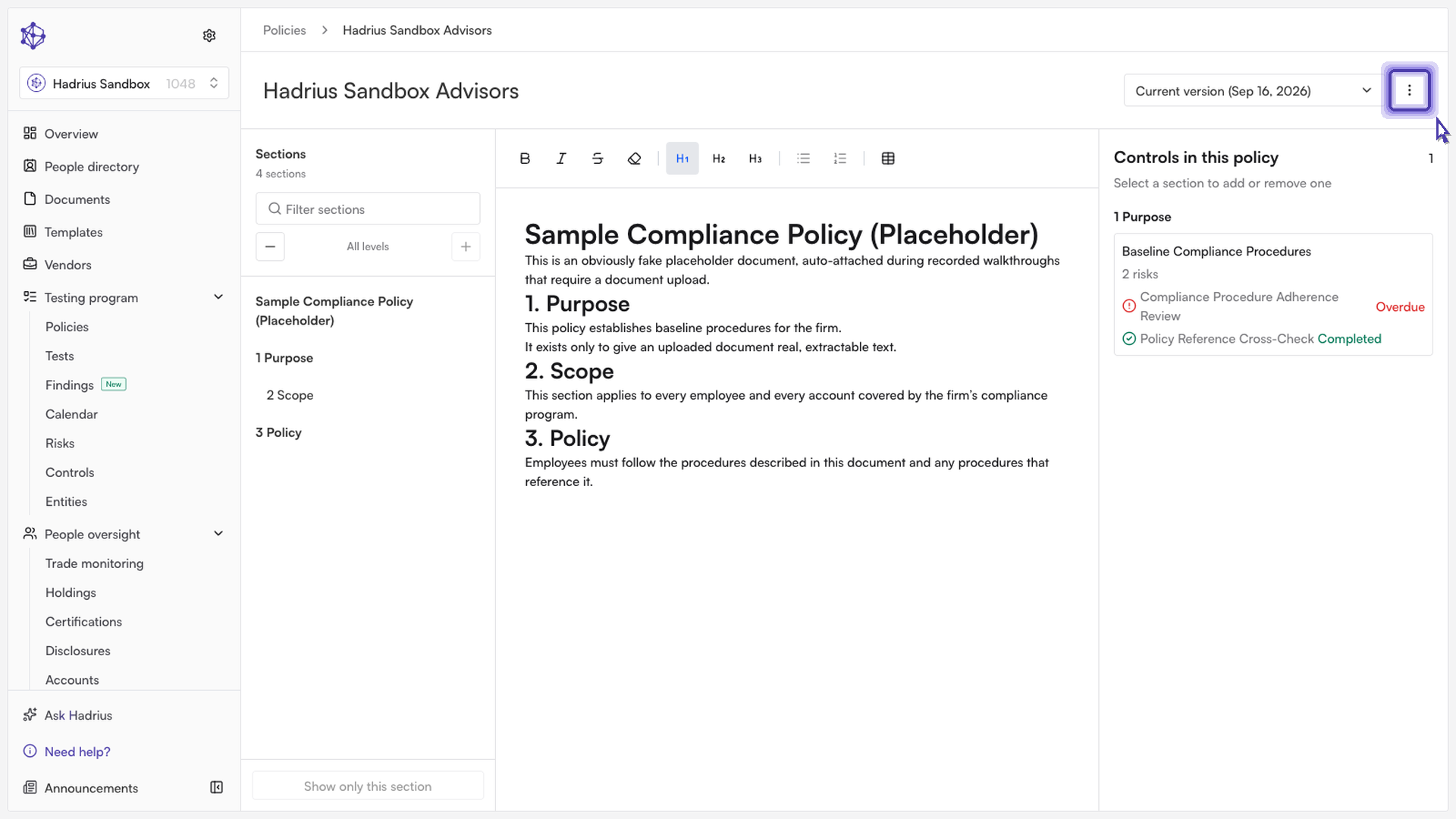
Selecting it opens the identical rename dialog described above. Enter the updated title and select Save to confirm.
Confirming the change
Once saved, you'll see a confirmation that the policy has been renamed, and the new title takes effect immediately everywhere the policy is referenced across the platform — the Policies list, the policy's own page, and any other views that display its name.
Good to know
Renaming is only available for a policy's current, active version. If a policy has been archived, its actions menu will only let you reopen it — renaming is no longer offered.
Renaming changes only the display name. It does not affect the policy's uploaded document, its sections, the entities it covers, or any linked controls.