How to search and filter representatives
Last updated: October 17, 2026
The Representatives page in Hadrius allows compliance officers to monitor, audit, and manage their firm's compliance roster. Use search and filter tools to quickly locate individual personnel, isolate active accounts currently under surveillance, or review historical records for audit preparation.
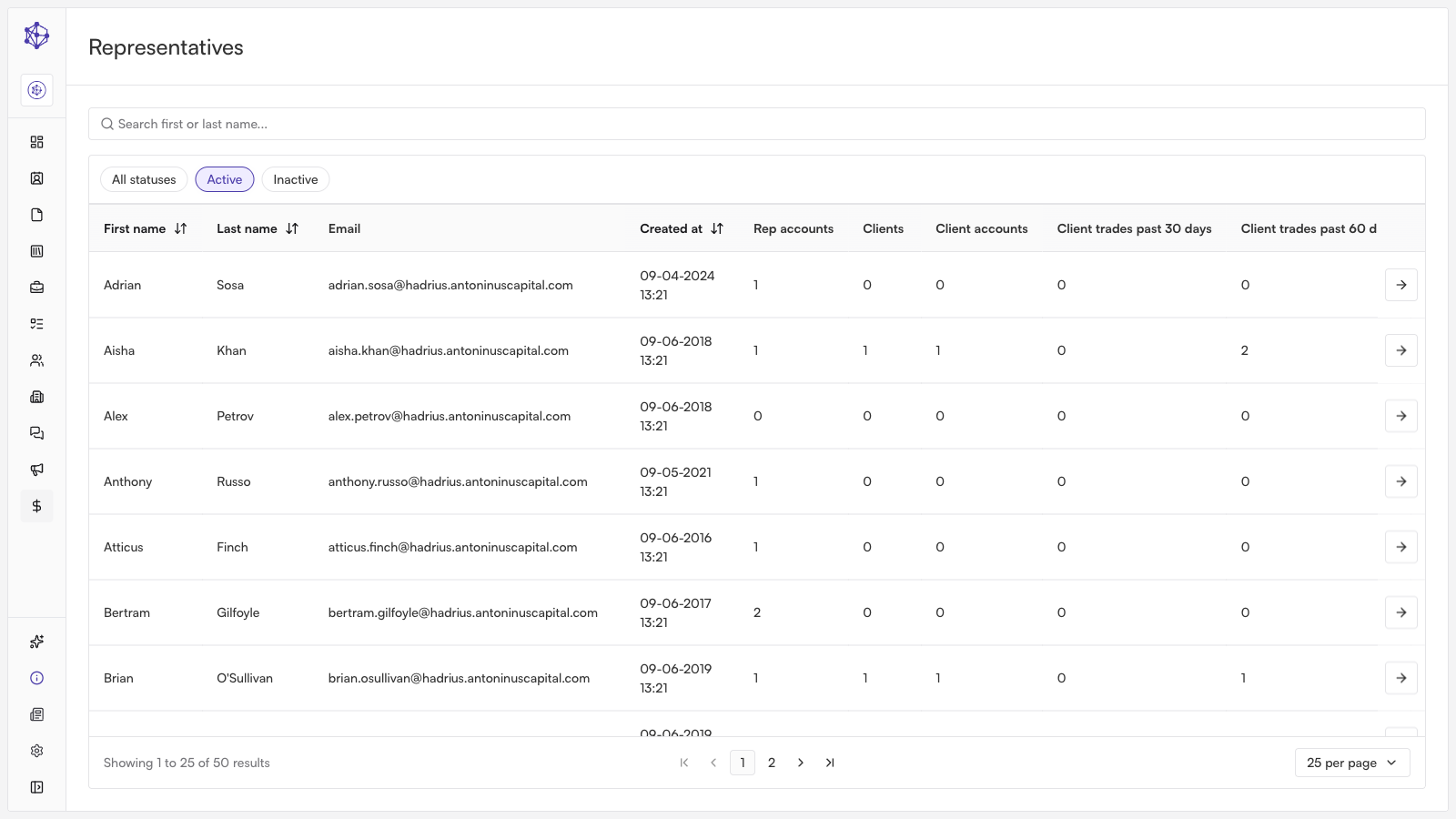
How to Search and Filter Your Roster
Access your compliance roster: Navigate to the Representatives section from the main menu to view your firm's full team overview.
Search for a representative: Locate a specific individual by typing their first or last name into the search bar at the top of the roster.
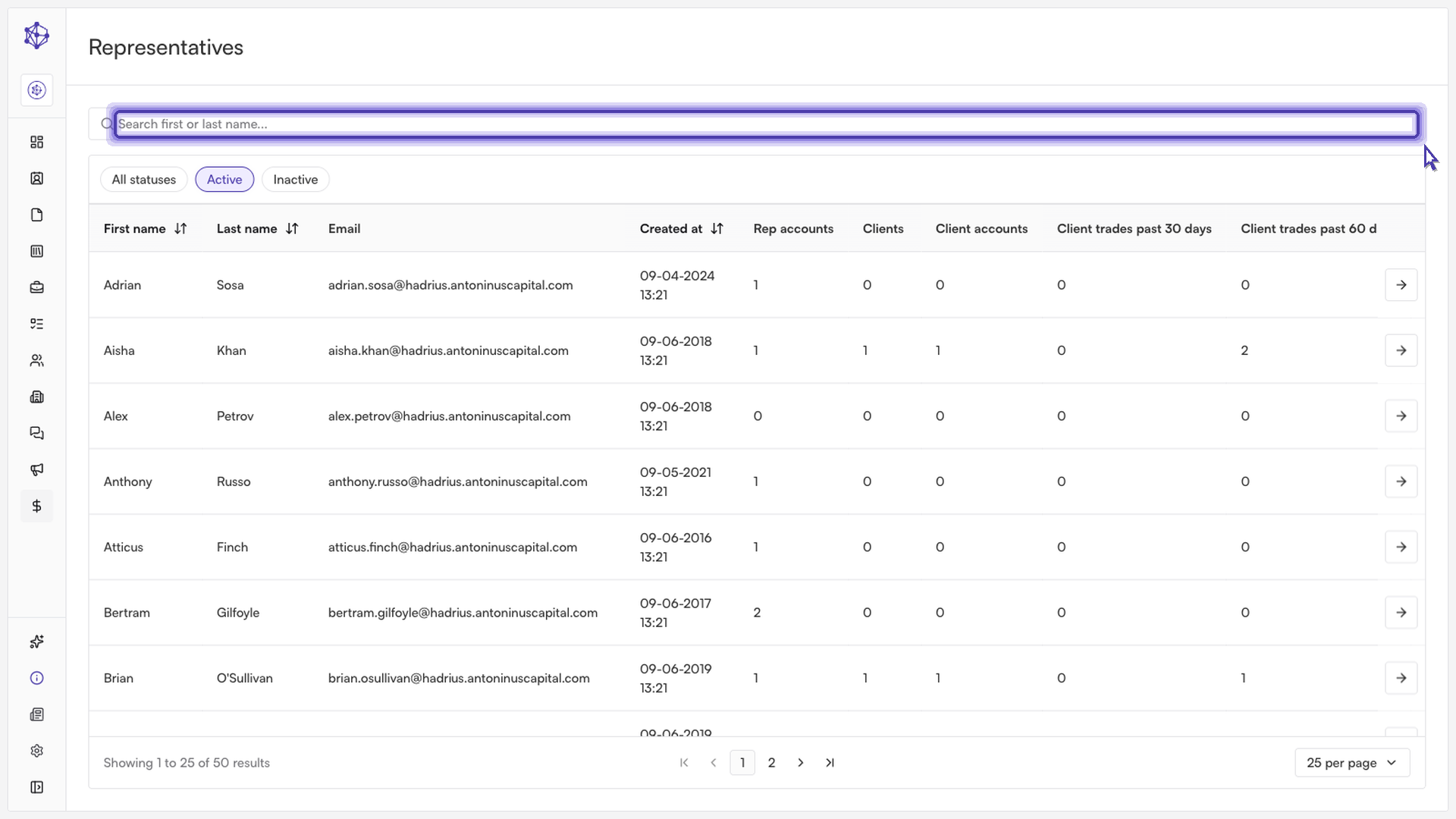
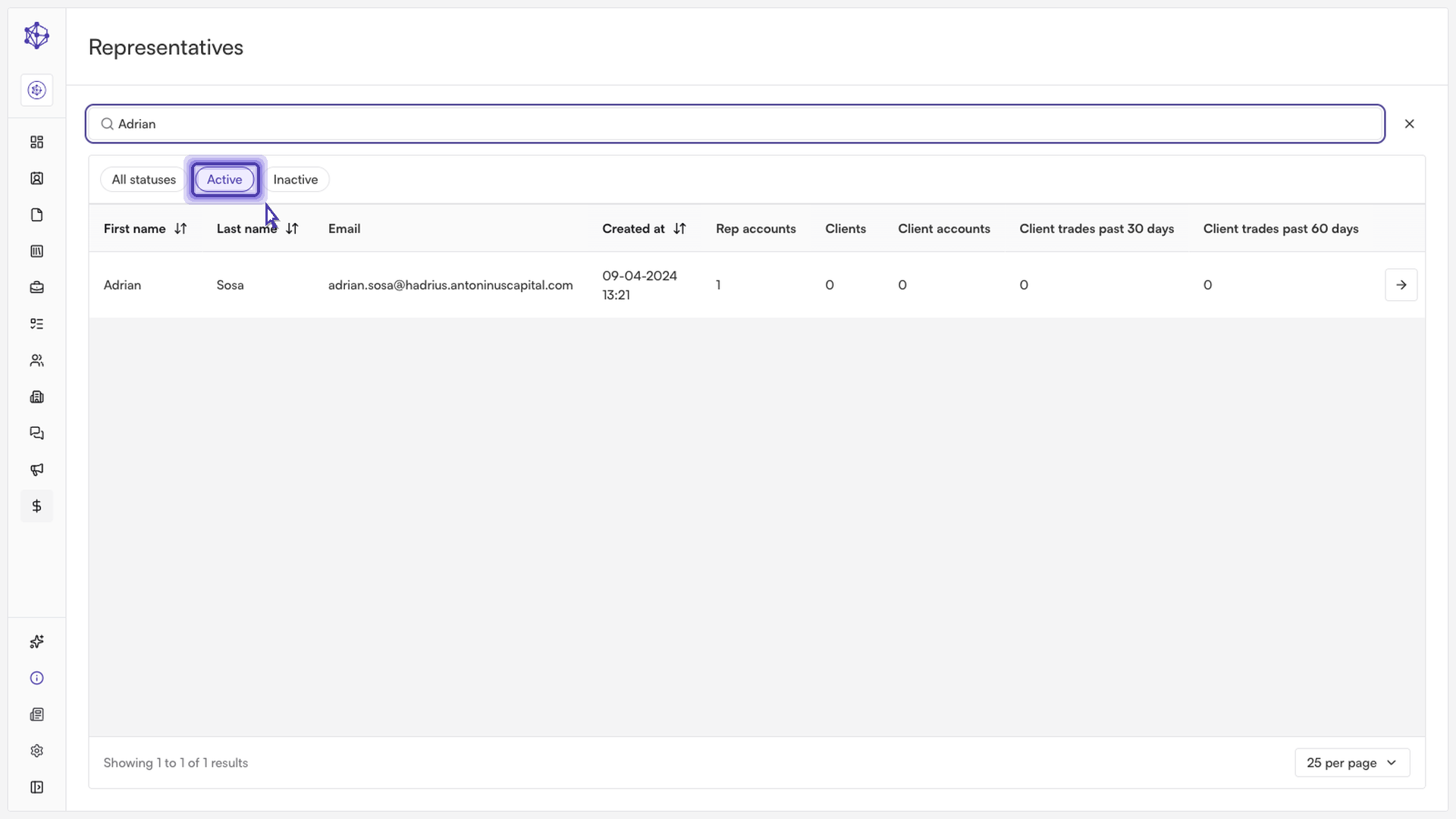
Filter by surveillance status: Use the status filter to segment your team:
Active: Displays all team members currently subject to ongoing compliance surveillance.
Inactive: Pulls up archived profiles for reviewing historical audits and past activity.
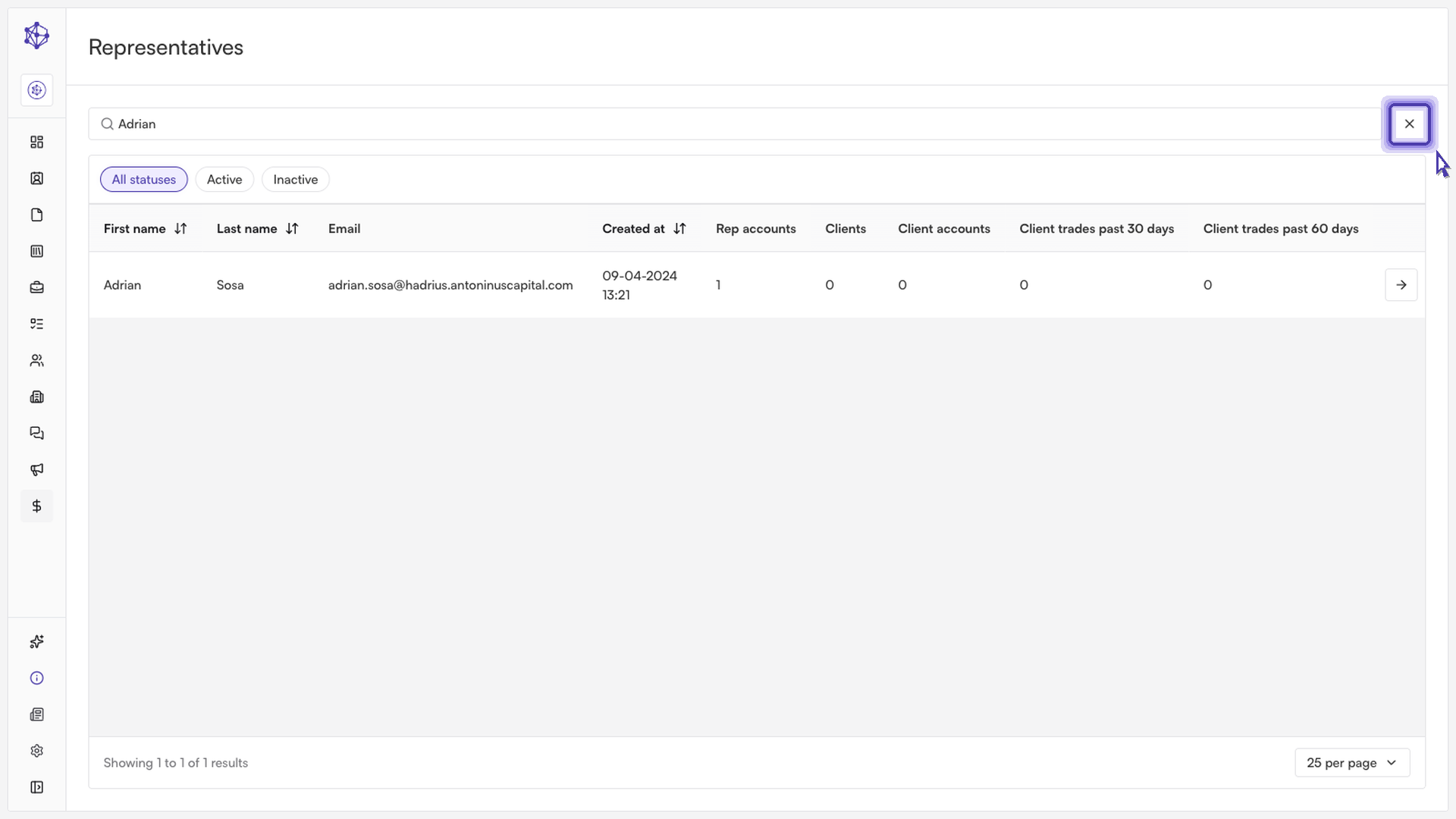
Reset your search: Select Clear filters at any time to instantly restore your full roster view.
Next steps: From any filtered list, you can click on an individual representative to inspect their detailed surveillance history, flagged communications, and profile settings.