Claude Integration
Last updated: July 9, 2026
Overview
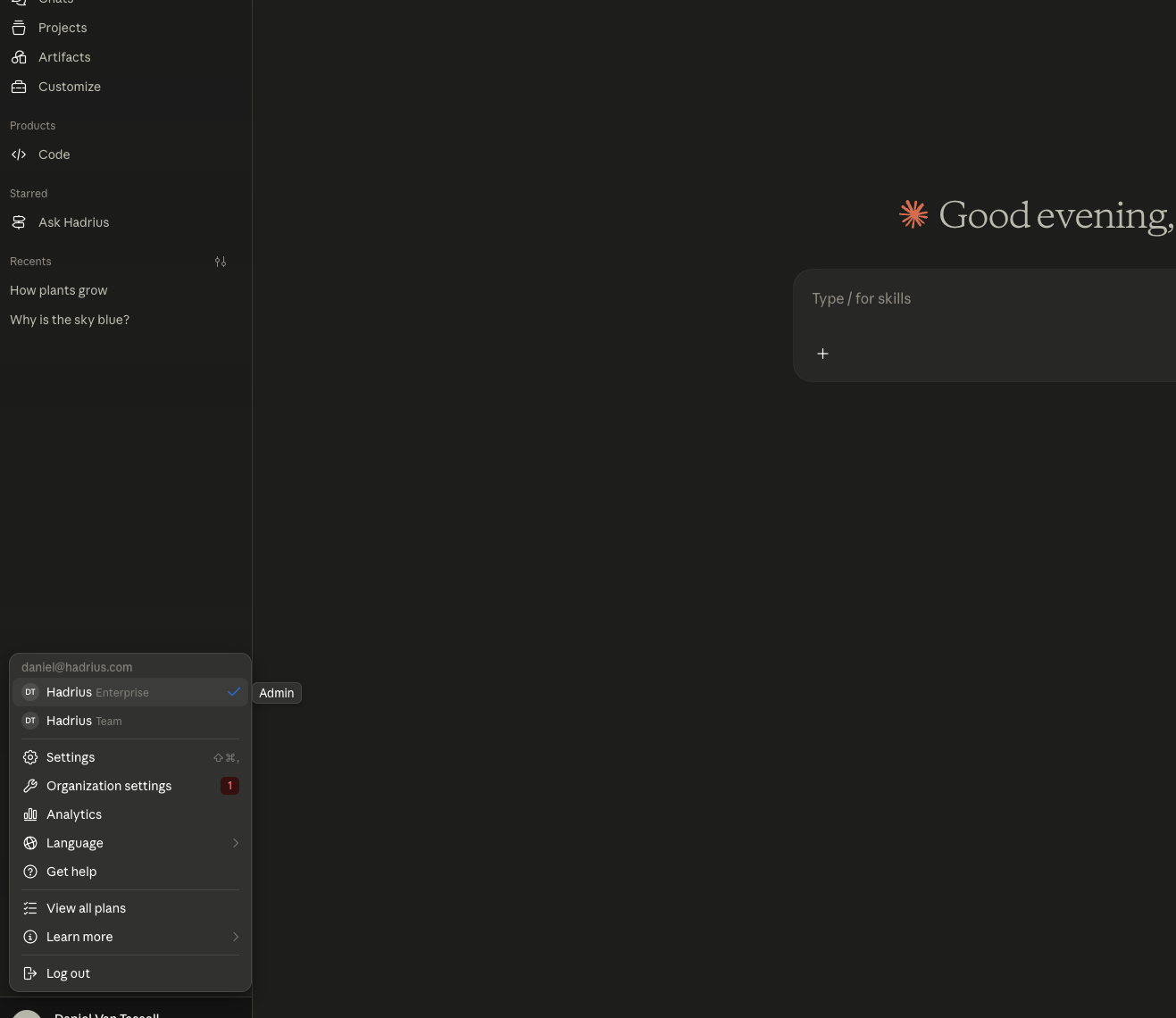
The Claude Connector allows Hadrius to archive your organization's Anthropic Claude conversation history for compliance purposes. Once connected, every conversation your employees have with Claude — the messages they send and the responses they receive — is automatically captured and stored in Hadrius, the same way email and chat archiving works.
In plain terms: Your team uses Claude to do their work. Hadrius quietly captures those conversations in the background so your compliance team can search and review them if ever needed.
What Gets Archived
Messages: Every user message sent to Claude, and every response Claude returns
Metadata: Who sent the message, when it was sent, and which conversation it belongs to
Full conversation threads: The complete back-and-forth of each session, not just individual messages
Note: Archiving depends entirely on what Anthropic exposes through their Compliance API. File attachments and generated artifacts (such as code or images Claude produces) may not be captured, depending on what the API provides at the time.
How It Works
Hadrius connects to Anthropic's Compliance API — a read-only data feed that Anthropic makes available exclusively to Enterprise customers. Here's what happens:
Your employees use Claude normally — nothing changes for them
Anthropic logs those conversations on their end
Hadrius periodically calls the Compliance API to pull in new conversations
Those conversations are ingested, processed, and stored in our Hadrius archive
Your compliance team can then search, filter, and export them like any other archived content
No software is installed on your employees' computers. The connector runs entirely on Hadrius's infrastructure.
What You'll Need
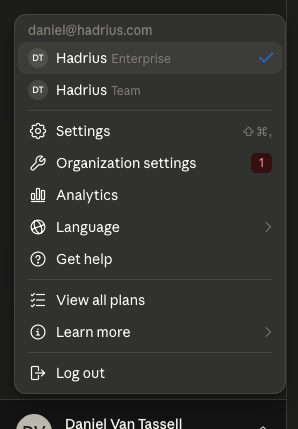
Before setup can begin, make sure you have the following three things ready:
The Claude account must be Enterprise tier. This is a hard requirement — the Compliance API that we use to pull conversation history is only available on Enterprise plans. Team plan does NOT count.
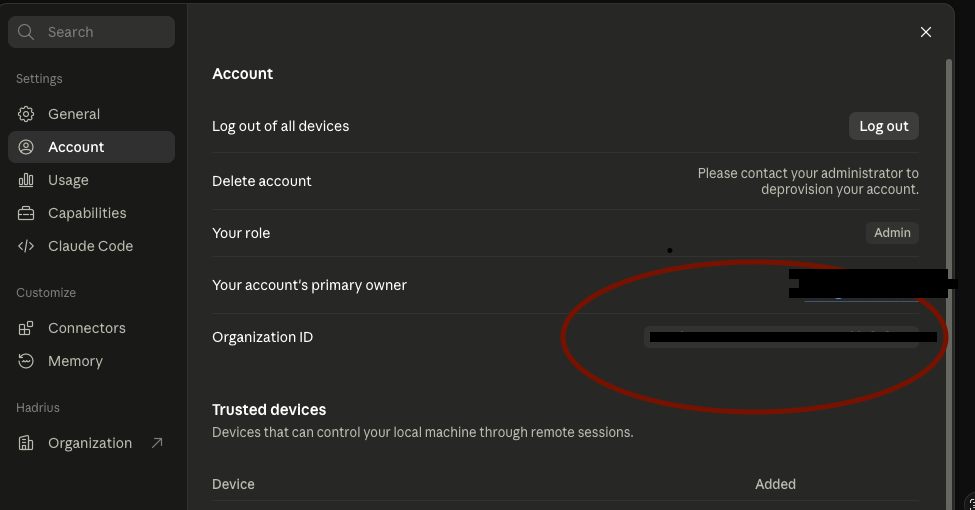
The Anthropic Compliance Key and Organization ID. These can be found in the Anthropic dashboard under your organization's settings and API keys section.
A start date within the last 12 months.
Once you have those, send them over to Hadrius in a secure fashion (feel free to use https://flashpaper.hadrius.com/ if you want to encrypt and send your account manager at Hadrius the link)
Limitations & Notes
Enterprise plan only. The Anthropic Compliance API is not available on Claude's Team or Free plans. If your organization is not on an Enterprise plan, this connector cannot be enabled — there is no workaround.
12-month history cap. The start date must fall within the last 12 months. Conversations older than that are not retrievable through the API.