How do I connect Slack for archiving?
Last updated: October 9, 2026
At a glance
Typical setup time: About 5 minutes
Who you need: A Slack Workspace Owner on an Enterprise plan
What Hadrius reads: All channels, shared channels, and direct messages across the workspace
Before you begin
You need Slack Enterprise with eDiscovery enabled, and you must be the Workspace Owner — a Workspace Admin does not have the permissions required to authorize the connection.
In Slack
Confirm eDiscovery is enabled
Slack only exposes the API Hadrius needs on Enterprise plans with eDiscovery turned on. If you are not sure whether eDiscovery is enabled for your workspace, ask Slack support to confirm before continuing.
The entire workspace is archived by default. This includes every channel, every channel shared with the workspace, and every direct message. To limit archiving to specific channels or users, set them up in a separate sub-workspace and choose that when you authorize Hadrius.
In Hadrius
Authorize Hadrius in Slack
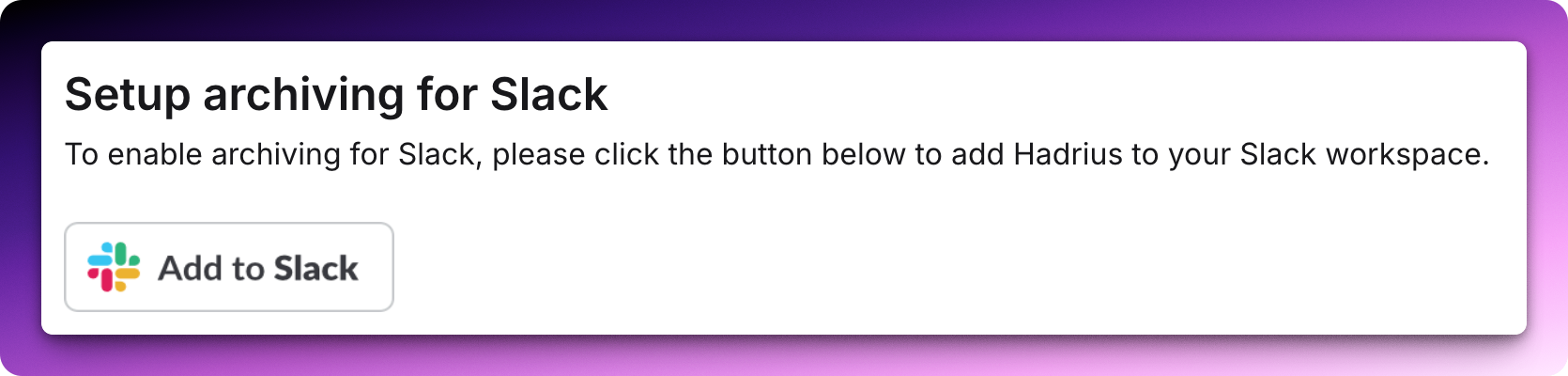
On the Slack integration page in Hadrius, click Set up Slack. You'll be taken to Slack to sign in and approve the connection. Hadrius will verify the connection and begin archiving as soon as authorization completes.