How do I archive my WhatsApp?
Last updated: October 30, 2025
Create Hadrius account
If you don't already have a Hadrius account, visit app.hadrius.com/auth/sign-up to create one.
Authorize WhatsApp connection
You'll need your phone for this next part!
Visit https://app.hadrius.com/archive/im/oauth/whatsapp and click the Connect to WhatsApp button. Scan the QR code to finish connecting WhatsApp to Hadrius.
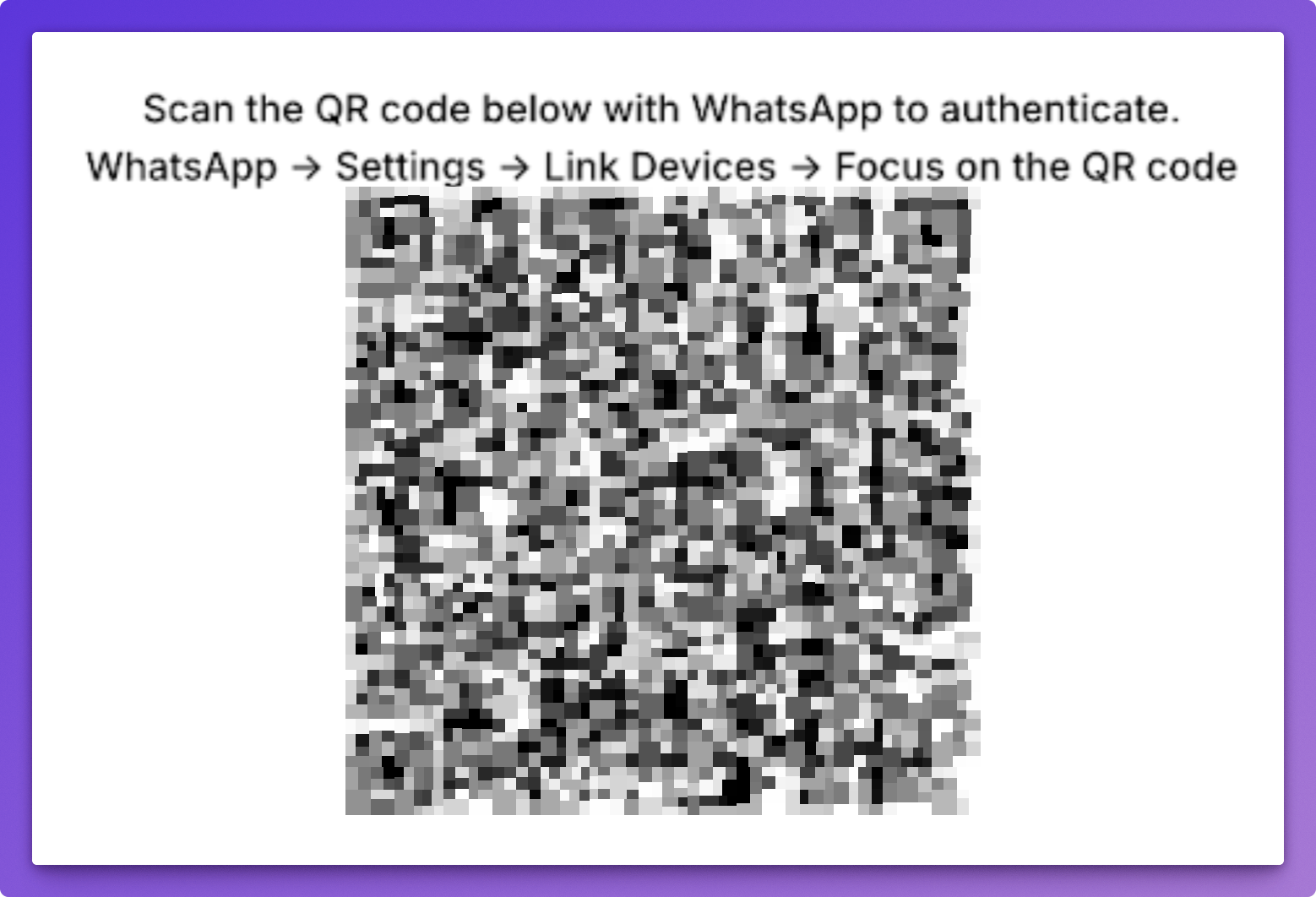
Once completed, you'll see other device or whatsmeow listed on the linked devices page on your phone. Refresh the Hadrius page and click the Connect to WhatsApp button again. If you see a success message, you're all set!