Adding a New Social Media Account for Archiving
Last updated: July 13, 2026
Where do I go to add an account?
Go to Communications > Social media > Settings (
/communications/social/settings/)
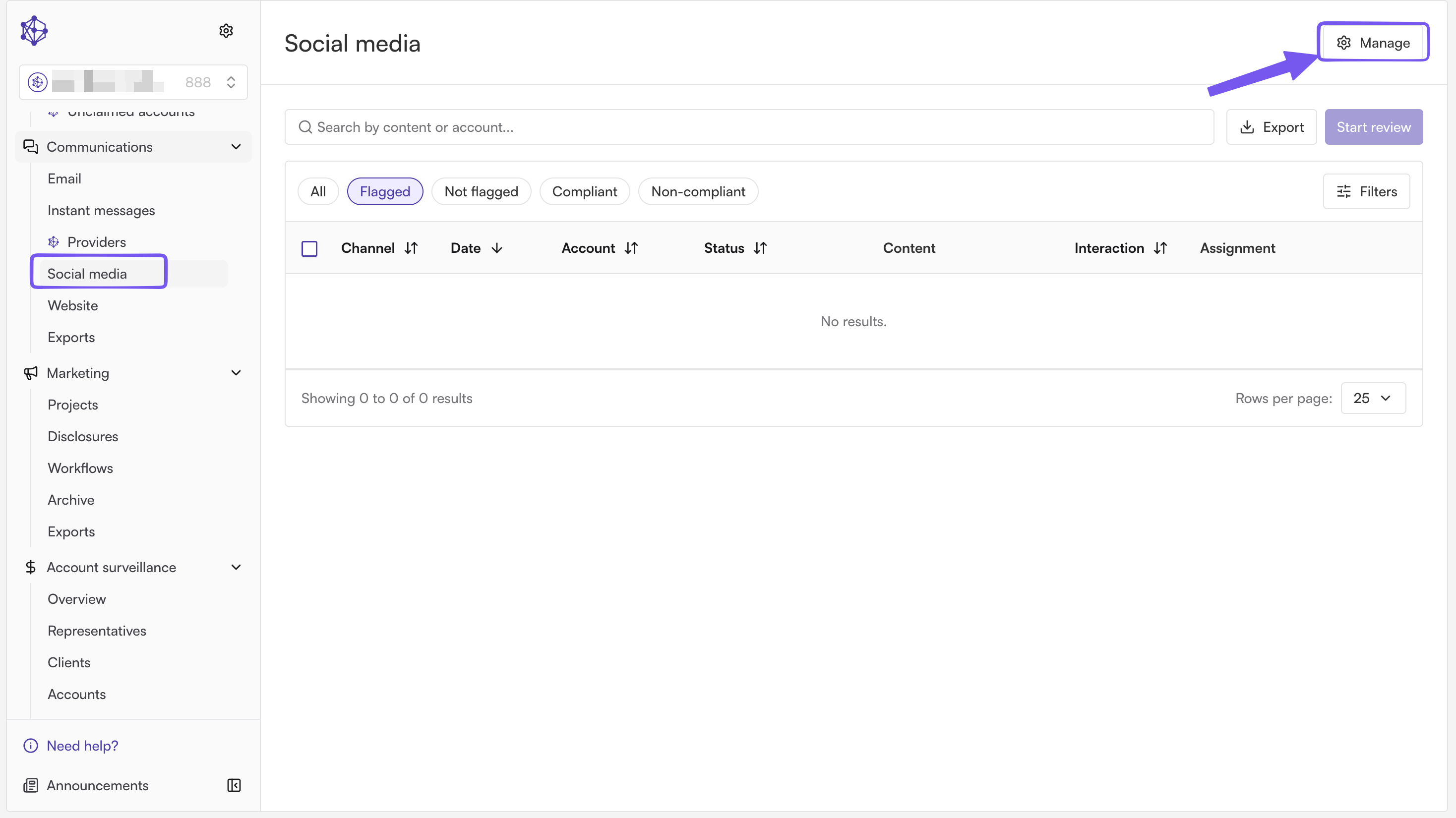
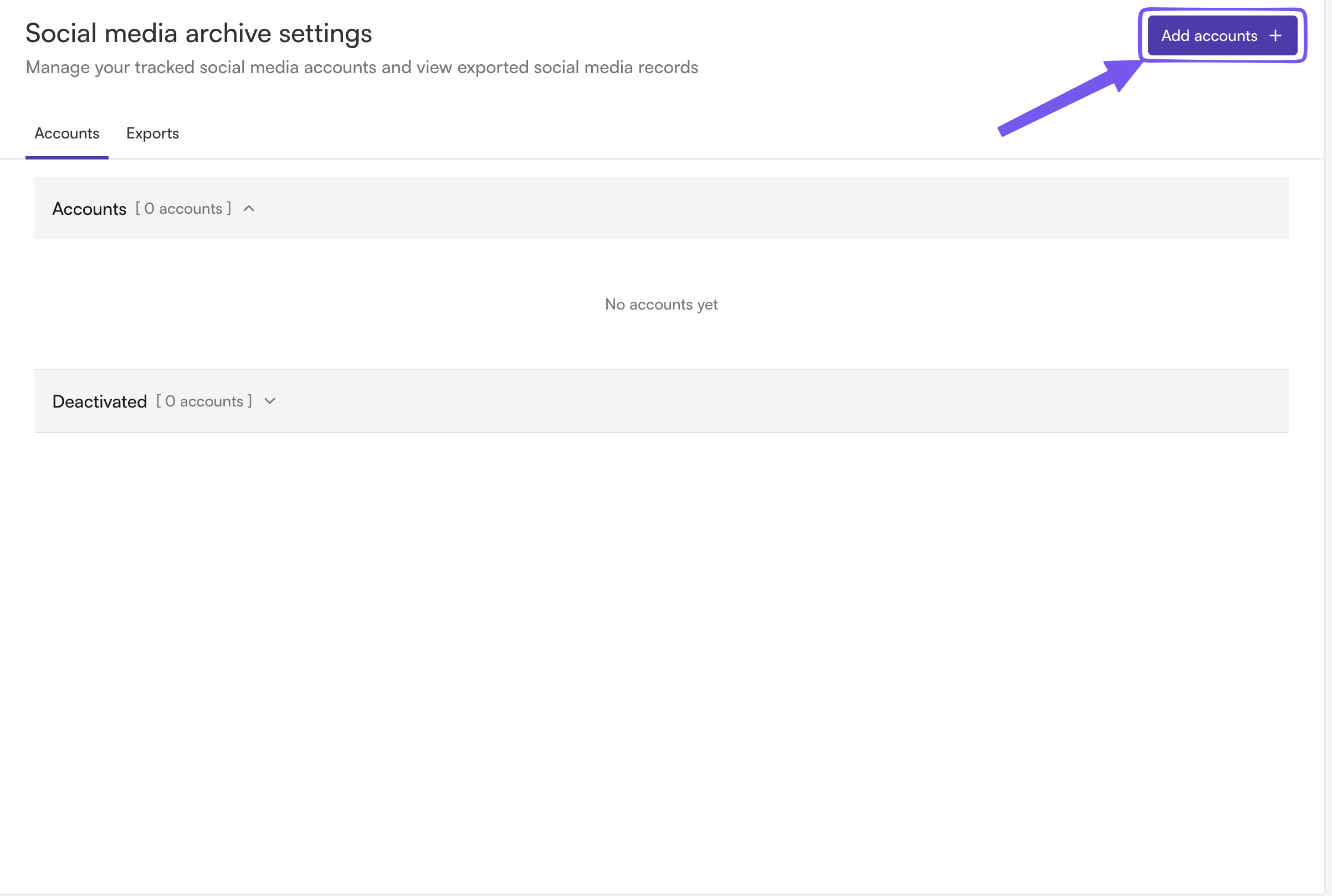
Click Add accounts in the top right to open the "Add a social media account" dialog directly.
In the "Add a social media account" dialog:
Display name — a label like "Company LinkedIn" so it's easy to identify later.
Channel — the platform (LinkedIn, Facebook, etc.). This can't be changed later, if the channel is wrong you'll need to remove the account and re-add it.
Account type — Employee or Firm. Employee accounts require picking the specific employee it belongs to; Firm accounts don't.
Account URL — the profile/page URL. This is validated against the selected channel's expected URL format, and can't be edited after creation either.
Click Add account to save. New accounts are active immediately, no approval step for admin-added accounts.
Which platforms are supported?
We can archive social media accounts from (but not limited to): LinkedIn, Facebook, TikTok, Reddit, YouTube, Twitter/X, and Instagram.
If you questions whether we can archive the account reach out to your account manager
How often is each platform archived?
LinkedIn, Facebook, TikTok, Reddit, and YouTube are archived daily. Twitter/X and Instagram are archived weekly.
Does adding an account affect billing?
Yes. The dialog explicitly warns that adding a social media account for archiving will affect your monthly billing.
Can employees add their own accounts without admin access?
Not directly. An employee can submit an Add Account change request (platform, profile URL, and a description) through the "Edit social media accounts" form on their dashboard. That request lands in the admin's Accounts tab as a Pending row, it isn't active until an admin approves it.
How does an admin approve or reject a pending employee request?
In the Accounts tab, pending requests show up alongside active accounts (filter by "Pending" using the status filter). Select the request(s) and use the bulk Approve or Reject action. Approving turns the request into a live, actively-archived account; rejecting discards it.
Can I edit an account after it's added?
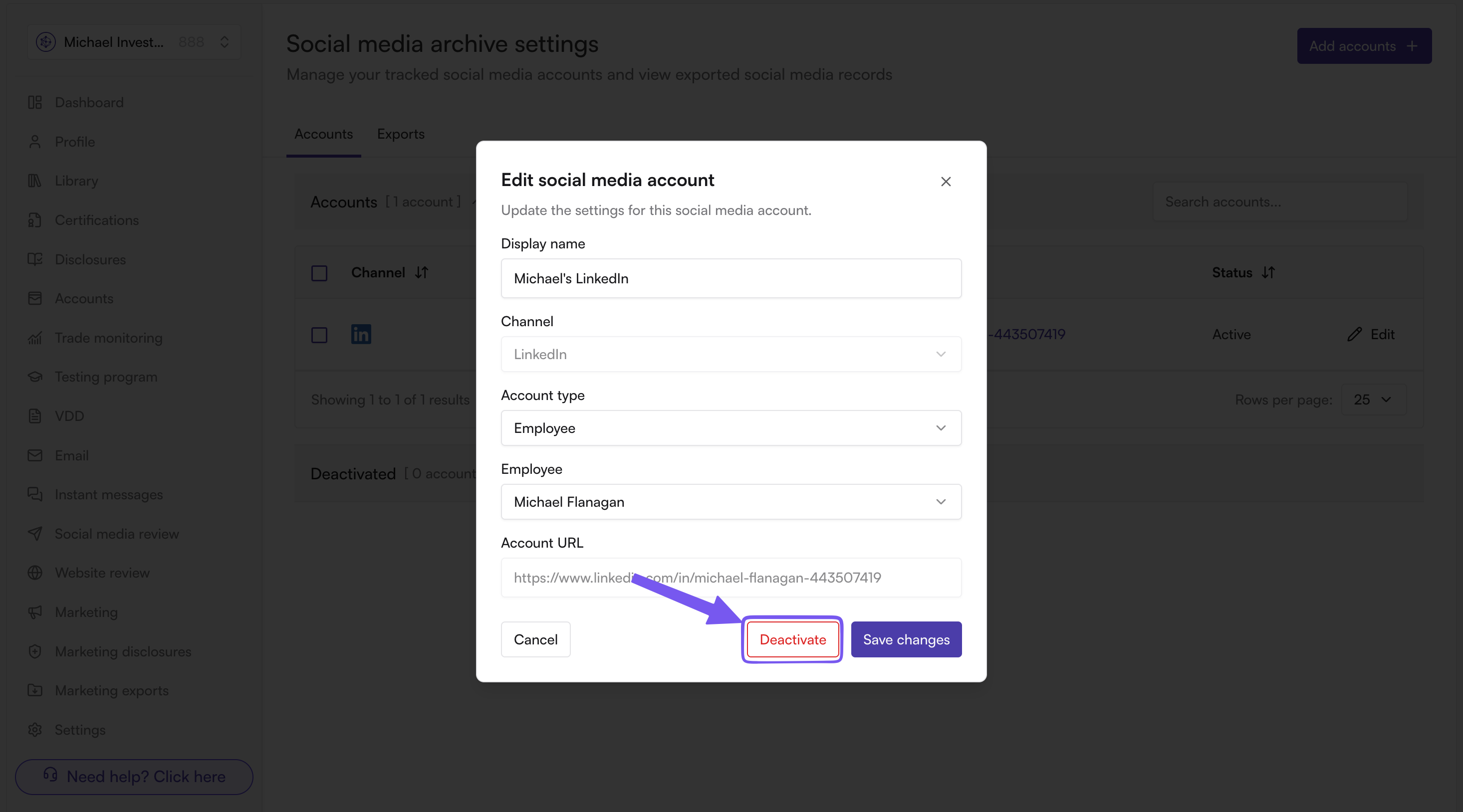
You can edit the display name and reassign the employee it's associated with. The channel and URL are locked in at creation and can't be changed; to fix either, deactivate/remove the account and add a new one with the correct values.
How do I remove or pause an account instead of deleting it?
Use Deactivate on the account (in the edit dialog or via bulk action on selected active rows). This pauses archiving and adjusts billing, but keeps the account's history. A deactivated account can be Reactivated later from the same dialog. Employees can also request removal through the same "Edit social media accounts" form by choosing Remove Account instead of Add.